

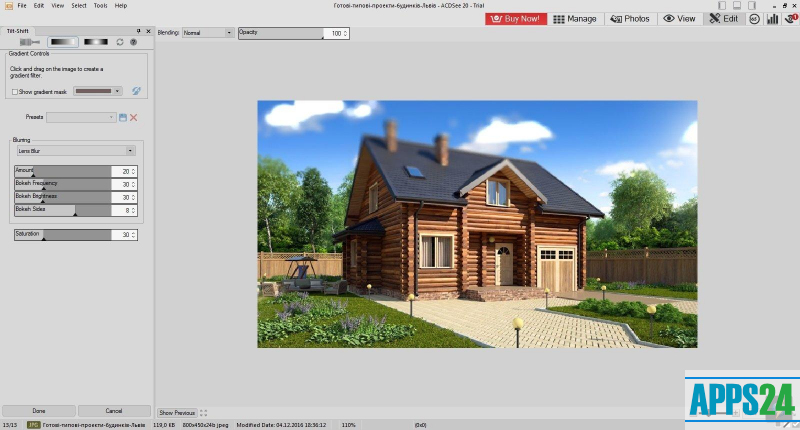
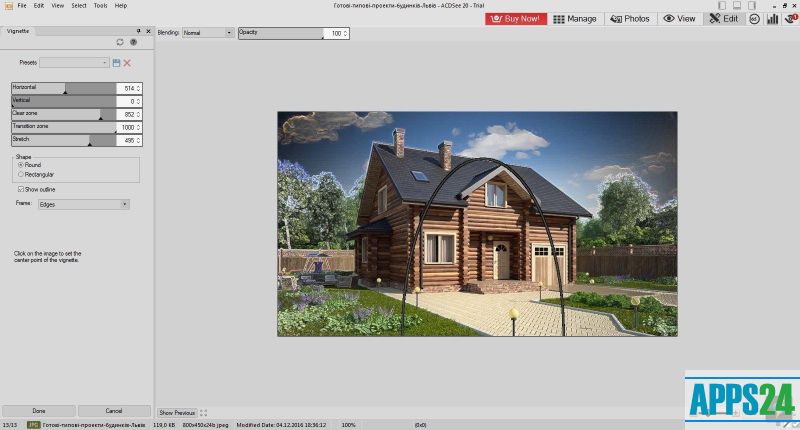
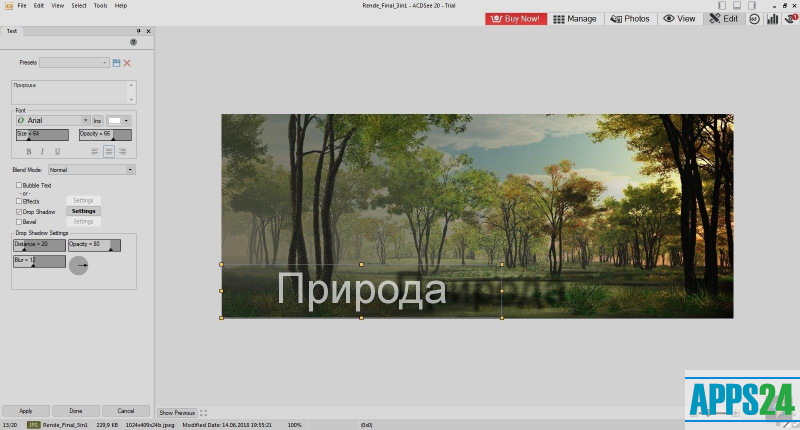
ACDSee Free is a graphics viewer that is capable of converting graphics files into various formats. The latest version of the program is capable of working with more than 40 kinds of formats, including animated ones. The ability to convert images in batch mode and create slide shows make ACDSee an affordable program for both beginners and experienced users.
Benefits of ACDSee Free
- Automatically finds suitable images for transferring to photo and video cameras, CDs, scanners and other external media and devices.
- With the help of automatic correction it is possible to correct mistakes made during shooting.
- Manual adjustment allows you to fine-tune image brightness, contrast, and color reproduction.
- Categorize images by category and by their rating.
Save time with powerful tools
ACD RoboEnhance includes a module for scripted editing and the FotoSlate component for professional-looking print output. With ACDSee Free's powerful and fast tools you can save time when searching for images by criteria by referring to a relational database.
New ACDSee Free features when printing and sharing images
- Ability to write additional information to CDs.
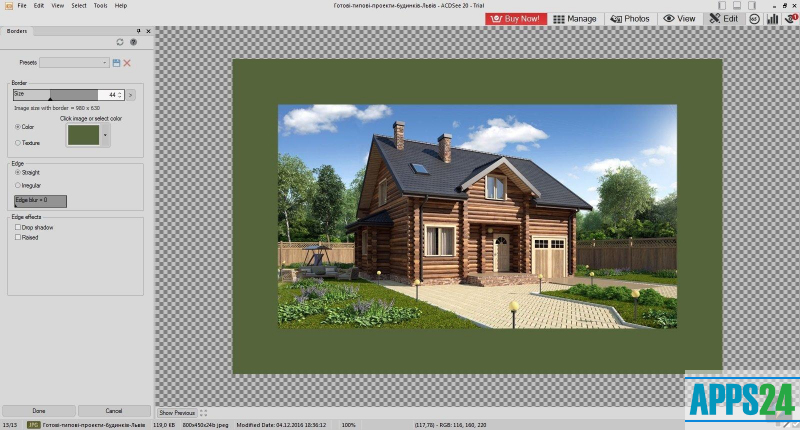
- Use special effects when changing frames.
- Improvement of the quality of printed images.
- Creating HTML-formatted images for the web.
- Set your own parameters and sizes when printing.
What's new in the latest version 25.0.0.1871
Updated
- Improved performance and image processing speed.
- New tool for colour and lighting management.
- Support for more file formats.
- Advanced photo search and filtering features.
- Updated interface with improved navigation.
- New video editing features.
- Optimisation for high-resolution screens.
- Integration with popular cloud storage services.
- Fixed known bugs and improved stability.
Show more less









Add comment