

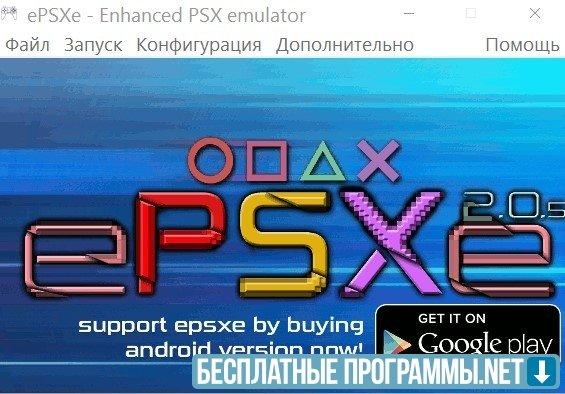
ePSXe is an emulator that allows you to run Play Station 1 games on a regular computer. It provides fast operation of all games from the old console.
Features of ePSXe
It requires the BIOS of the original console, which can either be extracted from the Play Station or found online. The developers did not want to violate SONY copyrights by using their proprietary software, so they gave this opportunity to ordinary users.
Features of the utility
Uses special plug-ins to virtually restore the hardware of the console. It emulates the graphics adapter and the sound processor of the console. ePSXe allows you to run games both from physical disks and from their images stored on the hard drive of your computer. It has many plugins and settings. Patches in *.ppf format are needed for non-functional titles in order to improve compatibility.
Benefits of
- An alternative to a full-fledged Play Station console;
- Very low system requirements - a 500 megahertz processor and 256 megabytes of RAM;
- Built-in plugins support DiretX and OpenGL, so the graphics in emulated games are better than in the original;
- music and sounds can be played without any problems;
- You don't have to use a Sony joystick - any controller or keyboard and mouse will do.
What's new in the latest version 2.0.5
Updated
- The 32-bit recompiler has been updated: it now uses the same code as the Android, Linux, and macOS versions of the emulator, making it easier to fix bugs across platforms.
- Experimental support for local network play has been added. It is compatible with other versions of ePSXe starting with this release, including the Linux, macOS, and Android builds.
- The multithreaded GPUCORE mode, ported from the Android version, has been added. It can improve performance on computers with relatively slow processors.
- The Pete OpenGL2 Core plugin now has new multithreading modes: a basic two-thread mode and two additional modes with software and hardware effects. This may improve the rendering of certain effects in games.
- In XInput mode, the vibration motors’ operating order has been changed to match the positions of the left and right motors in the original PlayStation controller.
- When using a gamepad in digital mode, the left analog stick can now be used instead of the D-pad.
- Fixed support for PBP images larger than 2 GB, including large game compilations created with PSX2PSP.
- Fixed cheat codes not working when launching games in interpreter mode.
- The cheat-code management window now lets you load codes directly from the program.
- Fixes have been made to the emulator core, improving compatibility and the performance of several games, including Wing Commander IV and Monkey Hero.


Add comment