

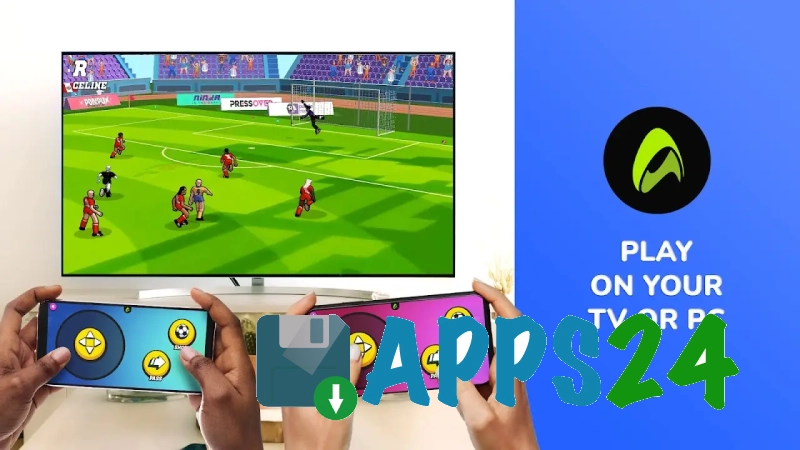
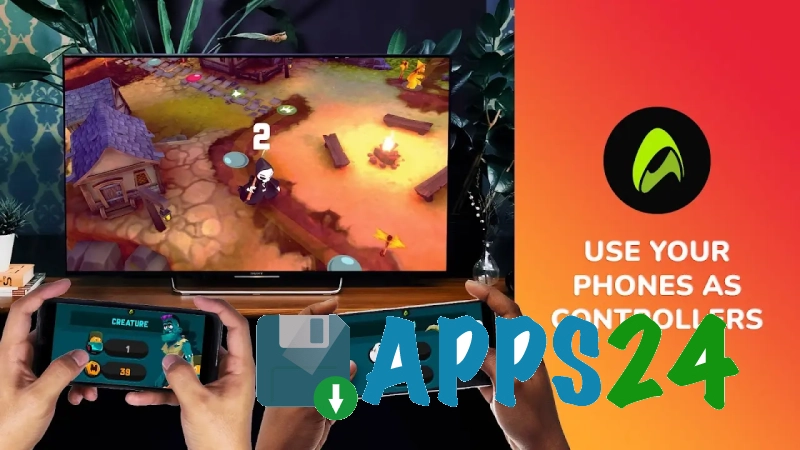
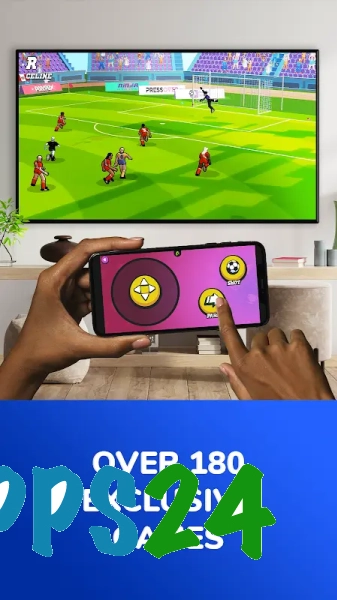
AirConsole - Multiplayer Games — a gaming platform for Android that turns your smartphone into a wireless controller for games on your TV or computer. The app’s core concept revolves around local multiplayer: one screen displays the gameplay, whilst the players’ phones are used for control. This format is ideal for quick games with friends when proper gamepads aren’t to hand.
Features of AirConsole - Multiplayer Games
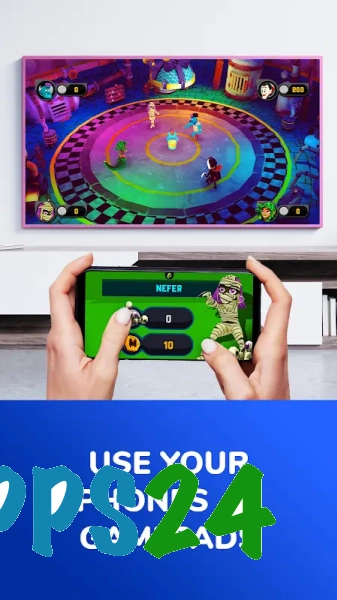
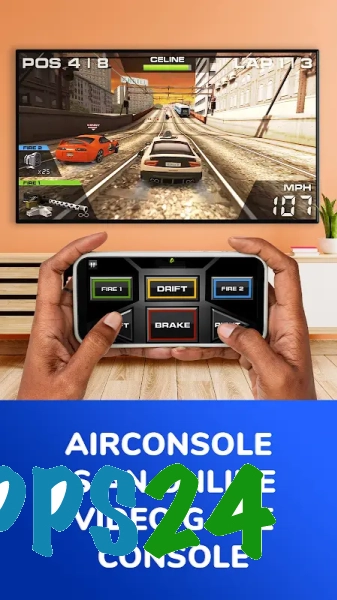
- Your smartphone connects to AirConsole and acts as a controller in its own right, so you don’t need a set of physical controllers to play together.
- The game screen is displayed via a compatible TV or a browser on a computer, whilst the Android device handles taps, swipes and other actions in the selected game.
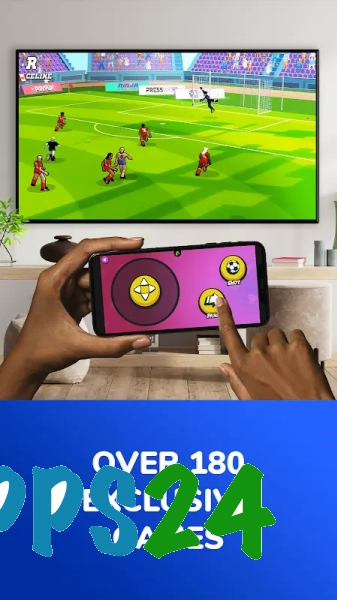
- The catalogue features a variety of games: from simple arcade games to racing and sports mini-games. This makes the platform suitable for both quick competitions and an evening’s gaming with friends.
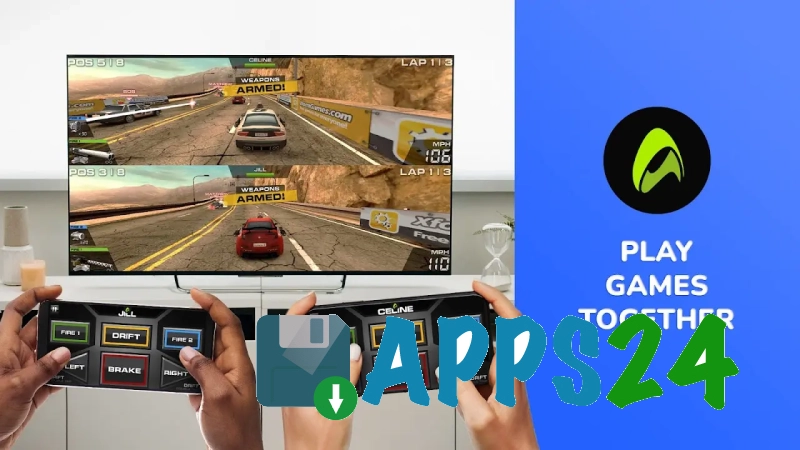
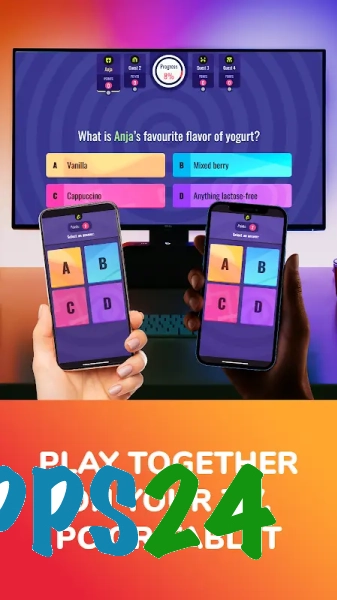
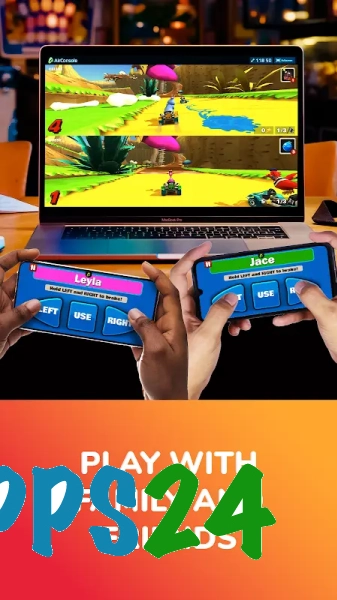
- Several players can connect their own smartphones to a single gaming session, using a shared screen and individual controls.
- The app is designed for quick start-up: the phone is used as an intuitive controller rather than as a standalone screen for playing through the entire game.
Advantages of the game
- AirConsole – Multiplayer Games helps you organise a multiplayer game without having to buy extra controllers: each player may already have a suitable Android smartphone.
- The shared-screen format works well in the living room, as players can all see what’s happening on the TV at the same time, rather than trying to make out a small phone screen.
- Different types of mini-games allow you to switch things up after each round, without having to install a separate app for each scenario.
- Control via a smartphone lowers the barrier to entry: there’s no need to get to grips with the buttons on an unfamiliar gamepad before starting a quick match.
- The app is ideal for impromptu gaming sessions where a quick start and the ability for several people to play on a single screen are key.
Drawbacks of the game
- It requires an additional screen with AirConsole support or an open browser to work, so a single Android smartphone is not enough.
- The quality of the gaming session depends on your internet connection: an unstable network can make it difficult for phones to connect and affect the responsiveness of the controls.
- The smartphone is used as a controller, which means its battery drains noticeably faster during prolonged gaming sessions.
- Features depend on the specific game within the platform: not every game is designed for the same number of players or offers the same user-friendly control scheme.
- For those who prefer to play solo on their phone, having to connect a TV or computer may feel like an unnecessary step.
What's new in the latest version 2.8.23
Updated
- The app’s stability has been improved.
- Performance and game launch speeds have been optimised.
- Bugs have been fixed and compatibility with the latest versions of Android has been improved.
- Other minor improvements have been made to make the app easier to use.
Show more less












Add comment