
Master for Minecraft – Launcher is a game launcher and toolkit for Minecraft on Android, which helps you find additional content and run it in the mobile version of the game. The app is designed for players who want to customise the look of the world, add new scenarios and navigate to the desired map more quickly without having to search for files manually on websites. The interface combines a catalogue of resources with game preparation features, making the launcher suitable both for a quick introduction to user-created content and for regularly customising Minecraft.
Features of Master for Minecraft Launcher
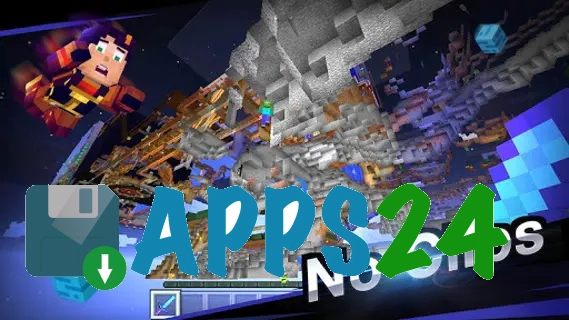
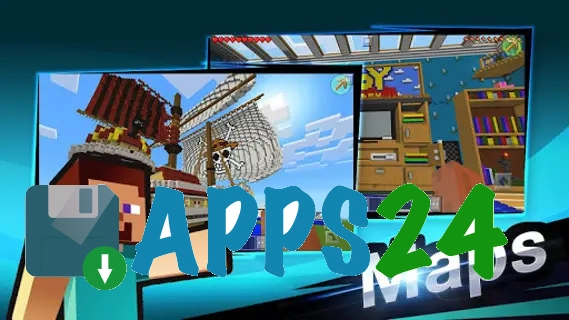
- The add-on catalogue allows you to select maps for ready-made adventures and unusual game locations, without having to create a world from scratch.
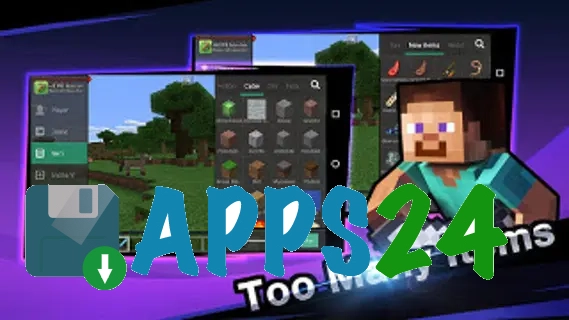
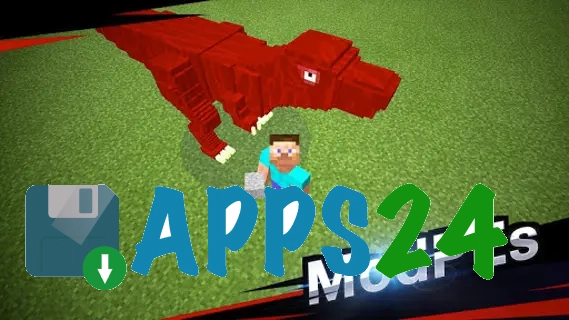
- Within the app, you can search for mods that alter specific Minecraft mechanics or add new elements to the familiar gameplay.
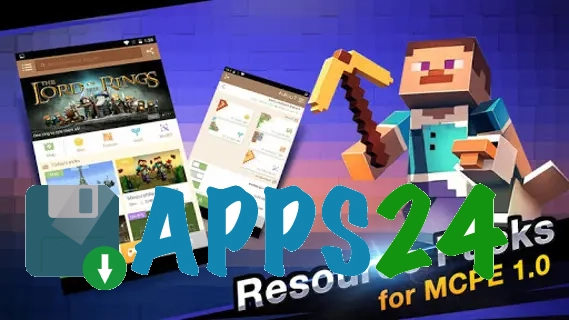
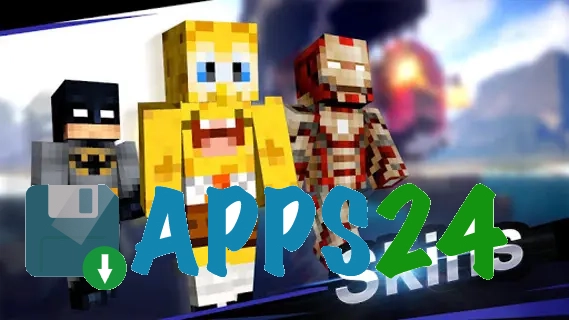
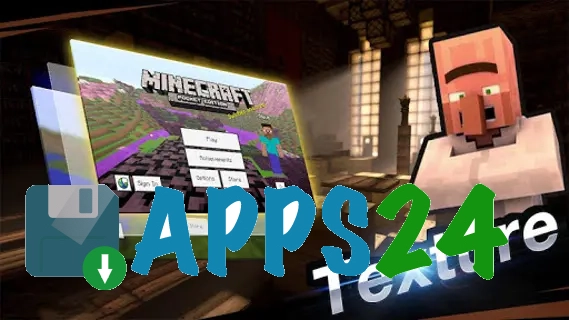
- The skins section helps you change your character’s appearance, whilst the texture packs let you alter the look of blocks and the environment.
- Support for add-ons gives you access to user-created content packs that can be installed on the mobile version of Minecraft.
- The launcher simplifies the process of moving from selecting a resource to launching it, so maps or add-ons don’t get lost amongst your downloaded Android files.
- Themed collections help you quickly find a medieval location, a survival challenge or another single-player scenario.
Game benefits
- A single space for maps and visual add-ons saves time: you can search for the content you need within the app, rather than gathering it from various sources.
- Master for Minecraft – Launcher makes Minecraft more flexible for short gaming sessions — simply choose a ready-made world instead of spending ages setting up your own.
- Changing skins and textures lets you refresh the familiar game without altering Minecraft’s core style and without complicated manual configuration.
- The catalogue is designed for a variety of scenarios: from leisurely exploring a new map to completing a custom challenge with additional rules.
- The launcher is particularly handy on Android devices, where managing files and manually transferring add-ons often involves unnecessary steps.
Drawbacks of the game
- Master for Minecraft – Launcher does not replace Minecraft itself: a compatible version of the game must be installed to run the added content.
- The functionality of maps, mods and add-ons depends on their compatibility with a specific mobile version, so the same content may run differently.
- A wide selection of user-generated content does not guarantee consistent quality: the design and detail of individual maps can vary significantly.
- To install some content, Android may request access to files, which adds a few extra steps and requires you to pay closer attention to permissions.
- Additional textures and large maps can take up a significant amount of the device’s memory, particularly when using several sets simultaneously.
What's new in the latest version 1.4.25
Updated
- The stability of the launcher has been improved on supported devices.
- The loading of game components and catalogue content has been optimised.
- Bugs that occurred during the installation and launch of certain versions of Minecraft have been fixed.
- Compatibility with the latest versions of Android has been improved.
- Minor interface issues have been resolved and navigation has been made more user-friendly.













Add comment