

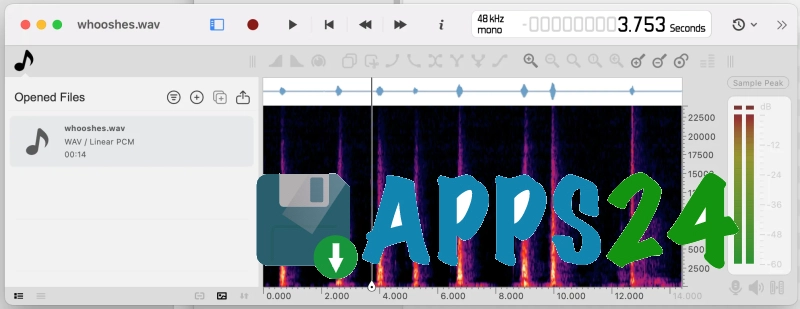
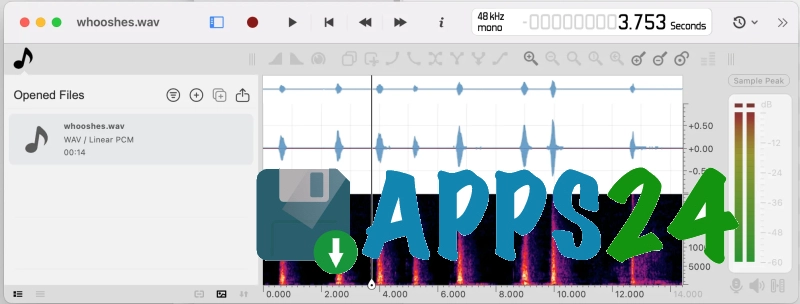
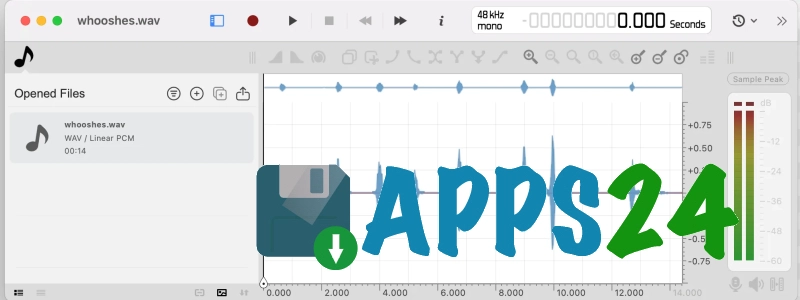
Ocenaudio is a feature-rich audio editor for Windows, designed for the quick processing and analysis of audio recordings without a cluttered workflow. The programme opens audio files, displays them as waveforms or spectrograms, allows you to cut out sections, adjust the volume and apply effects whilst previewing the result in real time. Ocenaudio is suitable for preparing podcasts, editing voice memos, cleaning up specific sections of a recording and working precisely with audio material.
Ocenaudio is often regarded as an alternative to Audacity. Both editors support VST effects and allow you to edit audio whilst previewing changes; however, Audacity is geared towards multi-track projects where several recordings are played back simultaneously, whilst Ocenaudio focuses on editing individual audio files, quick navigation through the waveform and working with multiple selections in parallel.
Ocenaudio remains responsive when working with large recordings: time-consuming operations are carried out in the background, and memory is used sparingly. Consequently, you can open a multi-hour interview, locate the required section and perform basic trimming without a long wait.
Ocenaudio features
- Editing audio files via the waveform: selecting sections, copying, pasting, cutting and deleting unwanted sections.
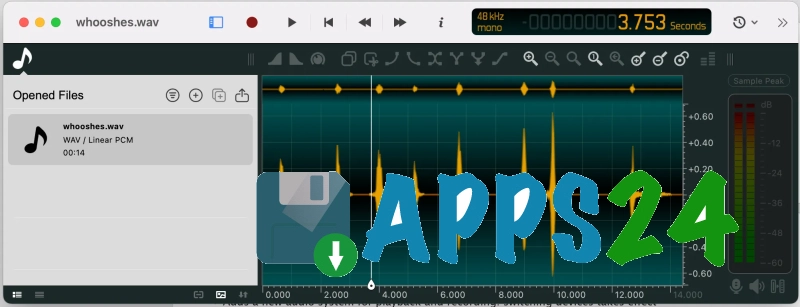
- Multiple selection of different parts of a single recording. Several sections can be listened to, edited or processed with a single effect simultaneously — for example, normalising only the spoken parts of an interview.
- Spectral analysis with a dedicated display mode for the signal’s frequency composition. Spectrogram parameters can be adjusted in real time, including the number of frequency bands, window type and dynamic range.
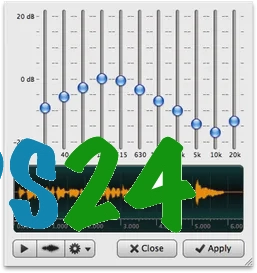
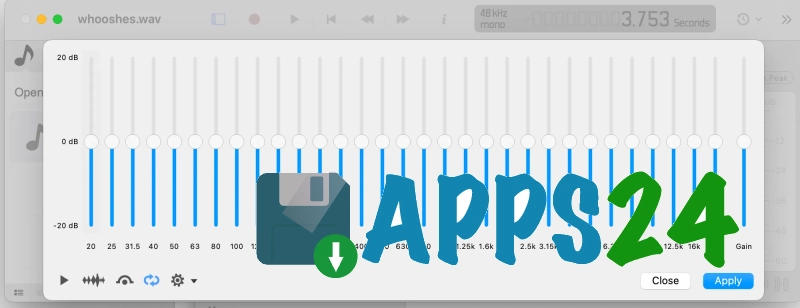
- Effects with a preview of the result whilst adjusting settings. This mode is available for equalisation, gain, filtering and other processing operations.
- Support for VST plug-ins, with the ability to open the parameter editor and check the sound before applying the effect.
- Recording from a microphone, as well as capturing audio being played back on a Windows computer.
- Work with stereo recording and channel routing, including the option to select mono, stereo or matrix mode in the mixer settings.
- Change the speed and pitch with a choice of processing algorithms. Playback can be sped up or slowed down without necessarily changing the tempo of the entire session.
- Tools for removing silence at the start and end of a recording, creating smooth fades in or out, adjusting gain and applying dynamic processing.
- Work with markers, regions and annotation tracks. These help you mark sections of interviews, chapters of audiobooks or clips that need to be exported separately.
- Export selected regions and tracks to common container formats and audio formats, including options with metadata, SRT subtitles and markers.
- Additional Ocen AI tools for voice processing and other tasks related to improving audio material. On Windows, GPU acceleration is available for certain operations.
The programme supports opening and saving a wide range of formats, including WAV, MP3, FLAC, OGG, Opus, AAC, MP4, WMA, Matroska and other container formats. Support for DSD, DDP, multi-channel files and rare codecs will come in handy when working not only with everyday recordings, but also with material intended for archiving or disc authoring.
Advantages of the audio editor
- Quick editing without the need to create a separate project: the file opens directly in the workspace, and the main operations are available next to the signal waveform.
- Real-time preview of effects allows you to assess equalisation or filtering before applying it to the recording and to select suitable parameters more quickly.
- Multiple selection reduces routine processing. For example, the same effect can be applied to several clips at once without having to select them manually.
- Its ability to handle large files effectively makes Ocenaudio a convenient tool for long lectures, radio recordings and interviews lasting several hours.
- A spectrogram with adjustable parameters helps to identify high-frequency interference, unwanted background noise and sections that are difficult to detect on a standard waveform.
- VST support expands the range of effects, whilst the built-in manager helps you connect and organise plugins from different generations.
- A unified interface across Windows, macOS and Linux simplifies switching between computers if work is being processed on different systems.
- Open files remain accessible in a single window, making it easier to switch between multiple recordings when comparing takes or preparing a series of episodes.
Drawbacks
- Ocenaudio is no substitute for a full-fledged multitrack studio: Audacity is better suited for mixing several independent parts, complex arrangements and editing a project from multiple synchronised tracks.
- With a large number of VST plug-ins, the workspace quickly becomes cluttered, as the range of available tools depends on third-party developers and their compatibility with the system.
- Spectral view is primarily designed for analysis and precise editing, so mastering the advanced settings may require experience of working with the frequency representation of sound.
- Some advanced features depend on the file format: metadata, markers, regions and multi-channel structure may be preserved differently when exported to different container formats.
- Artificial intelligence tools are useful for specific processing tasks, but their use requires monitoring of the results: automatic voice enhancement does not always work equally well with noisy or overloaded recordings.
Ocenaudio is perhaps best suited to those who need a quick editor for voice recordings, interviews, lectures and individual music clips without having to switch to a complex multitrack environment. An advanced spectrogram, multiple selections, effect preview and VST support make the programme significantly more flexible than simple trimming tools, and Ocenaudio is available free of charge.
What's new in the latest version 3.22
Updated
- The Speech Enhancement (DPDFNet2) artificial intelligence model has been added to improve speech quality.
- An explicit choice of routing mode – mono, stereo or matrix – has been added to the mixer settings.
- A choice of FFT engine for the spectrogram has been added to the programme’s settings.
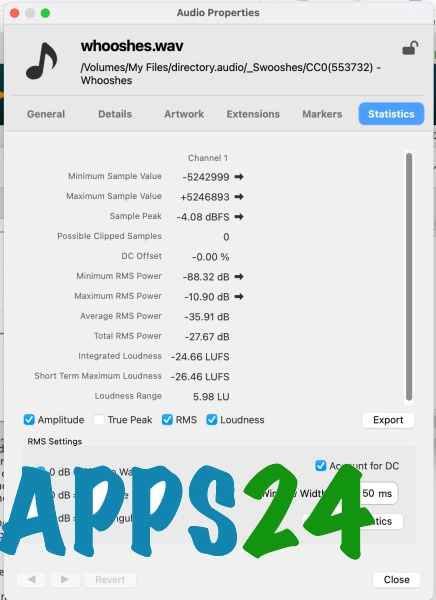
- Audio file properties now display the MIME type and estimated bitrate.
- Programme settings have been improved: model information cards have been added to the Ocen AI section, and input fields have been added to the ‘General’ and ‘Sound’ sections.
- Synchronisation of the playback cursor with the screen refresh rate has been improved.
- The quality of sample rate conversion has been improved.
- Accessibility of the file list and context menus has been improved for screen reader users.
- The display of output level meters has been fixed: they now show the signal again after effects have been applied.
- Fixed the behaviour of a number of effects, including reverb, equaliser, compressor and expander.
- Crashes when opening corrupted audio files have been resolved.
- Fixed the reading of AAC and MP4 files, CUE sheets, as well as Vorbis and Opus comments.
- Fixed crashes in VST3 plug-ins when restoring their state and applying effects.
- Crashes in AI-based tools have been resolved, as well as crashes when closing the programme in Windows whilst a file selection dialogue box is open.
- Other bug fixes and improvements to the programme’s stability have been implemented.











Add comment