

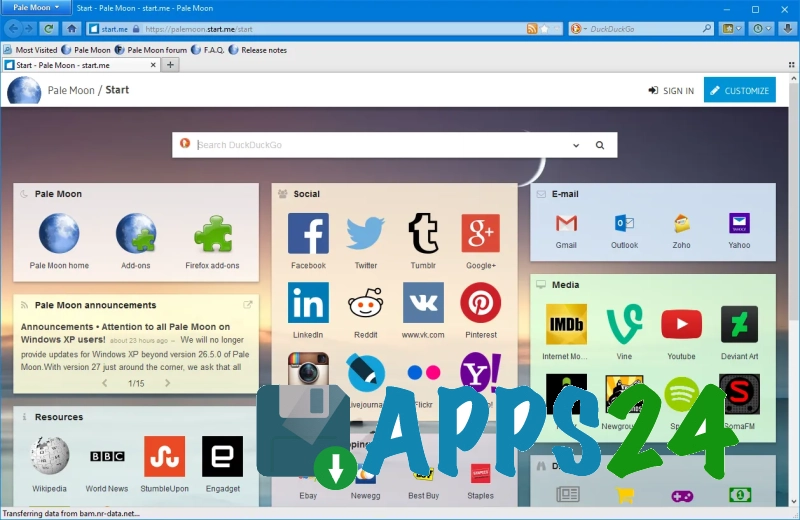
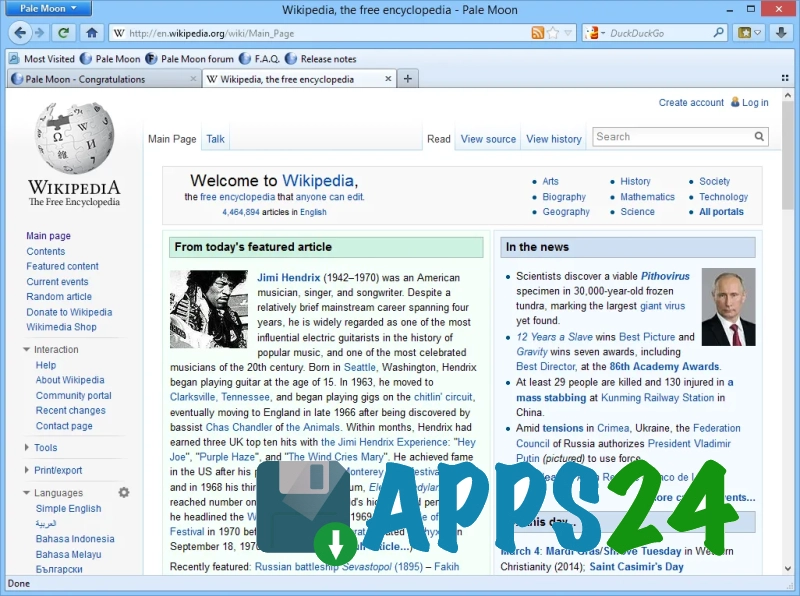
Pale Moon is a desktop browser for Windows that emphasises a classic approach to the user interface and is gentle on system resources. It is designed for familiar use of tabs, bookmarks and extensions, but does not attempt to emulate the heaviest modern builds: windows open without any unnecessary frills, and the browser itself adheres to the familiar logic of old-school web browsing. As a result, Pale Moon is often chosen for computers where predictable behaviour and smooth operation without excessive visual effects are important.
Pale Moon’s features
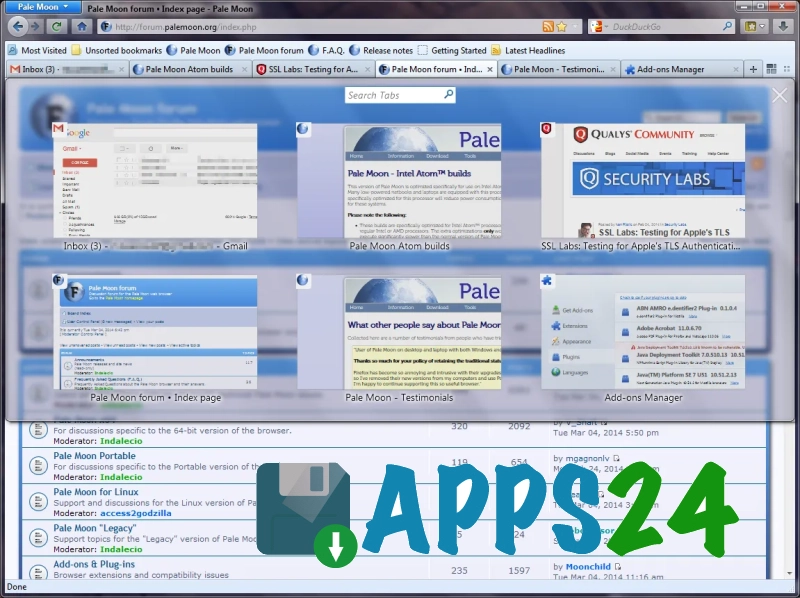
- Tab management follows the classic layout: it’s easy to keep pages open side by side, switch between them quickly and return to the site you need without any extra steps.
- Bookmarks and browsing history are supported, so frequently used websites can be organised into separate folders and opened from the familiar list.
- The browser uses extensions, which allow you to block unnecessary elements, customise the interface’s appearance, or tailor the programme’s behaviour to specific tasks.
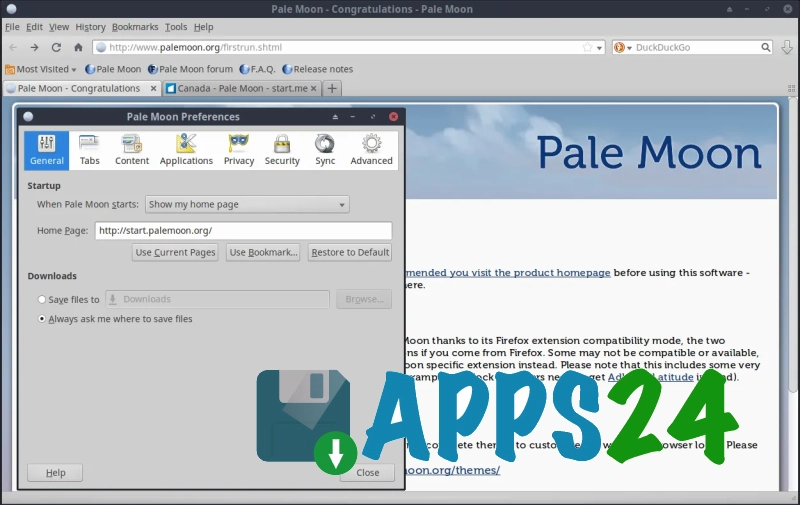
- There are basic download management tools, which are handy when downloading files from websites where it’s important to quickly check the download progress and open the folder containing the saved data.
- Pale Moon allows you to customise the appearance of the toolbar and controls, so you can make the working window more minimalist or, conversely, more comfortable for long periods of daily use.
- Support for familiar browser functions makes it suitable for browsing news sites, webmail and undemanding services where a heavy, modern interface is not required.
Advantages
- The classic interface saves time on getting to grips with it: the main elements are located where users of older browser layouts would expect them to be.
- The browser does not clutter the window with unnecessary decorative elements, so on a Windows desktop it looks neat and does not distract from text or working tabs.
- Flexibility through extensions helps you tailor exactly the set of features you need for day-to-day work, without having to install bulky add-ons.
- Pale Moon performs well on less powerful computers, where a moderate load is important when opening several pages and working with simple web services.
- The familiar navigation logic will suit those who do not want to adapt to a new browser concept and prefer a stable, straightforward workflow.
Disadvantages
- Some modern websites may not run as smoothly as they do in newer browsers, particularly if the service relies heavily on the latest web technologies.
- The classic-style interface isn’t to everyone’s taste: to those accustomed to minimalist, modern browsers, it may seem old-fashioned.
- Some popular extensions designed for the latest browser platforms may not be compatible or may require you to find an alternative.
- For tasks involving resource-intensive web applications, the browser may prove less convenient than solutions that are quicker to support new standards.
What's new in the latest version 35.0.0
Updated
- The browser engine has been updated and compatibility with modern websites has been improved.
- Stability has been improved and a number of bugs affecting day-to-day use have been fixed.
- Performance has been optimised when opening pages and processing content.
- Security has been improved by fixing identified vulnerabilities.
- Certain interface elements have been refined and usability on Windows has been improved.
Show more less












Add comment