

LeaderTask is an organizer with which you can make plans, set reminders, etc.
With the help of the application you can effectively plan your work time, it will be indispensable for business people or those who work on a free schedule. The app has been designed specifically to handle tasks with a flexible schedule in mind.
LeaderTask features
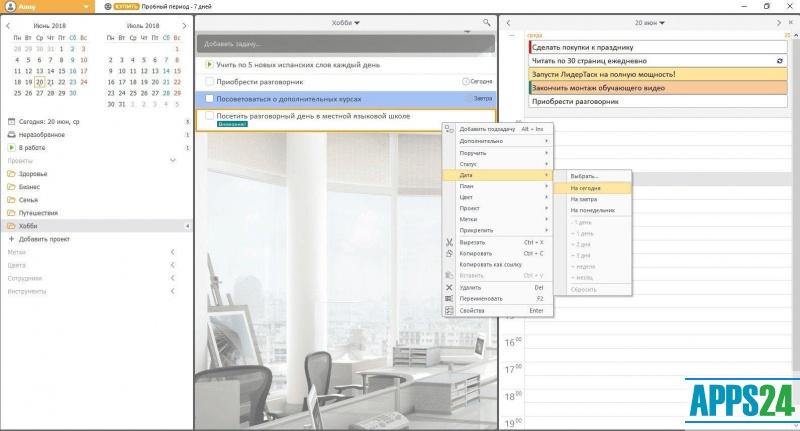
- Displays tasks in a tree structure. In this way, you can create a hierarchy of tasks, distributing them by levels;
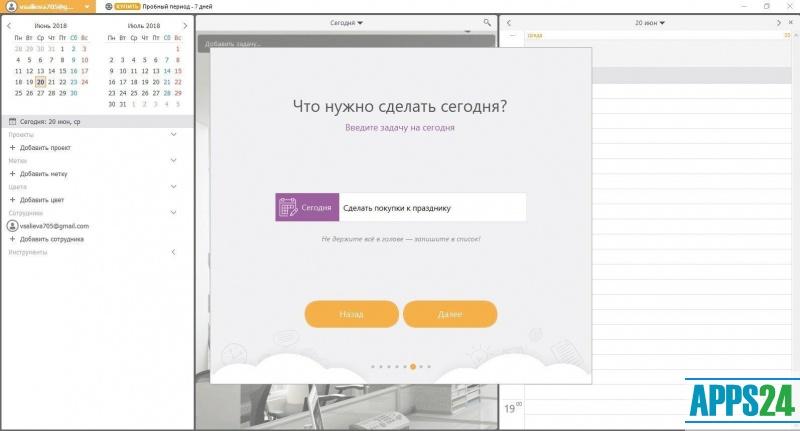
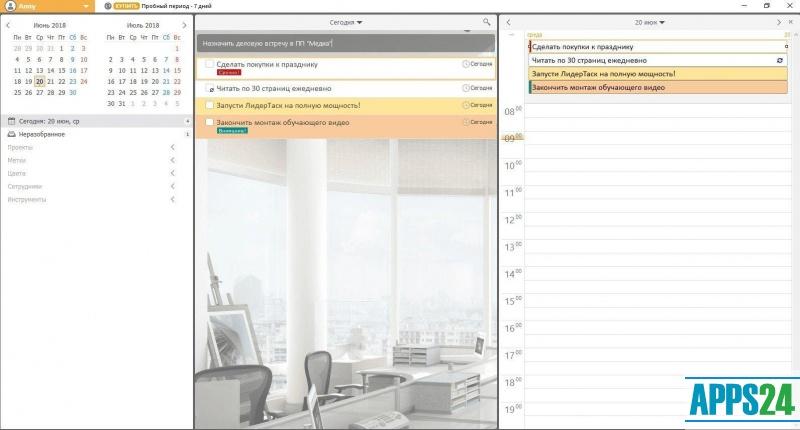
- Tasks are displayed in the calendar, where you can view time periods according to the grid, set reminders. There is a possibility of editing in the calendar;
- setting priority, importance of tasks;
- setting reminders;
- the program has a convenient navigation, you can apply different bookmarks and filters for the task tree;
- use of the personal information manager, where you can store files and links to them;
- flexible application interface settings, you can change the application appearance as you wish, place toolbars for your convenience, apply highlighting to tasks, add your own icons and many other features;
- Set up security for data security. The app encrypts the data and you can password protect access to the data. Data backup is also provided;
- the ability to store contacts, which can be grouped and set them to quick access;
- availability of a password manager. The program can store passwords to credit cards and any other personal information;
- container for files, where you can store all types of files;
- a built-in links manager. You can add icons, inscriptions, assign hotkeys to links, open links directly from the application;
- the mobility of the application. It and all the information in it can be transferred to other devices;
- Data backup, the ability to create copies of data, to return to their old versions.
Special requirements for installation:
- 15 MB of free hard disk space;
- At least 64 Mb of internal memory on the PC;
- Intel Pentium II or higher processor;
- device compatibility with IBM PC;
- availability of a mouse.
What's new in the latest version 15.4.7
Updated
- Improved interface with more intuitive navigation.
- New "Dark Mode" feature for working at night.
- Support for synchronising tasks with mobile devices.
- Ability to add attachments to tasks and projects.
- Performance optimisation for faster programme launch.
- Bugs from previous versions have been fixed to improve stability.
- Added integration with popular calendar services.
Show more less




Add comment