

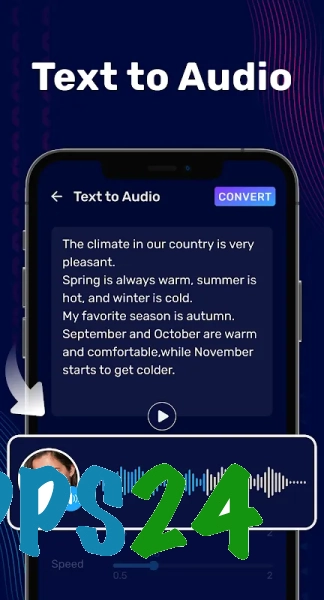
Audio Editor & Music Editor is a multifunctional audio editor for Android that combines music trimming, voice recording, and audio file processing. The app allows you to cut fragments from songs and recordings, merge multiple tracks, create mixes, extract audio from videos, and prepare melodies for ringtones. A waveform and built-in player are used to select a segment precisely, so you can find the desired moment without listening to the entire composition.
In terms of purpose, Audio Editor & Music Editor resembles a mobile alternative to Audacity: both programs focus on audio editing, track trimming, and working with multiple fragments. At the same time, the app is designed for Android smartphones and emphasizes quick operations—creating ringtones, converting video to MP3, or boosting volume—whereas Audacity offers a more comprehensive desktop environment for detailed audio project processing.
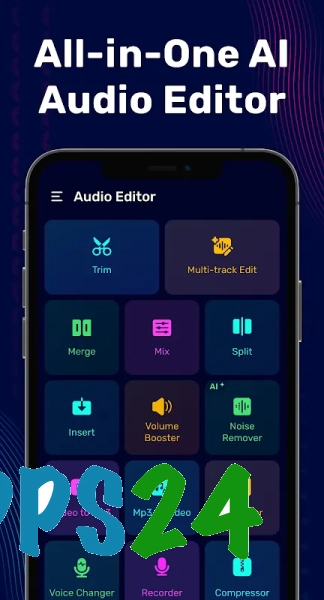
Audio Editor & Music Editor Features
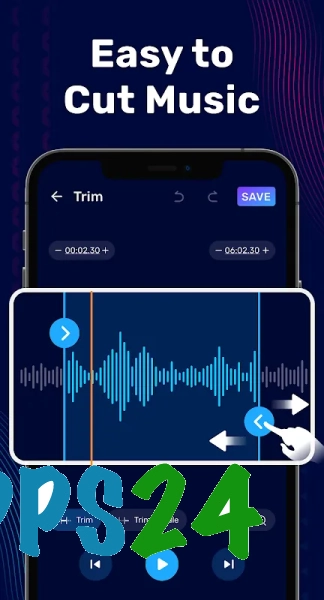
- Trimming MP3 files, musical compositions, and voice recordings by selecting the beginning and end of a fragment on the waveform.
- Splitting audio tracks into parts and removing unnecessary sections, including fragments in the middle of a recording.
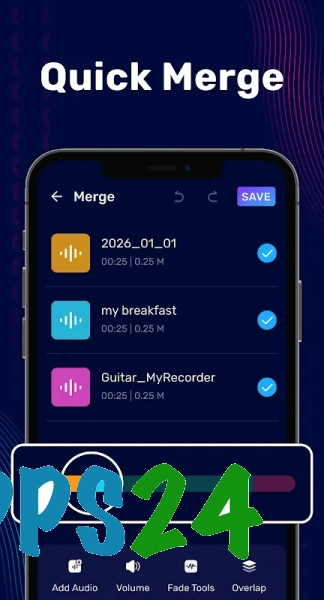
- Combining multiple audio files into a single composition with support for different formats.
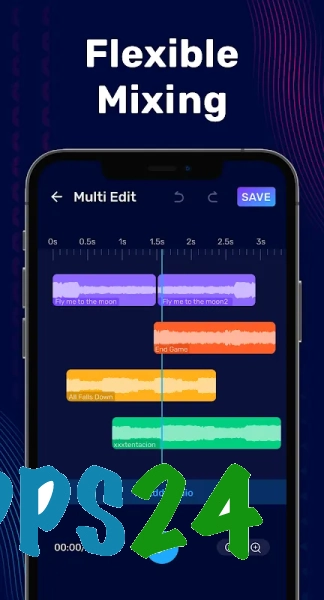
- Multitrack mixing: adding sound to separate tracks and mixing multiple recordings.
- Recording voice with subsequent processing of the finished file.
- Changing the voice using the built-in voice changer tool.
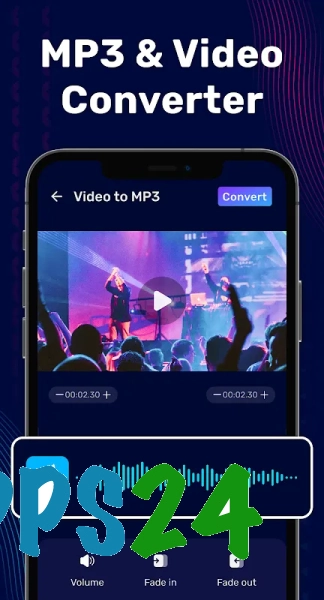
- Extracting an audio track from a video and converting video recordings to MP3.
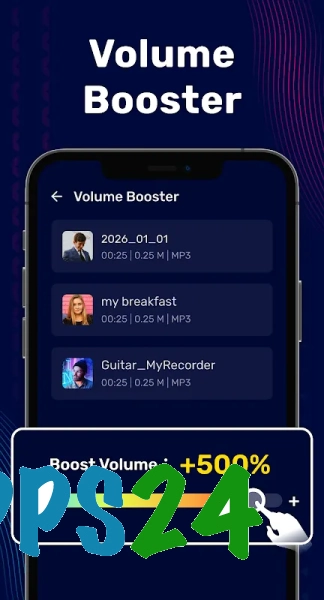
- Boosting the volume of music or recordings using an audio amplifier and volume booster.
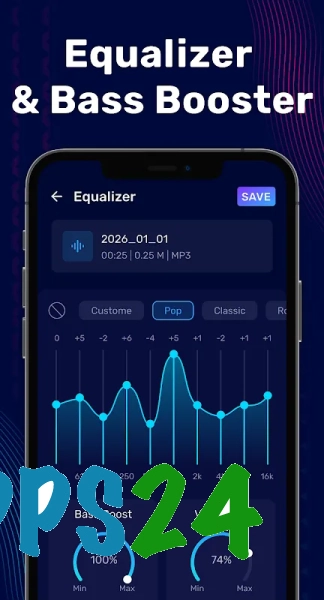
- Compressing audio, converting between formats, and adjusting sound with an equalizer.
- Creating ringtones from songs, podcasts, or your own voice recordings.
Audio Editor & Music Editor combines tools that would usually require several separate apps: here you can record your voice, cut out the desired excerpt, boost its sound, and save the result as a ringtone.
Advantages of the Audio Editor
- The set of features is suitable both for simply trimming a song and for assembling a mix from multiple tracks.
- The waveform helps you find the boundaries of a fragment more precisely during editing.
- The built-in player lets you listen to the selected segment before saving the result.
- Video-to-MP3 conversion eliminates the need to use a third-party converter beforehand.
- The app combines an editor, mixer, voice recorder, and ringtone creation tool.
- Volume boosting is useful for quiet recordings and audio files with insufficiently expressive sound.
Disadvantages
- The large number of tools may seem excessive for those who only need to trim a track.
- The capabilities of the mobile editor may be insufficient for serious mixing and precise studio processing.
- When working with multiple tracks, ease of use depends on the size of the smartphone screen.
- The volume-boosting result depends on the original recording: excessive adjustment may make the sound less clear.
- The app takes up a noticeable amount of device storage, which is important to consider on smartphones with limited free space.
Audio Editor & Music Editor is especially suitable for everyday scenarios: preparing a short ringtone, removing unwanted beginnings from a voice note, combining musical excerpts, or extracting audio from a video.
Audio Editor & Music Editor is designed for those who want a set of essential sound-processing tools in a single Android app—from recording and trimming to mixing, conversion, and ringtone preparation. The program is suitable for everyday editing of music and voice files and is distributed for free.
What's new in the latest version 2.01.64
Updated
- Minor bugs fixed and app stability improved.










Add comment