

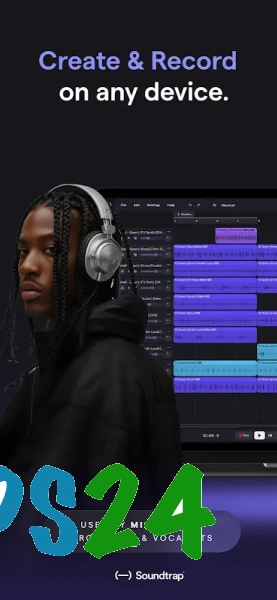
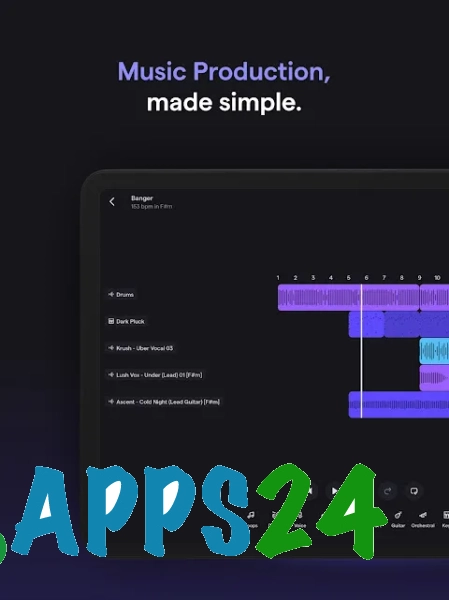
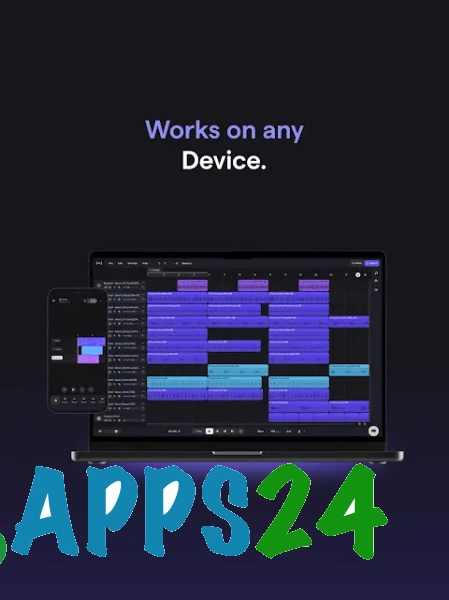
Soundtrap Music Making Studio is a cloud-based studio for creating music and recording podcasts on Android, combining virtual instruments, ready-made loops, and project collaboration. The app allows you to record vocals, build compositions from professionally recorded samples, add voice effects during performance, and save the result to the cloud. You can start a project on a smartphone and then continue on another device without manually transferring files.
In terms of purpose, Soundtrap Music Making Studio is similar to BandLab Studio: both platforms work as cloud-based digital audio workstations, supporting recording, virtual instruments, loops, and collaborative editing. Soundtrap places a notable emphasis on remote work through its built-in chat and podcast recording, while BandLab additionally offers MIDI import, automatic mastering, and up to 50 participants in a single project.
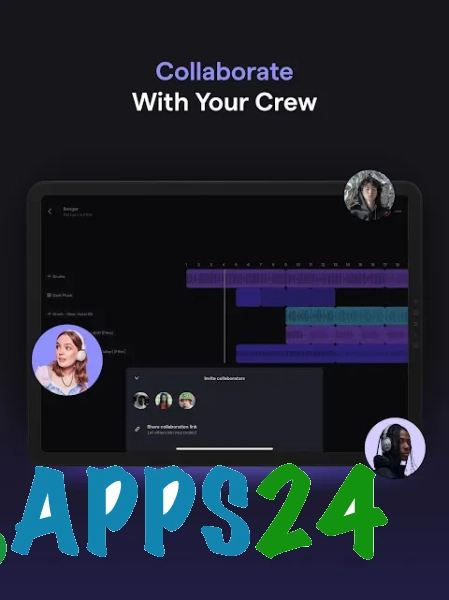
The Soundtrap Music Making Studio workspace is designed for collaborative creativity: you can invite other participants to a recording, discuss changes directly in the studio, and assemble material from different locations at the same time. This approach is suitable for remote rehearsals, musical sketches, and podcasts prepared by several authors.
Features of Soundtrap Music Making Studio
- Recording music parts and podcasts in a single online workspace.
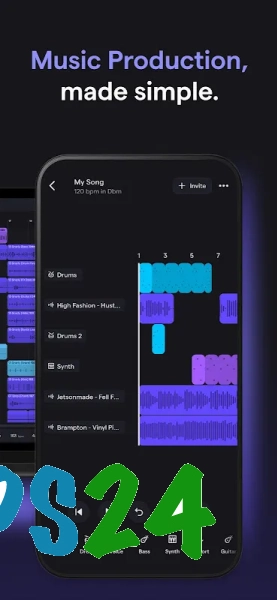
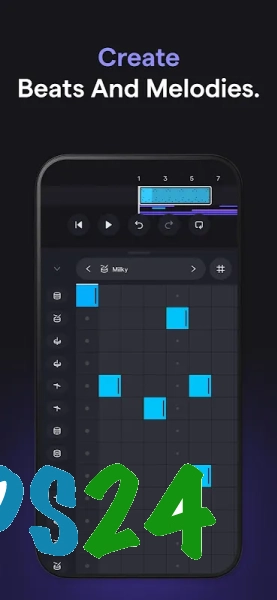
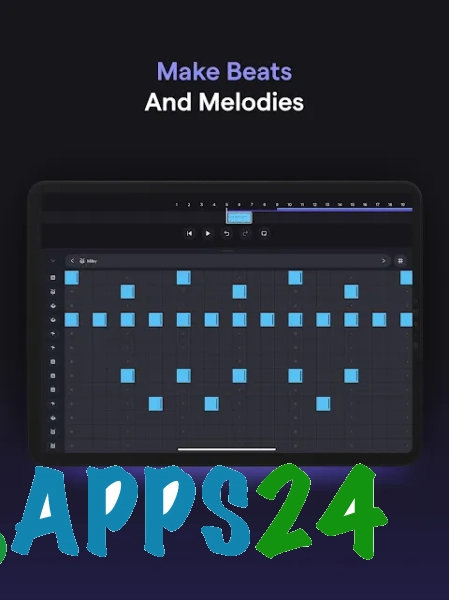
- Creating arrangements with virtual instruments, including piano, organ, synthesizers, and drums.
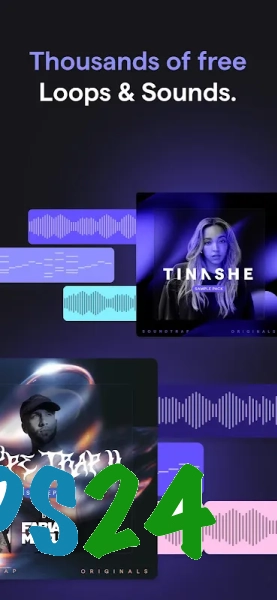
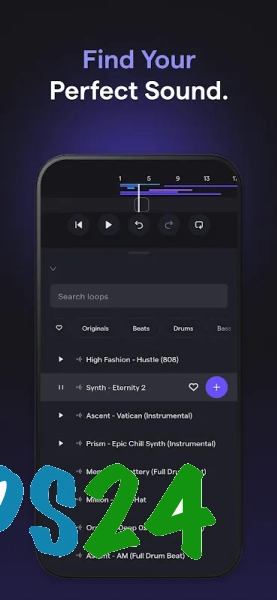
- Using a large selection of high-quality loops in different genres to quickly build a rhythmic or melodic foundation.
- Recording vocals with real-time monitoring, so effects can be heard directly during performance.
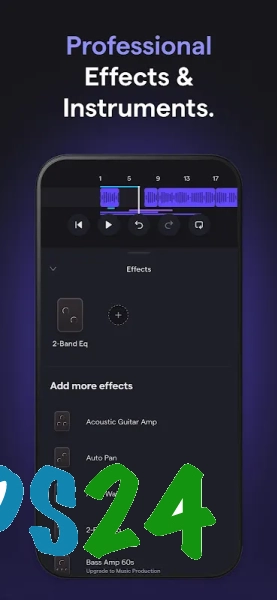
- Processing tracks with professional audio effects.
- Collaborating on projects with remote participants through the studio's built-in chat.
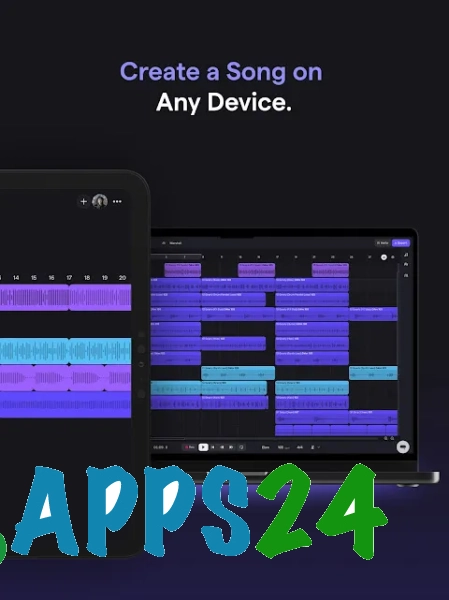
- Saving recordings to the cloud with access to them on different devices.
- Downloading finished materials and sending recordings via email, WhatsApp, Messenger, Facebook, or SoundCloud.
- Additional vocal processing with Vocal Tuner when the corresponding subscription is available.
Advantages of the editor
- Cloud synchronization eliminates the need to manually transfer a project between a smartphone and a computer.
- Built-in instruments and loops make it possible to create a musical fragment without connecting external equipment.
- Collaboration features are suitable for groups whose members record their parts from different cities.
- Podcast support makes the app useful not only for musicians but also for creators of spoken-word episodes.
- Real-time monitoring effects help you evaluate the vocal sound before the recording is complete.
- Finished tracks can be conveniently shared through popular messengers and social platforms.
Soundtrap Music Making Studio is especially convenient for developing quick ideas: simply open a cloud project, choose a suitable loop or instrument, record a part, and immediately send the result to your co-authors. However, Vocal Tuner is a subscription feature, so the full set of vocal processing tools is not available without limitations.
Disadvantages
- The cloud-based workflow implies dependence on an internet connection when accessing projects and collaborating on edits.
- Full use of the studio requires an account and a willingness to store recordings in a cloud service.
- Advanced vocal correction through Vocal Tuner is available by subscription.
- The feature set is geared toward mobile and online workflows, so the app does not replace a professional desktop DAW for complex projects with external plugins and detailed editing.
Soundtrap Music Making Studio is designed for those who need a mobile music studio with cloud storage, collaborative recording, and quick access to instruments and loops. It is suitable for initial arrangements, remote music projects, and podcasts, and is available for free.
What's new in the latest version 1.9.6
Updated
- A special version of the app for ChromeOS users has been added.
- A section for deleting the account has been added to the settings.











Add comment