

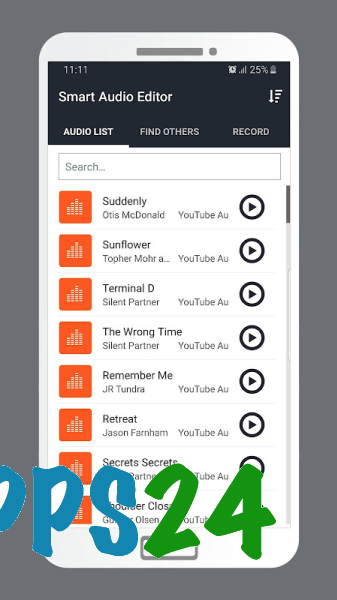
Smart Audio Editor & Effects is a feature-rich audio editor for Android that helps you trim MP3 files, change the tempo and pitch, boost the volume, add effects, and prepare tracks for everyday use. The app is suitable for quickly processing music, voice recordings, and ringtones without a complicated workflow: the essential tools are collected in one mobile application.
Smart Audio Editor & Effects is designed for tasks that are usually handled with Audacity: trimming fragments, changing the sound, and applying effects. At the same time, the mobile editor is intended to be used directly on a smartphone and focuses on ready-made scenarios such as Slowed & Reverb, Nightcore, or bass boosting, whereas Audacity offers deeper desktop editing with advanced processing tools.
Features of Smart Audio Editor & Effects
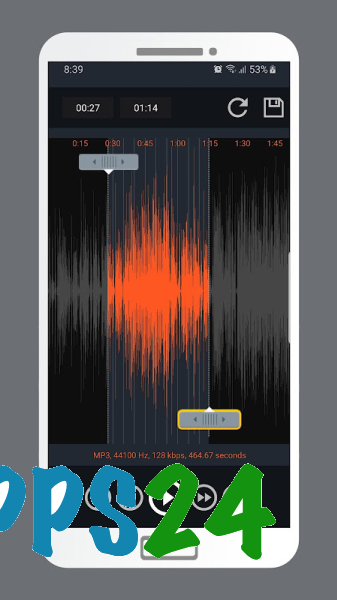
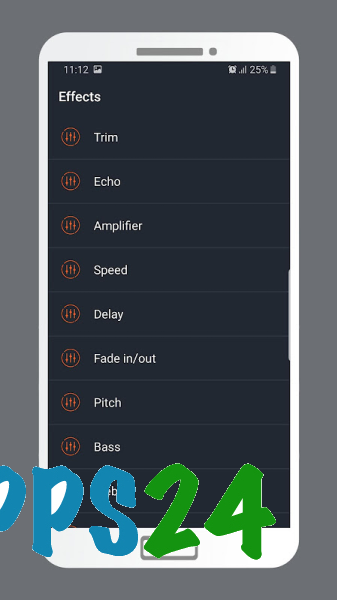
- Trims and splits audio files with precise selection of the desired section. This tool is useful for creating a ringtone or removing unnecessary beginnings and endings from a recording.
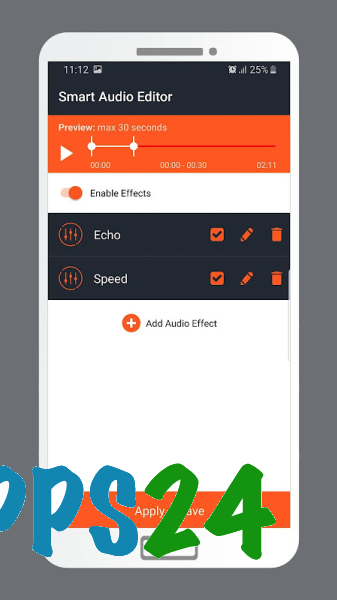
- Allows you to change the playback speed and tempo of a composition without necessarily changing its pitch.
- Uses a separate Pitch Shifter to raise or lower the key. It can be used to change the sound of a voice or adapt a musical fragment to a different key.
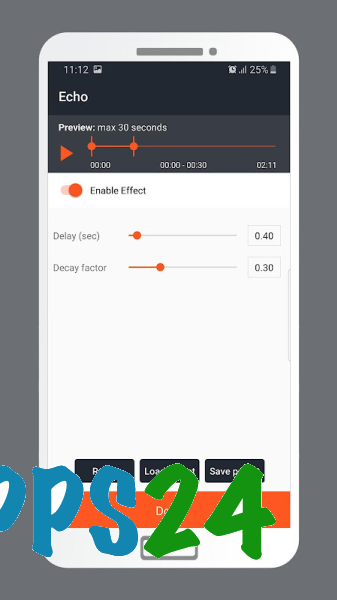
- Creates tracks in the Slowed & Reverb style: it slows down the composition and adds spacious echo with a delay.
- Supports the Nightcore effect, which speeds up a song while simultaneously increasing its pitch.
- Increases the volume of quiet recordings using Volume Booster and Sound Amplifier. This is convenient for files that are noticeably quieter than other tracks on a smartphone.
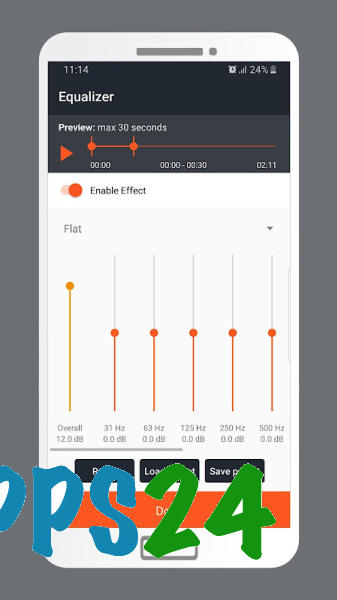
- Boosts low frequencies through Bass Booster and the equalizer. This adjustment is useful when listening to music through headphones or a speaker.
- Adds echo and delay to give vocals or an instrumental part a spacious sound.
- Applies Chorus and Flanger for a wider stereo effect with distinctive modulation.
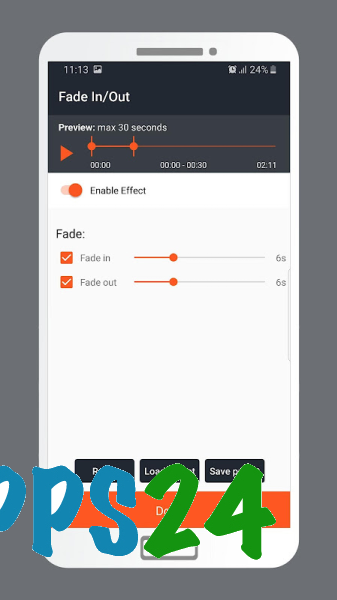
- Smooths the beginning and end of a composition using Fade In and Fade Out.
- Applies the Muffled Sound filter, which imitates a muffled or lo-fi sound.
- Processes common audio formats using the FFMPEG library, making the app convenient for working with already saved music files.
The set of effects is especially well suited to quick experiments with finished tracks. The same file can be turned into a slowed composition with echo, an accelerated Nightcore version, or a recording with richer bass without switching between multiple apps.
Advantages of the audio editor
- The app combines trimming, sound enhancement, and effects in one interface, so basic processing does not require a separate converter or equalizer.
- The ready-made Slowed & Reverb and Nightcore modes save time when creating popular music-processing variations.
- There are separate tools for changing the tempo and pitch. This allows you to slow down a composition without an undesirable “low” voice or to change the pitch separately.
- The equalizer and Bass Booster are intended not only for creative experiments but also for practical adjustment of weak or flat sound.
- Fade In and Fade Out help make the result cleaner, especially when preparing short audio fragments.
- System requirements start with Android 7.1, so the editor is compatible with a large number of older devices.
Drawbacks
- No user ratings or reviews have been published for the app, so it is difficult to assess its stability across different smartphone models in advance.
- The app listing does not mention multitrack editing, recording your own material, or professional work with individual tracks. A more specialized editor may be required for such scenarios.
- The number of settings is noticeably smaller than in full-fledged desktop solutions: Smart Audio Editor & Effects focuses on ready-made effects and quick operations rather than detailed mixing.
- Some features, including volume and bass boosting, require careful adjustment, as excessive processing can degrade the original sound.
Smart Audio Editor & Effects is designed for those who want a mobile set of tools for trimming music, changing the tempo, and quickly processing audio without complicated editing. The editor is suitable for preparing ringtones, experimenting with popular effects, and improving quiet recordings, while users who need a multitrack project or studio-level precision would be better served by complementing it with a more advanced solution. Smart Audio Editor & Effects is distributed free of charge.
What's new in the latest version 1.5
Updated
- Added support for Android 15.









Add comment