

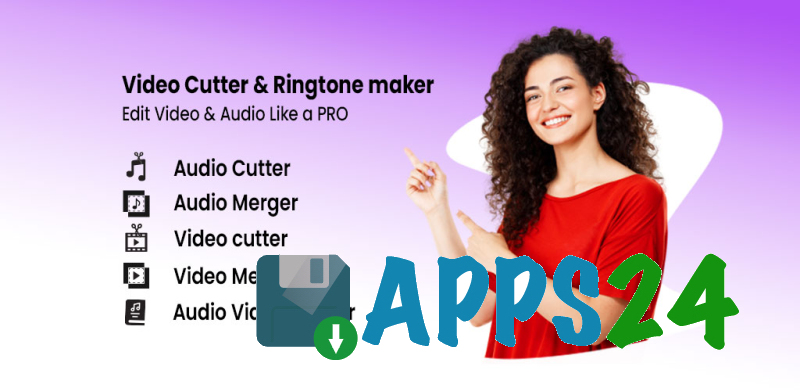
Video to Audio- Video to MP3 is a multifunctional video and audio editor for Android that helps extract audio tracks from videos, save them as MP3 files, and quickly prepare media content for publication or everyday use. The app combines tools for trimming, merging, and splitting files, making it suitable not only for converting video to audio but also for creating short clips, ringtones, notifications, and GIF animations.
Video to Audio- Video to MP3 can be considered a simpler alternative to mobile editors like CapCut when you need to work specifically with basic video and audio operations. Unlike a full-fledged editing application, it focuses on extracting MP3 files, cutting files, merging fragments, and creating ringtones, while finished videos can be saved without watermarks.
Features of Video to Audio- Video to MP3
- Extracting an audio track from a video and saving the result in MP3 format. This feature is useful for preparing a music fragment, voice recording, or soundtrack from an existing video.
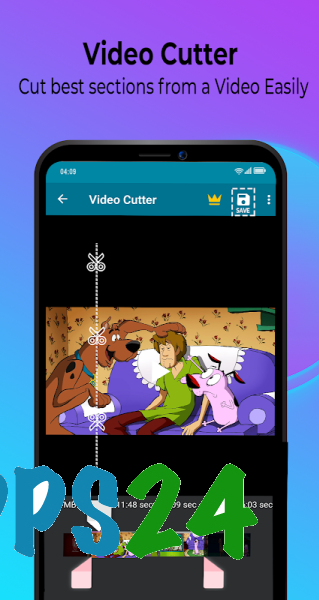
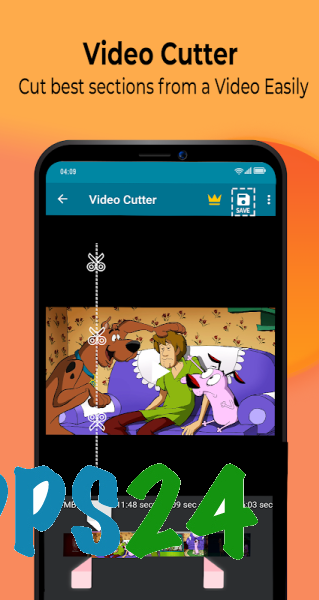
- Trimming videos with precise removal of unnecessary sections. A dedicated video-cutting tool helps you quickly keep only the desired segment.
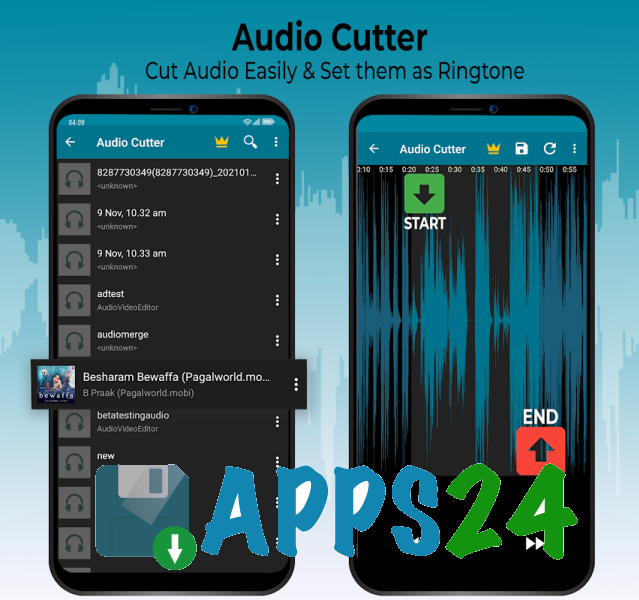
- Editing audio files. An audio track can be shortened for use as a ringtone or notification sound.
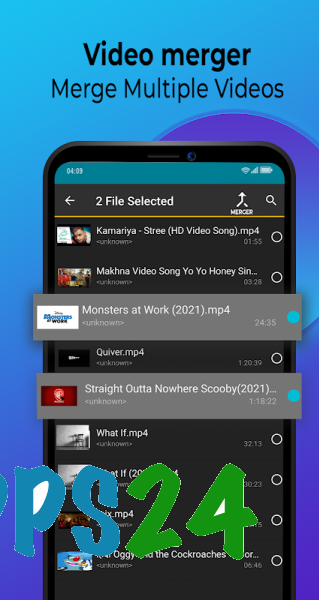
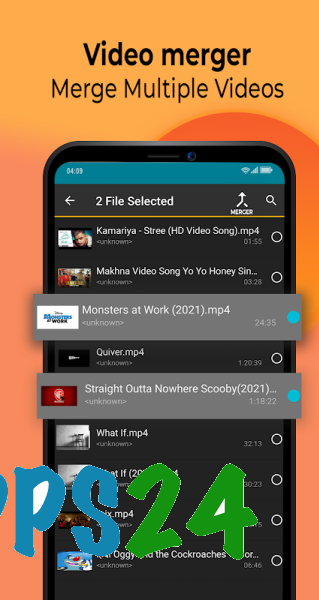
- Merging multiple video clips into a single video. Fragments can be arranged in the desired order, and various design themes are available for merging them.
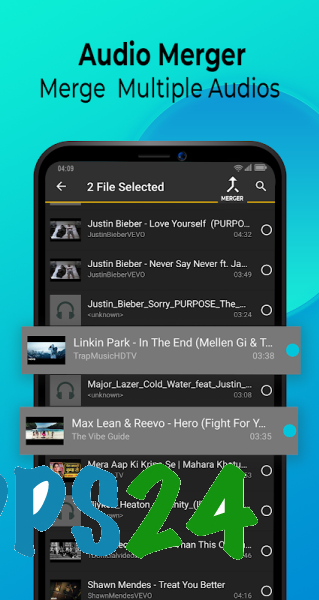
- Combining audio tracks into a single file. This is convenient when preparing your own composition or a continuous soundtrack.
- Splitting a long video into separate parts. The resulting segments are easier to store, send, and publish on social media.
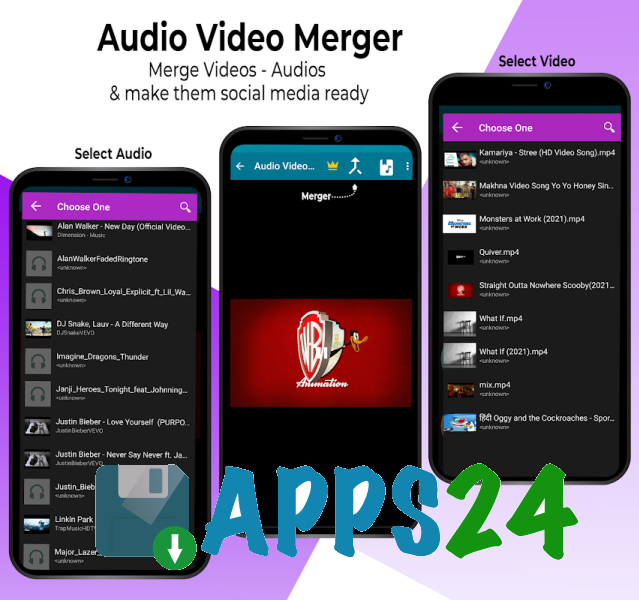
- Adding audio to video. A music file or another audio track can be added to a video project, replacing or supplementing the original soundtrack.
- Creating ringtones. After trimming, a suitable fragment can be set as a ringtone or notification sound directly from the app.
- Creating GIFs from images and videos. The built-in editor also lets you prepare an animation before publishing or sending it.
- Preparing videos for social media, including Instagram, Facebook, and TikTok. Finished materials are saved without watermarks, so the app's branding does not cover the image.
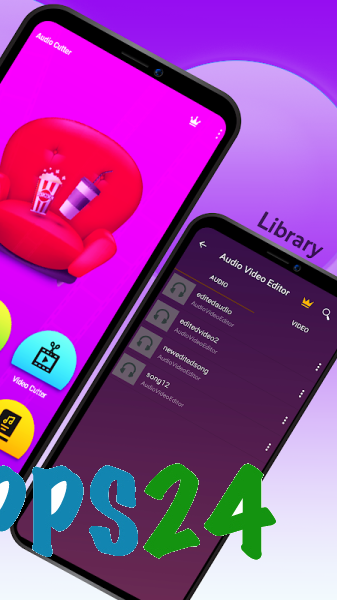
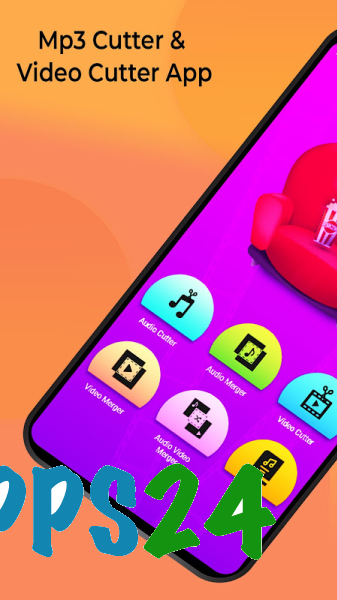
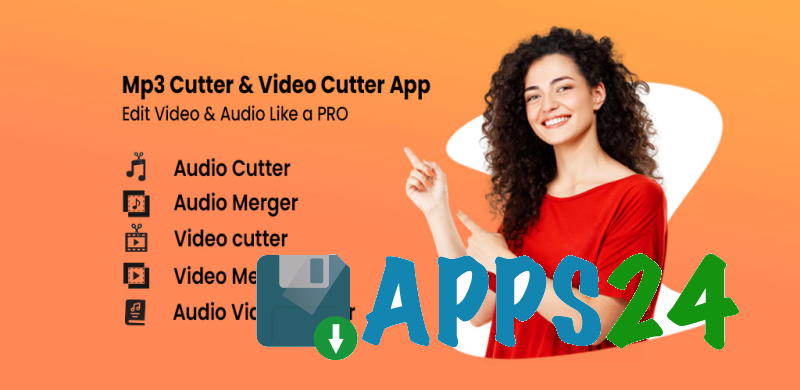
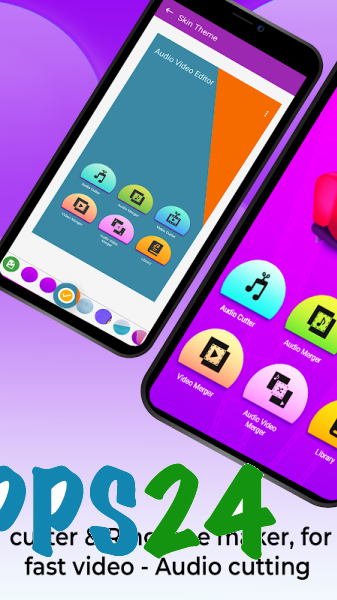
The app combines several small tools in one workspace: a dedicated MP3 converter, audio and video cutters, a file merger, a ringtone maker, and a GIF editor. This collection is especially convenient when you do not want to open different apps for a short task.
Advantages of the Editor
- A versatile set of video and audio features. You can start a project by extracting sound, continue by trimming it, and finish by adding a new track.
- A simple file-processing workflow. The main actions focus on selecting the source material, adjusting the fragment, and saving the result without a complex editing process.
- No watermarks in finished content. This is especially important for videos intended for publication on social media.
- Support for everyday tasks. The app is suitable for creating ringtones, preparing short clips, and creating audio files from video recordings.
- The ability to merge not only videos but also audio tracks. The editor is useful for both visual content and working with standalone audio files.
- GIF creation tools expand the app's purpose beyond that of a standard converter.
Disadvantages
- The app is designed for quick, basic operations, so the description does not mention a full editing timeline, advanced color correction, or sophisticated effects.
- MP3 is the primary audio format for conversion. For tasks that require choosing between multiple export formats, the available features may be insufficient.
- When working with large video files, processing may require a significant amount of free storage space on the device, as the app creates a separate result after conversion or editing.
- Having several tools does not turn the app into a professional studio: its strength lies in quick operations with individual files rather than complex multilayer projects.
Video to Audio- Video to MP3 is designed for those who want a convenient set of tools on Android for extracting audio from videos, trimming files, and preparing short media content without watermarks. The app is particularly suitable for creating ringtones, merging fragments, and quickly converting videos to MP3, and it is distributed free of charge.
What's new in the latest version 5.6.9
Updated
- Crashes have been fixed and discovered errors in the application's operation have been resolved.










Add comment