

GoldWave Audio Editor is a multifunctional audio editor for Android that turns a smartphone into a compact studio for recording, editing, and processing sound. The app is suitable for preparing podcasts, editing interviews, working with musical fragments, and improving voice recordings. It allows you to open multiple files simultaneously, modify their structure, apply effects, and save the result in popular formats.
GoldWave Audio Editor can be viewed as a mobile alternative to Audacity: both editors allow you to record sound, cut and merge fragments, mix tracks, adjust volume, and use effects. At the same time, GoldWave Audio Editor focuses on working with an Android device — it supports real-time signal visualization, processing voice recordings with automatic background music fading, and editing tags directly on a mobile screen.
The app is designed for more than just basic track trimming. GoldWave Audio Editor provides tools for noise reduction, equalization, pitch shifting, adding echo and reverb, so a voice recorder recording can be given a cleaner sound without transferring the file to a computer.
GoldWave Audio Editor Features
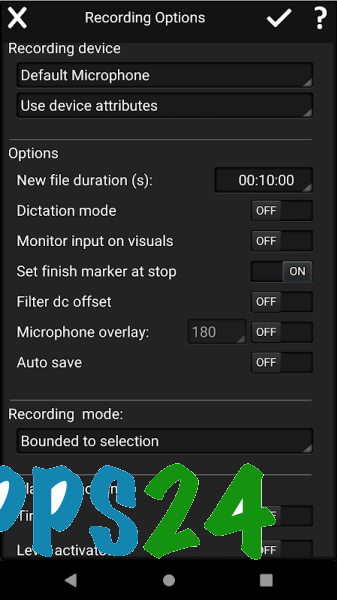
- Records podcasts, interviews, and musical fragments through the Android device’s microphone.
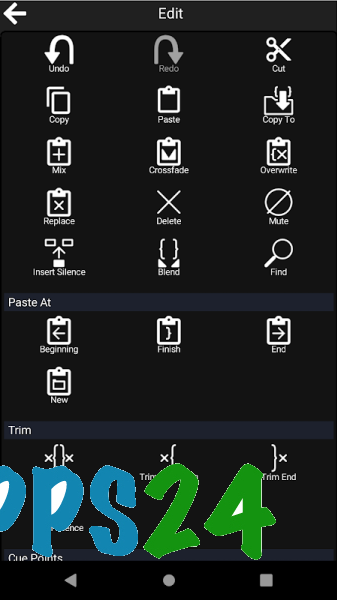
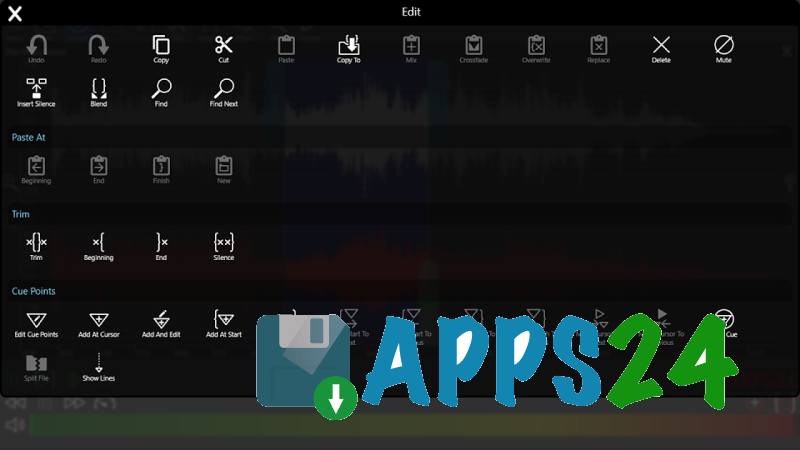
- Allows you to copy, cut, paste, replace, and overwrite sections of an audio recording.
- Combines multiple files or splits a long recording into separate fragments.
- Opens multiple audio files simultaneously, which is convenient when comparing takes and assembling a project from different sources.
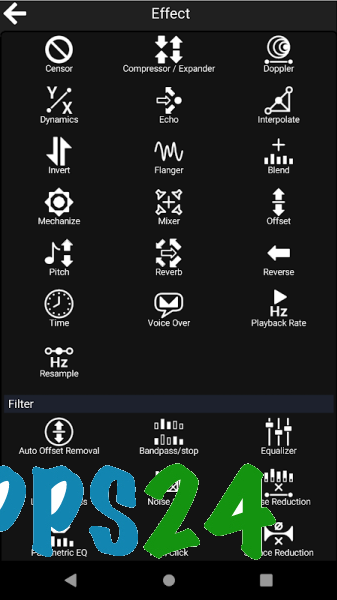
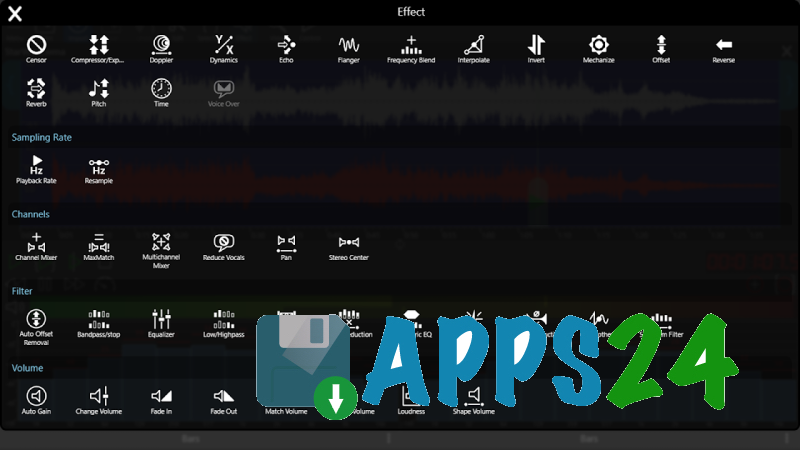
- Supports Echo, Reverb, Flanger, and Pitch effects for creative processing of voice or music.
- Adjusts the signal level using the Maximize, Match Volume, and Loudness tools.
- Uses the Voice Over effect: background music is automatically lowered at the beginning and end of a voice insert.
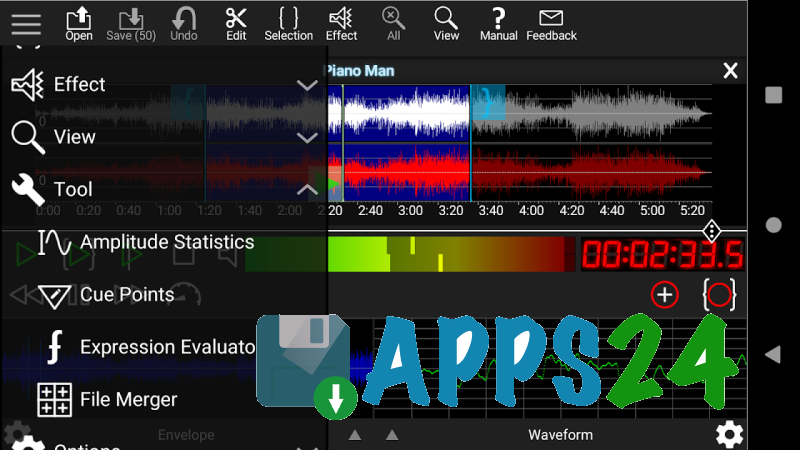
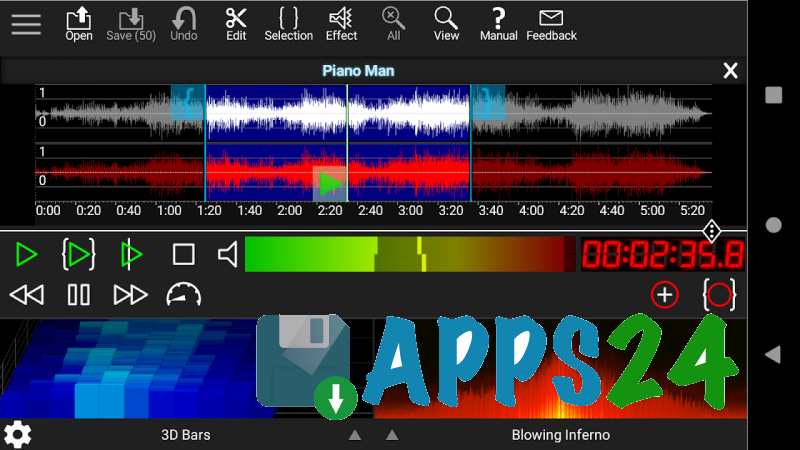
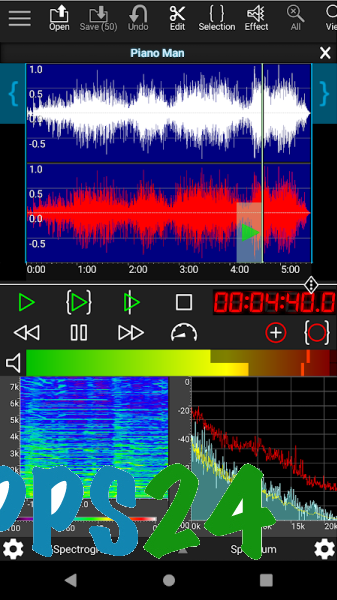
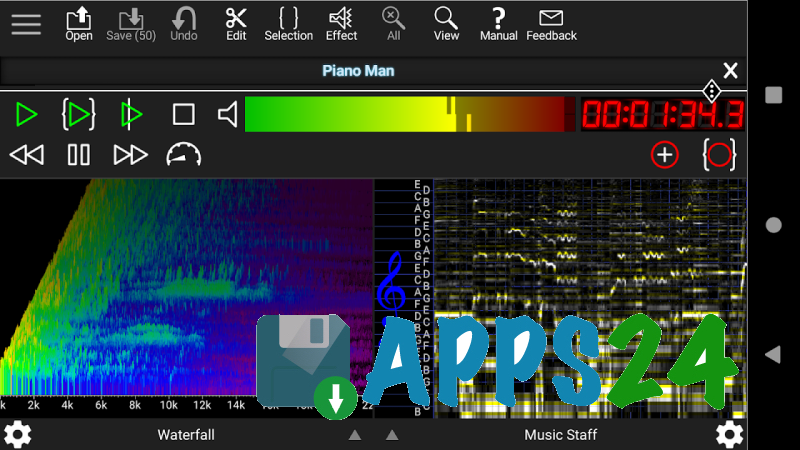
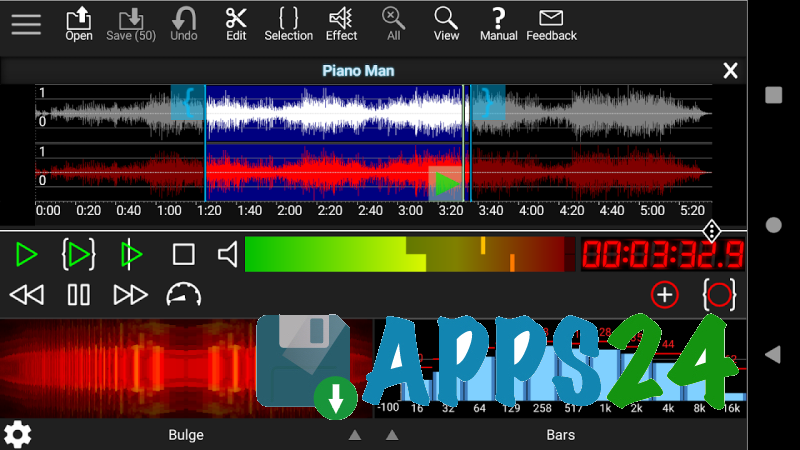
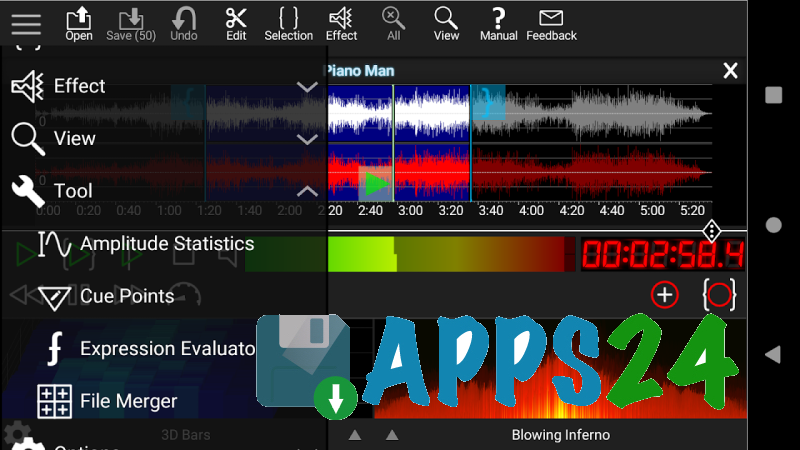
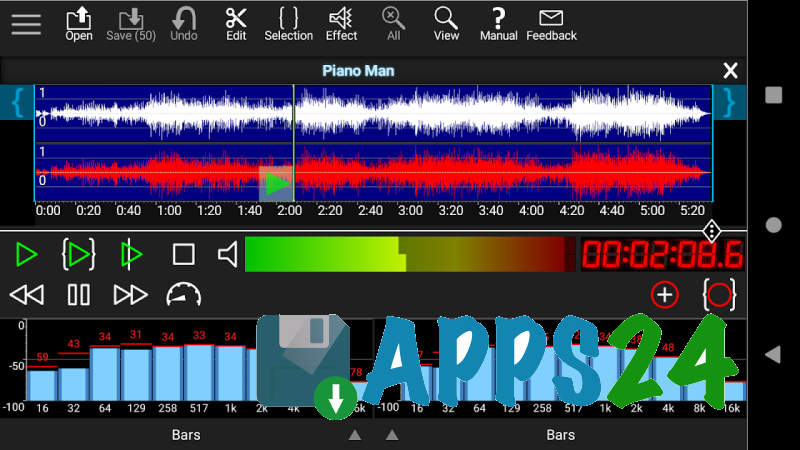
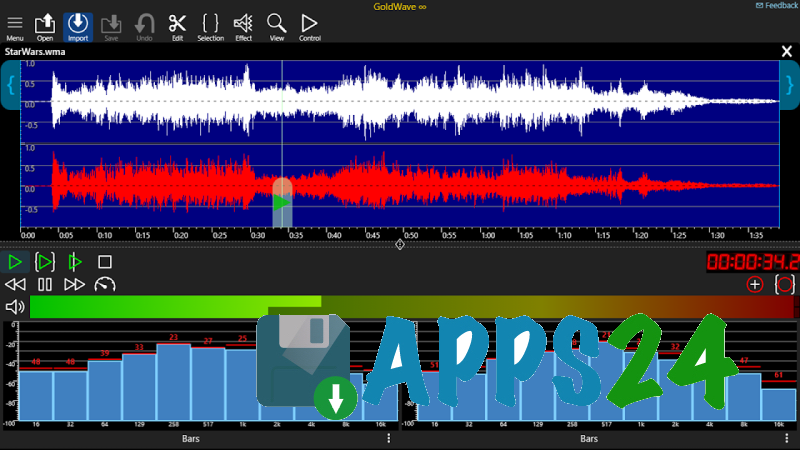
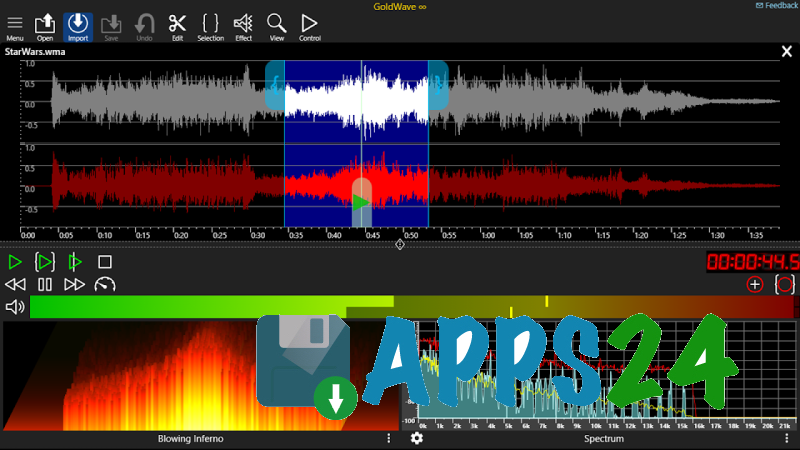
- Displays audio data in Envelope, Bar, Analog Meter, Spectrum, and Spectrogram modes.
- Converts recordings between Wave, MP3, and M4A formats.
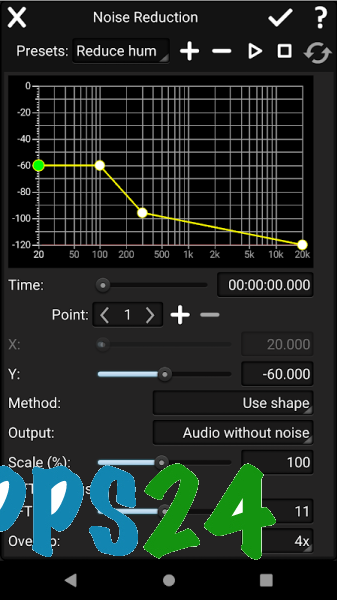
- Reduces background noise and corrects the frequency balance using Noise Reduction and Equalizer.
- Edits metadata, including tags and cue points, to organize finished files.
- Supports keyboard shortcuts as well as accessibility features for users with special needs.
Advantages of the Audio Editor
- Combines recording, editing, and processing in one app, so there is no need to transfer files between multiple programs.
- Suitable for various scenarios, from quickly trimming a voice message to preparing a podcast with background music.
- The range of effects allows you not only to change the sound but also to solve practical tasks — for example, removing noise or equalizing volume.
- Visual modes help you locate pauses, clipped sections, and sharp changes in signal level more precisely.
- Support for MP3, M4A, and Wave simplifies exporting recordings for publication, sharing, or further editing.
- The app’s small size makes it easier to install on a device with limited free space.
- Works on devices running Android 5.1 and later.
- Does not burden the workflow with advertising inserts or paid unlocking of individual tools.
The mobile format is especially useful when working away from home: interviews can be recorded on location, quickly cleaned up, and saved in a suitable format. Keyboard shortcuts and simultaneous opening of multiple files are available for more complex projects, although full-scale work with a large number of tracks is still more convenient on a computer.
Disadvantages
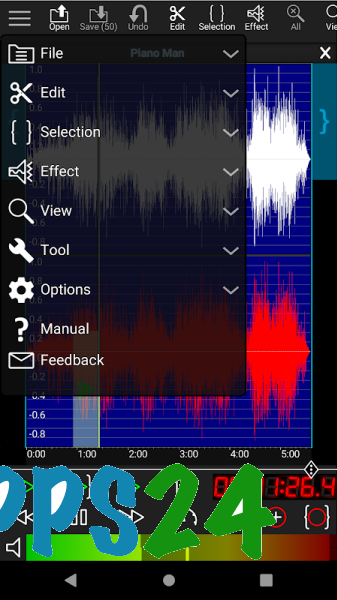
- Because of its extensive set of tools, the interface may seem complicated at first, especially to those accustomed to simple audio trimmers.
- On the small screen of an Android device, precise editing of fragments and comparison of multiple recordings is less convenient than on a desktop monitor.
- Keyboard shortcuts reveal their advantages only when an external keyboard is connected, so some workflow features are less practical on a touchscreen.
- The app is focused on audio editing and does not replace a full-fledged multitrack studio for large music projects.
GoldWave Audio Editor is designed for those who want a serious set of tools for recording and processing sound directly on an Android device. The program is suitable for podcast creators, journalists, musicians, and users who need to quickly clean up a voice or music recording; GoldWave Audio Editor is distributed free of charge.
What's new in the latest version 3.00
Updated
- Added new features for editing audio recordings.
- Improved program stability.
- Improved accessibility of the editor's interface and features.







Add comment