
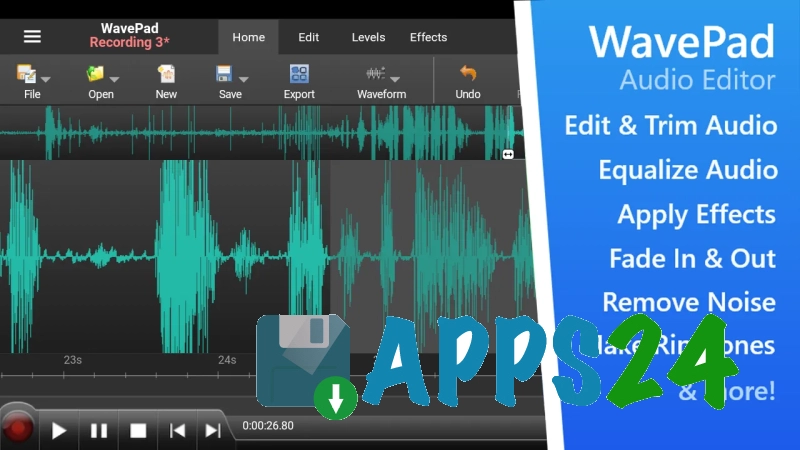
WaveEditor Record & Edit Audio is a feature-rich audio editor for Android that combines sound recording, track editing, and processing of finished files in one application. It is suitable for working with voice notes, musical fragments, and podcasts: it supports multitrack editing, USB microphone connectivity, and saving projects for later continuation.
In terms of its set of tools, WaveEditor Record & Edit Audio can be considered a mobile alternative to Audacity: the app can also work with multiple tracks, apply effects, and analyze the signal using a spectrogram. At the same time, WaveEditor is designed specifically for Android and offers a built-in file browser, recording widgets in the Pro version, and audio processing directly on a mobile device.
Features of WaveEditor Record & Edit Audio
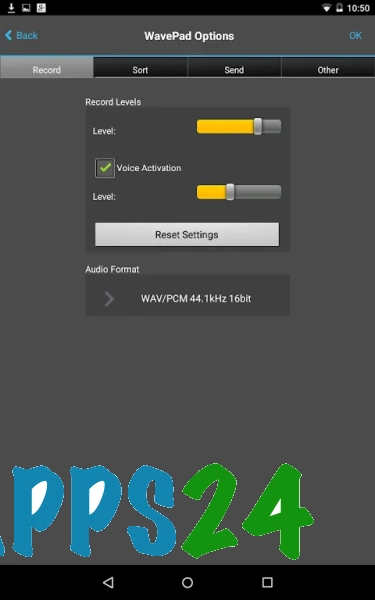
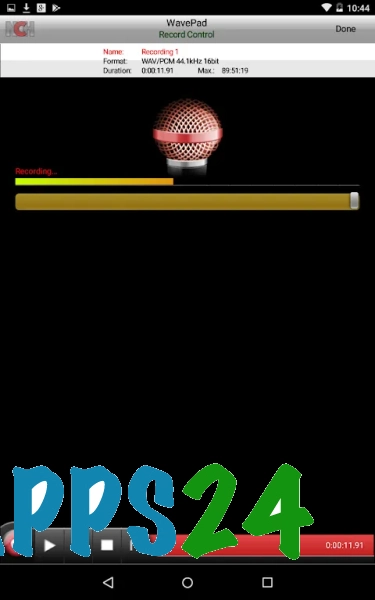
- Sound recording in WAV and MP3 formats with support for using an external USB microphone.
- Multitrack editing for mixing multiple sources into a single project.
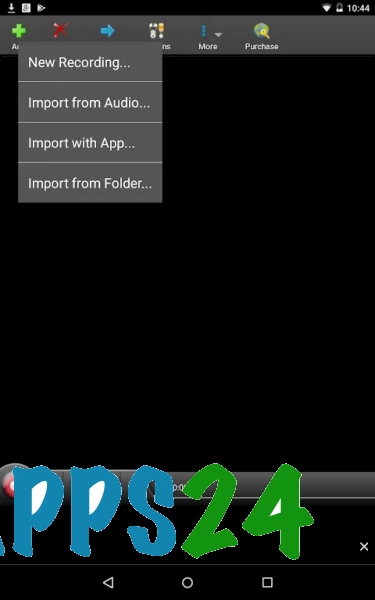
- Audio import in common formats, including AAC, FLAC, M4A, OGG, MP3, and WAV.
- Export of finished recordings to AIFF, CAF, FLAC, M4A, MP3, OGG, PCM, or WAV.
- Precise signal processing at the individual sample level thanks to 32-bit floating-point processing.
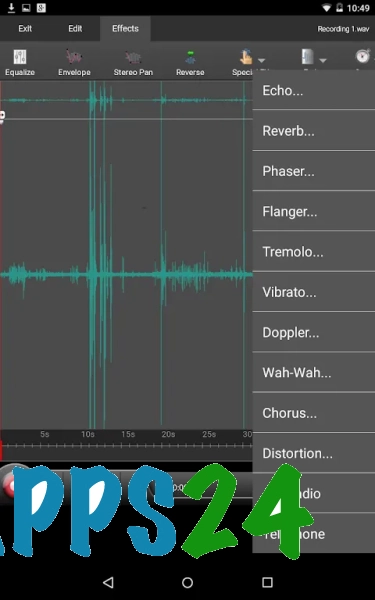
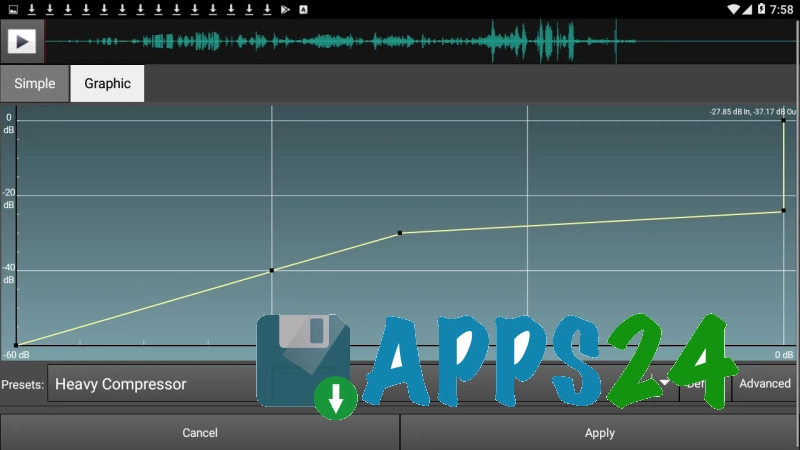
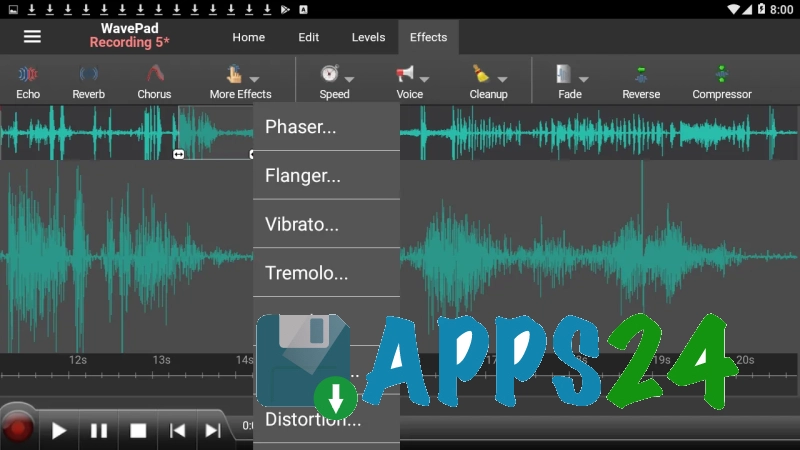
- Application of chorus, delay, distortion, phaser, reverb, and other processing tools.
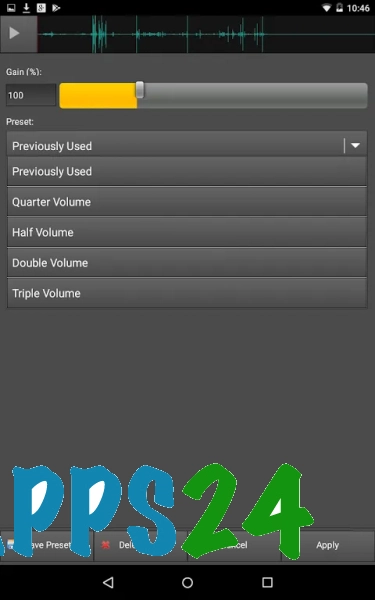
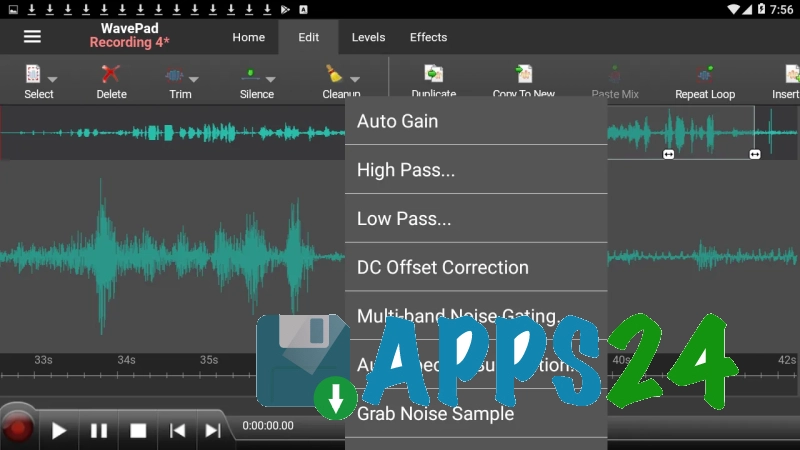
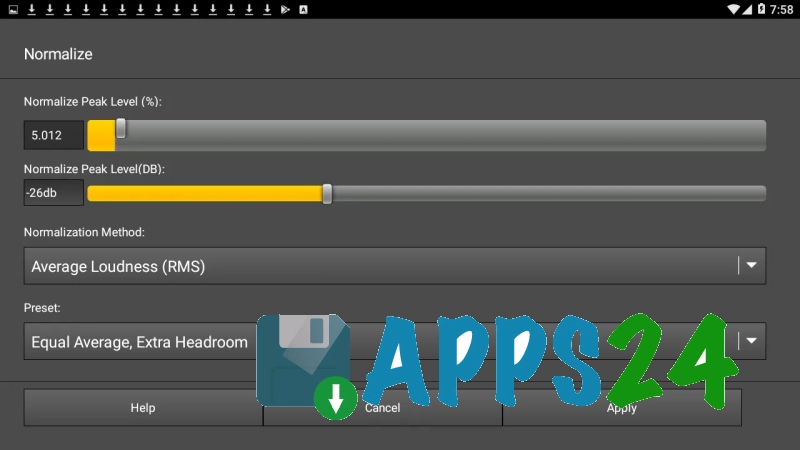
- Volume normalization, noise gate, and pitch correction for voice and music recordings.
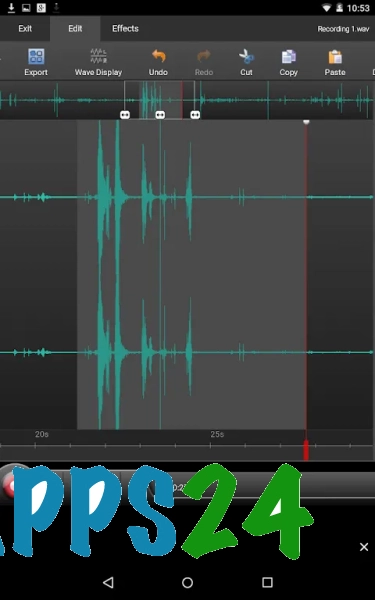
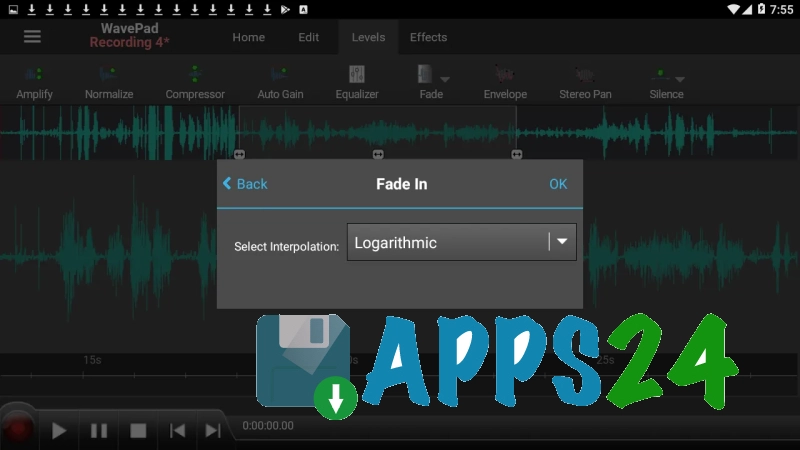
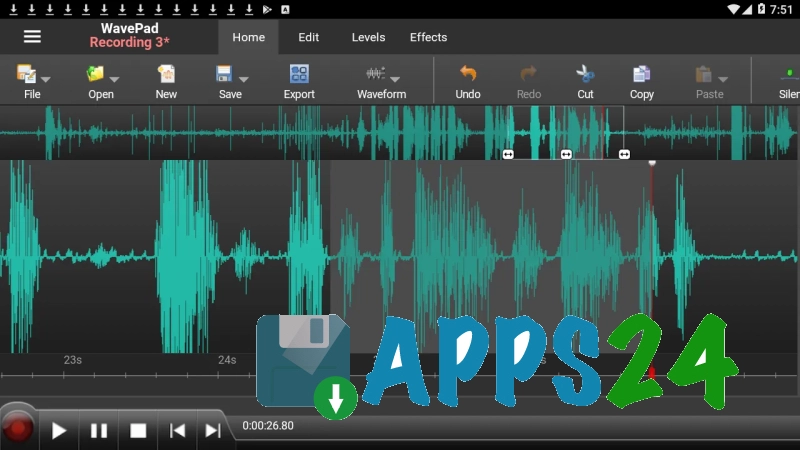
- Basic editing operations: copying fragments, pasting, fade-out, reversing, and inverting audio.
- Undo and redo actions, allowing you to experiment with processing without risking the loss of the original version.
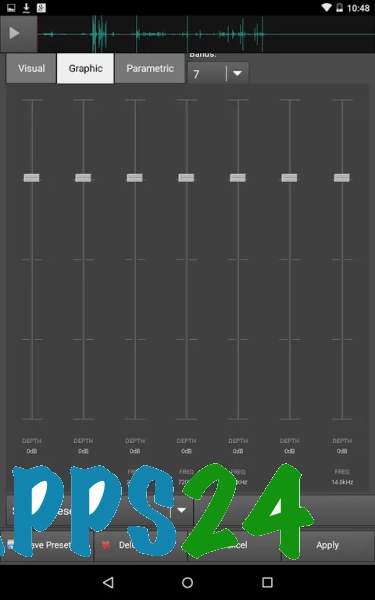
- Visual recording analysis using an amplitude meter, oscilloscope, FFT, waterfall, spectrogram, and vectorscope.
- Batch conversion of multiple files to the selected format.
- Saving sessions so you can close a project and return to editing later.
- A built-in file browser for loading source files and saving finished audio files.
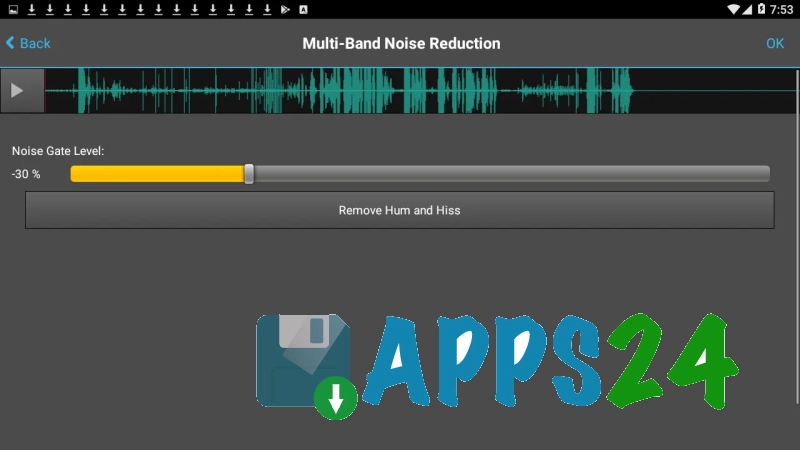
WaveEditor Record & Edit Audio is especially useful when a recording needs to be quickly cleaned up without a computer: removing unwanted background noise from a voice recording, leveling a track's volume, changing its timbre, or assembling several fragments into a single composition. Spectral and vector tools also help you monitor the result by more than just listening.
Advantages of the Audio Editor
- Combines recording, editing, and mixing in a single Android app.
- Support for multitrack projects, expanding the possibilities when working with music and podcasts.
- A wide selection of import and export formats for sharing files between different devices.
- Signal analysis tools that are useful for fine-tuning recordings.
- Support for an external USB microphone for more flexible recording setups.
- Session saving means you do not have to complete a project in one session.
- Batch conversion saves time when processing multiple files.
- The free version includes a substantial portion of the effects and basic editing tools.
Disadvantages
- Some effects and additional features are available only in the Pro version.
- The large number of technical tools can make the interface less intuitive when you first start using it.
- For complex multitrack projects, ease of use depends on the screen size of the Android device.
- Some features, including the quick recording launch widget, are part of the Pro version.
WaveEditor Record & Edit Audio is designed for those who need a serious set of sound recording and processing tools on Android without having to switch to a computer. The app is suitable for preparing voice materials, mixing musical fragments, and precisely correcting individual recordings, and it is available for free.
What's new in the latest version 1.12
Updated
- Fixed waveform display during recording.
- The file browser has been migrated to RecyclerView, improving performance and smoothness.
- Added a user consent management system in accordance with GDPR requirements for audiences from the European Union.









Add comment