
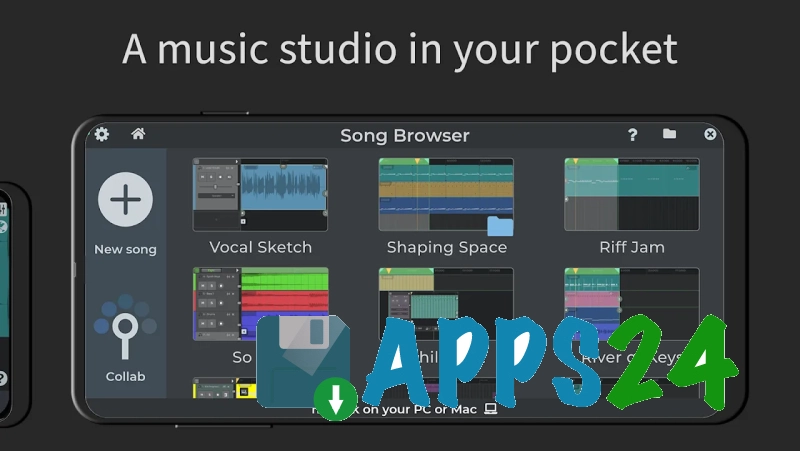
n-Track Studio DAW Make Music Studio is a mobile digital audio workstation for Android that turns a smartphone or tablet into a tool for recording, mixing, and creating music. The app works with audio tracks, instrumental parts, and beats, supports connecting an external USB audio interface, and finished projects can be shared online and with the Songtree community.
In terms of purpose, n-Track Studio DAW Make Music Studio is comparable to FL Studio Mobile: both programs offer a piano roll, audio recording, a mixer, automation, and tools for creating beats. n-Track Studio places a noticeable emphasis on recording live signals, guitar and bass amplifiers, VocalTune, connecting USB equipment, and collaborating through Songtree, while FL Studio Mobile stands out with its own library of instruments and sounds, as well as the ability to export mobile projects for continued work in the desktop FL Studio.
Features of n-Track Studio DAW Make Music Studio
- Recording vocals or instruments through the built-in microphone, as well as through an external USB audio interface.
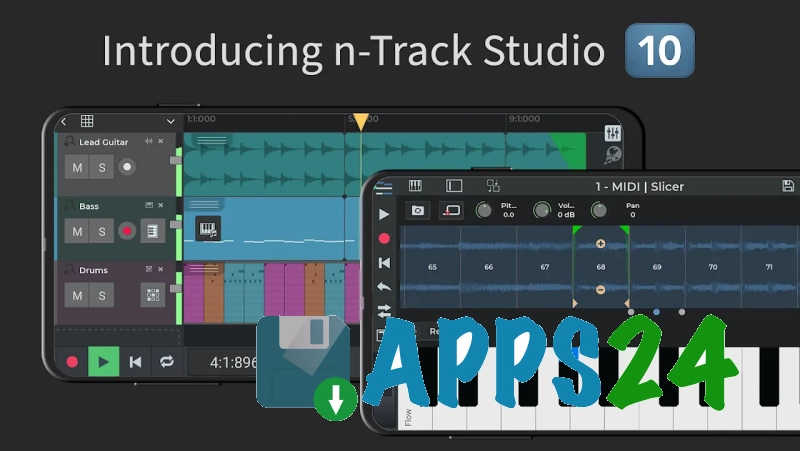
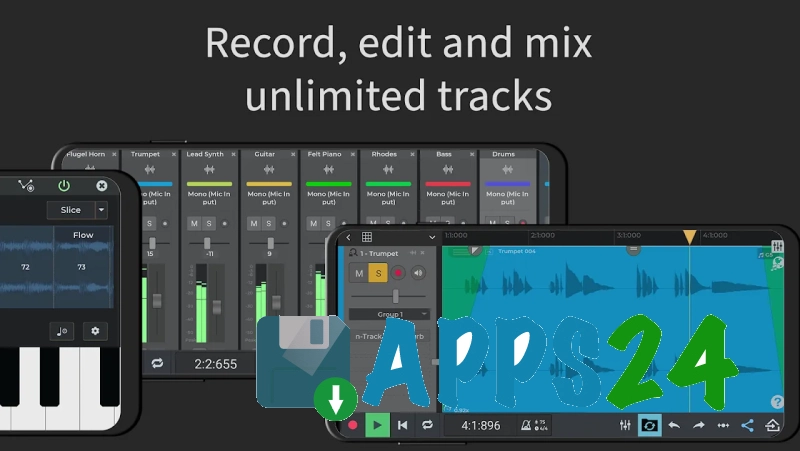
- Working with audio and MIDI tracks: they can be edited, arranged, and sent to the overall mix.
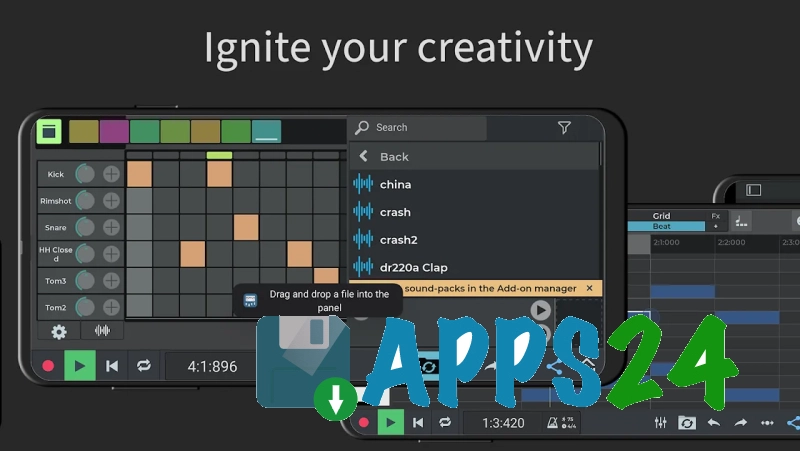
- Creating rhythmic parts in the step sequencer Beat Maker with the ability to import ready-made grooves.
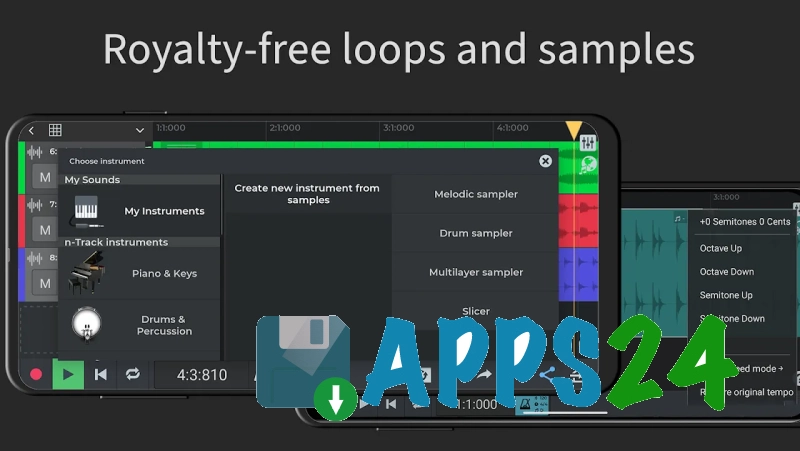
- Adding loops from Loop Browser and using a collection of free samples without having to assemble the material manually.
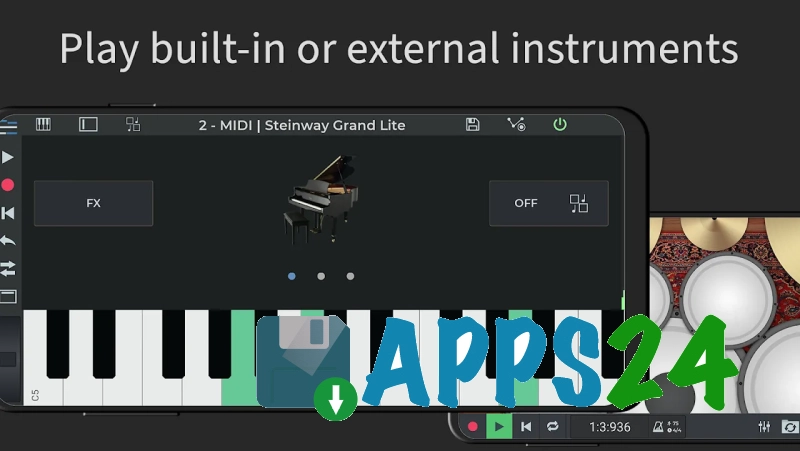
- Playing melodies on the on-screen keyboard using built-in virtual instruments; external MIDI keyboards are supported when the necessary equipment is available.
- Adjusting volume, panning, and equalization in the mixer, including group and auxiliary channels.
- Editing MIDI parts in the piano roll and automating parameters using envelopes.
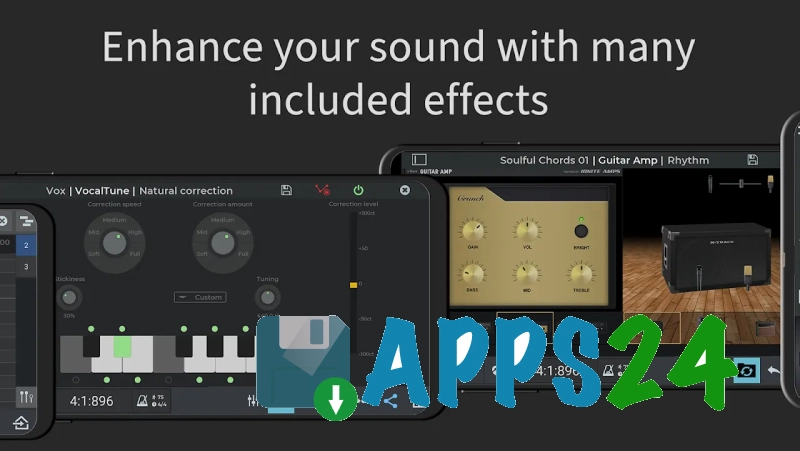
- Processing sound with effects: reverb, echo, chorus, tremolo, distortion, compressor, phaser, denoiser, and other modules.
- Connecting guitar and bass amplifiers, as well as correcting vocals and melodic parts with VocalTune.
- Using a metronome, chromatic tuner, and spectrum analyzer to monitor recording and mixing.
- Importing tracks from the device’s music library and saving the result for subsequent publishing or sending.
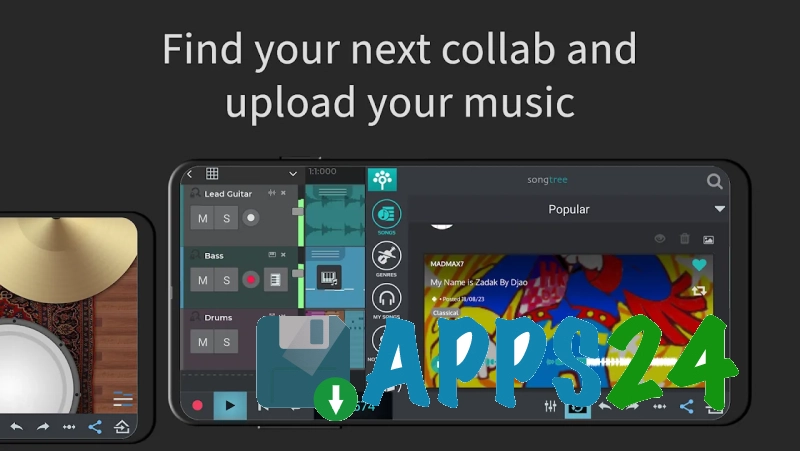
- Collaborating with musicians through the built-in Songtree community, where music projects can be shared.
The free mode is suitable for small sketches and demo recordings: it supports up to eight tracks, and no more than two effects can be used on each channel. Saving the result locally in WAV or MP3 requires purchasing an upgrade.
Advantages of the music editor
- Combines live sound recording, MIDI work, and beat creation in one mobile app.
- Supports external USB audio interfaces, making it suitable not only for quick notes recorded with the built-in microphone.
- Offers a complete set of tools for basic mixing: a mixer, equalizer, panning, automation, and effects.
- Allows you to quickly sketch out a part on the on-screen keyboard or build a rhythm in the step sequencer.
- Includes VocalTune and guitar and bass amplifiers, which is convenient for recording vocal and instrumental demos.
- Supports Russian as the interface language along with other languages.
- Provides online collaboration through Songtree rather than limiting file processing to a single device.
Disadvantages
- The free edition is limited to eight tracks, so a subscription may be required for complex arrangements.
- Most effects, an unlimited number of effects per channel, and export to WAV or MP3 are available only after upgrading to a paid tier.
- Advanced features such as a 64-bit audio engine, multichannel recording through compatible USB interfaces, and export at bit depths above 16 bits are available in higher editions.
- Working with external equipment requires a compatible USB interface and an Android device capable of recognizing it correctly.
n-Track Studio DAW Make Music Studio is designed for those who want to record vocals or an instrument, build a beat, and perform basic mixing directly on Android without switching between multiple apps. The program is especially useful for musical sketches, home demo recordings, and collaborative projects, although advanced work with tracks and exporting will require a paid subscription. n-Track Studio DAW Make Music Studio is distributed for free.
What's new in the latest version 9.0.3
Updated
- Instrument tracks now feature a built-in synthesizer, so creating a separate instrument channel is no longer required to use them.
- Effects can now be added directly to instrument tracks, and their volume and pan can be adjusted just like on audio tracks.
- Added the Convolverb effect — a convolution reverb for modeling the acoustics of real spaces using impulse responses.










Add comment