

WavEdit Audio Editor is an audio editor for Android designed for quickly processing music files, voice recordings, and individual audio clips. The program allows you to cut out unnecessary sections, combine several tracks into one file, mix audio, and increase the volume of the original material. Built-in playback helps you check the result immediately without switching between applications.
WavEdit Audio Editor can be considered a mobile alternative to Audacity for simple tasks. Unlike a multifunctional desktop editor, the program focuses on straightforward operations with ready-made audio files: trimming, joining, amplifying, and applying effects. At the same time, it offers an equalizer with frequency adjustment, speed changes without altering pitch, as well as smooth fade-in and fade-out.
The editor supports popular audio formats and uses the FFmpeg media library, making it suitable for working with various source files. This set of features is especially convenient when preparing short clips for a podcast, music compilation, or video soundtrack directly on a smartphone.
WavEdit Audio Editor Features
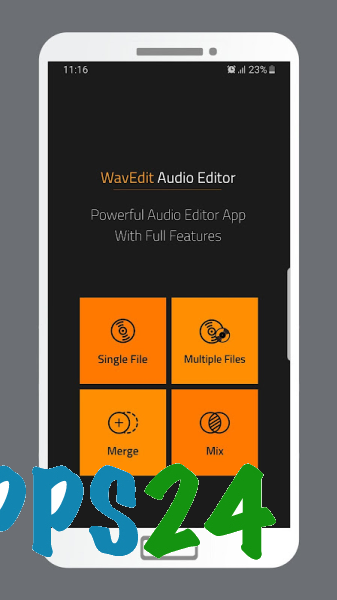
- Trimming audio files by removing unnecessary sections at the beginning, middle, or end of a recording.
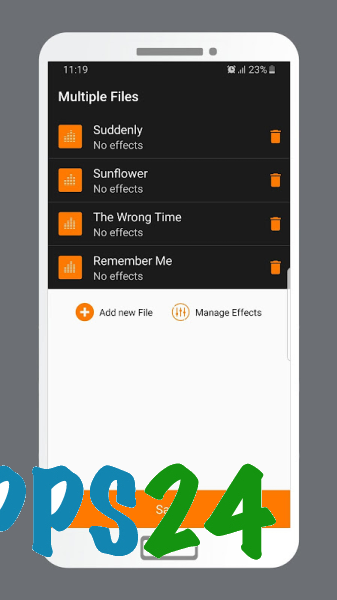
- Combining multiple files into a single track to create a continuous composition or collection of sounds.
- Mixing audio by combining sound materials within a single editing process.
- Amplifying quiet recordings when speech or music is not loud enough.
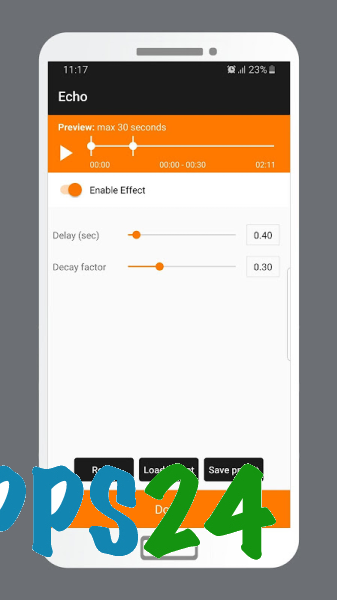
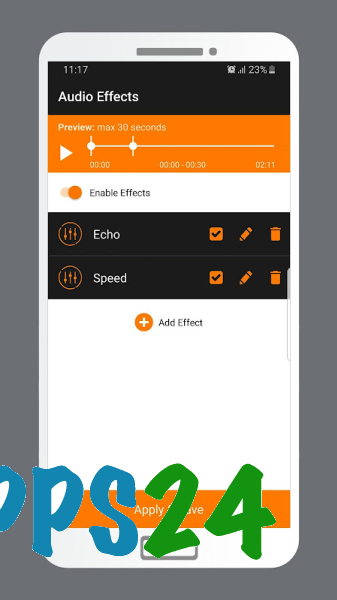
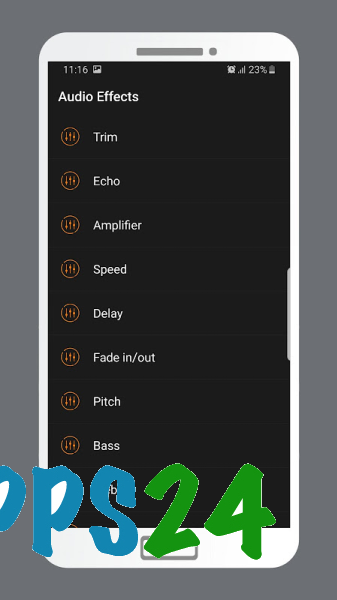
- Applying Echo and Delay effects to add spatial or atmospheric sound.
- Changing playback speed without noticeable pitch shifting, which is convenient when working with music and speech recordings.
- Smoothly increasing and decreasing volume using Fade in and Fade out effects.
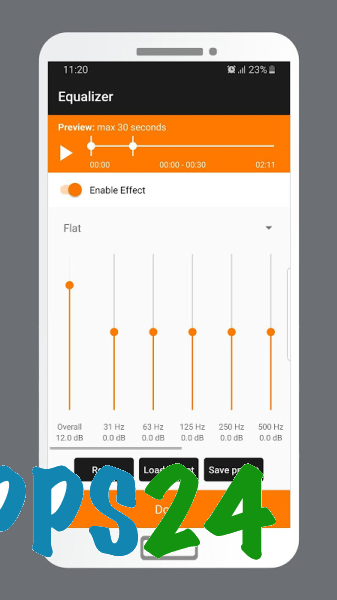
- Adjusting bass, treble, and other frequency ranges through Advanced Equalizer.
- Previewing the result directly in the editor before saving changes.
Advantages of the Audio Editor
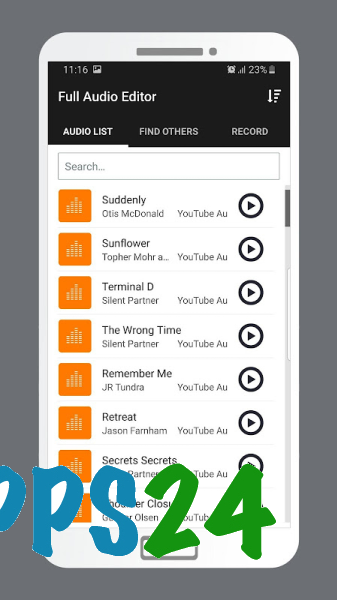
- The clear interface structure helps you quickly find the required operation even on the first launch.
- The main tools are collected in one application, so no separate player is needed to listen to and check the result.
- The set of features is suitable not only for trimming recordings but also for basic preparation of music, podcasts, and sound effects.
- The equalizer makes it possible to fine-tune the character of the sound rather than limit yourself to simple volume adjustment.
- Support for popular formats simplifies working with files obtained from different sources.
- The application is designed for mobile use when a recording needs to be processed quickly and without a computer.
WavEdit Audio Editor shows no signs of being a full-fledged studio for complex multitrack production: the application description focuses on basic editing of ready-made files and built-in effects. Therefore, the editor is better suited for targeted processing of a recording than for a large-scale music project with many independent tracks.
Disadvantages
- The description does not mention tools for complex multitrack editing or full-fledged work with music projects.
- There is no information about advanced processing automation or batch editing of multiple files.
- The number of available effects is limited to a basic set: Echo, Delay, speed adjustment, fade-in, and fade-out.
- The application is aimed at ready-made audio files, so its capabilities may be insufficient for professional sound recording.
- The application page contains no user ratings or reviews, making it difficult to assess its stability on a specific device in advance.
WavEdit Audio Editor is designed for those who need to trim a recording, join audio clips, or quickly improve volume on Android without using a desktop studio. The program combines basic editing tools with an equalizer and effects, and it is distributed for free.
What's new in the latest version 1.7
Updated
- Added support for Android 13.











Add comment