
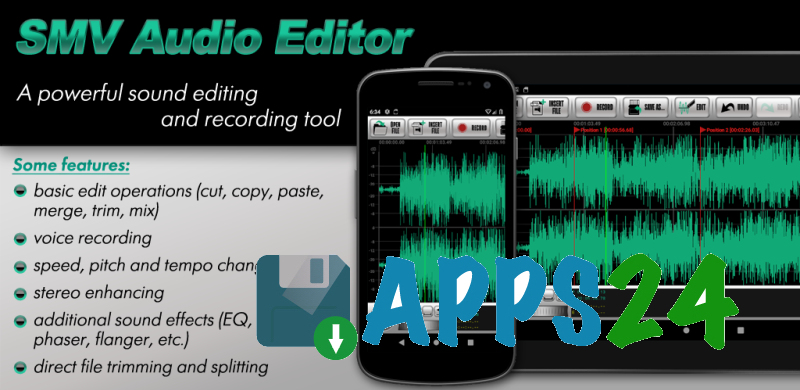
SMV Audio Editor is a feature-rich audio editor and recording tool for Android that allows you to trim tracks, join fragments, mix multiple files, and save the result in popular formats. The program is suitable for preparing ringtones, processing voice recordings, quickly cutting long compositions, and working with sound more precisely via the timeline.
In terms of its toolset, SMV Audio Editor can be considered a mobile alternative to Audacity for basic tasks. The app supports editing, mixing, splitting by markers, changing the tempo, and applying effects; however, it is designed to work directly on an Android device, while the free version limits the length of the saved file to five minutes and displays ads.
SMV Audio Editor Features
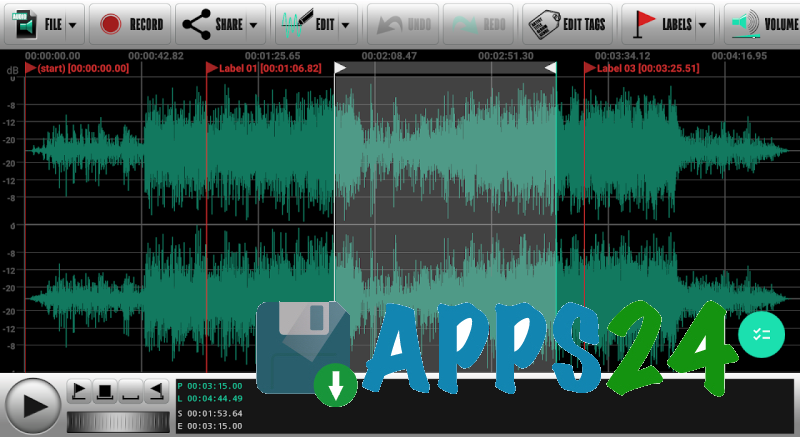
- Trimming audio recordings, copying and pasting individual fragments, and then deleting unnecessary sections.
- Combining multiple files into one composition and mixing tracks to create a simple mix.
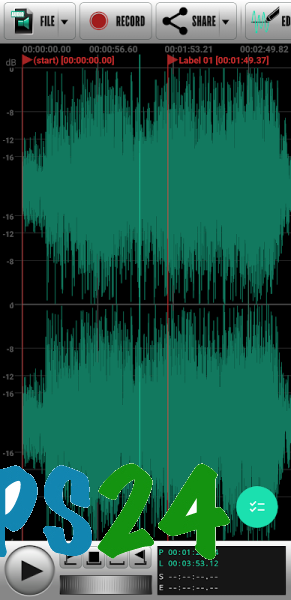
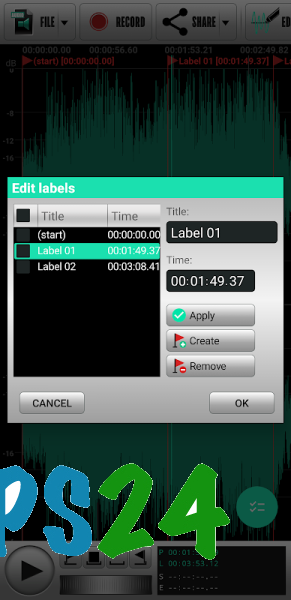
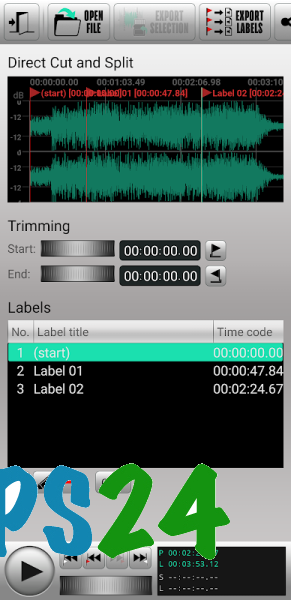
- Splitting a recording into parts using timeline markers and exporting the fragments as separate files.
- Direct editing of MP3, AAC/M4A, OGG, Opus, and AC3 without re-encoding, which helps preserve the original quality during standard trimming.
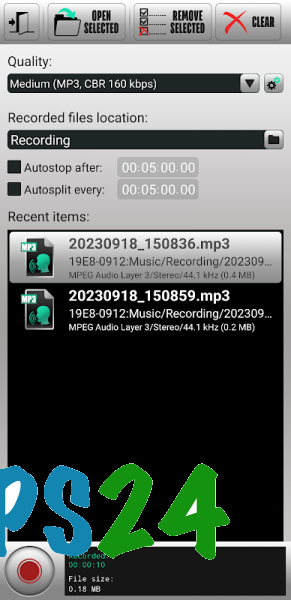
- Recording audio with automatic splitting of the material into parts and saving it in MP3, Ogg Vorbis, Opus, FLAC, or PCM-Wave.
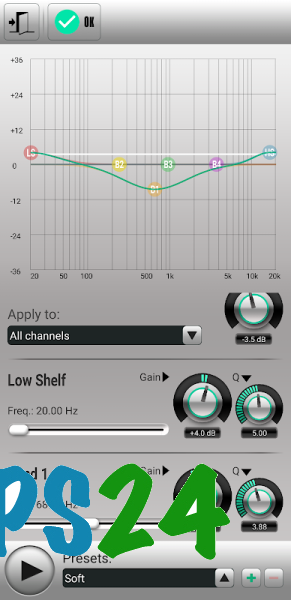
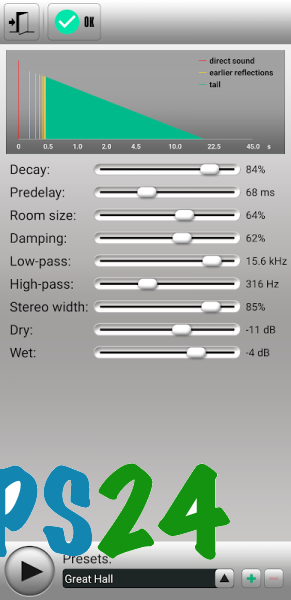
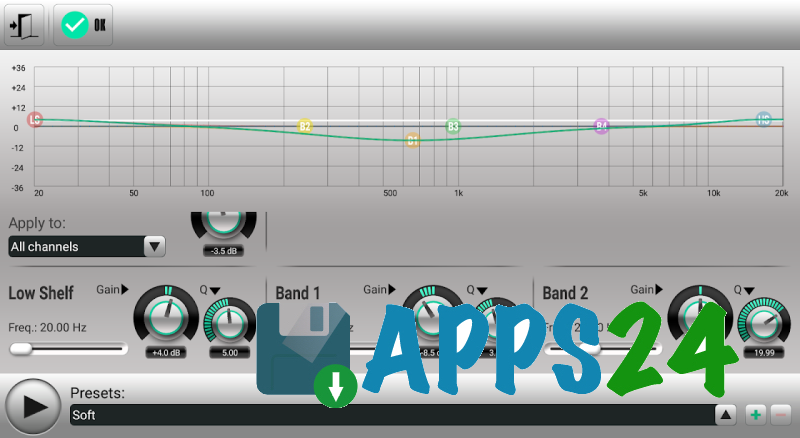
- Processing tracks with a graphic and parametric equalizer, phaser, flanger, reverb, and high- and low-pass filters.
- Changing the pitch, speed, and tempo of audio without needing a separate app.
- Noise reduction and DC offset correction for cleaning up voice recordings and other source material.
- Channel processing: downmixing multichannel audio to stereo or mono, converting mono to stereo, and reconfiguring the channel layout.
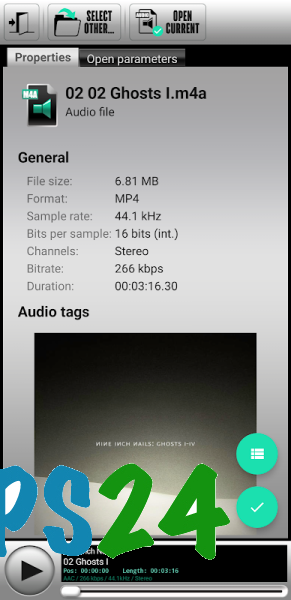
- Enhancing the stereo effect and editing audio file tags.
- Support for the input formats PCM-Wave, MP3, uncompressed AIFF, AAC/HE-AAC, ALAC, Ogg Vorbis, FLAC, Opus, AC3, AMR, MPC, and WavPack.
- Export to PCM-Wave, Ogg Vorbis, Opus, FLAC, MP3, WavPack, and AAC/HE-AAC via the system encoder.
Editor Advantages
- Full-featured audio editing tools are combined in one Android app: simple trimming does not require a separate converter, and basic processing does not require an additional equalizer.
- Editing lossy files without re-encoding is convenient when preparing short fragments and preserving the original sound is important.
- Timeline markers simplify breaking a long recording into separate episodes, lectures, or musical sections.
- The recording and automatic splitting tools are useful when working with several-hour-long materials that need to be saved as separate segments.
- The built-in file manager helps you find source files and processed results without constantly switching between apps.
- The program works with more than just MP3: support for FLAC, Opus, AC3, WavPack, and other formats makes it useful for various audio collections.
- The interface is designed around working with a timeline, so the main operations are available within a single editor.
The free version retains the entire advertised feature set, but the resulting audio file cannot be longer than five minutes. Advertisements are also part of the usage terms, so the app is better suited to short projects, ringtones, podcast clips, and voice notes.
Disadvantages
- The five-minute limit on the length of saved files prevents the free version from being used for full-length podcasts, concerts, or audiobooks.
- Ads can be distracting during regular editing, especially when working with the timeline for extended periods.
- The app requires Android 11 or later, so it is unavailable on older devices.
- The large number of effects and settings may seem excessive to those who only need a simple MP3 trimmer.
- A system encoder is used to save AAC/HE-AAC, so the available output may depend on the capabilities of the particular device.
SMV Audio Editor was created for those who need more than just a melody trimmer: a complete set of tools for recording, editing, and processing audio on Android. The program is especially convenient for short projects and local work with various formats, and it is available for free.
What's new in the latest version 1.2.09
Updated
- Crashes that occurred when launching the application on some devices have been fixed.









Add comment