

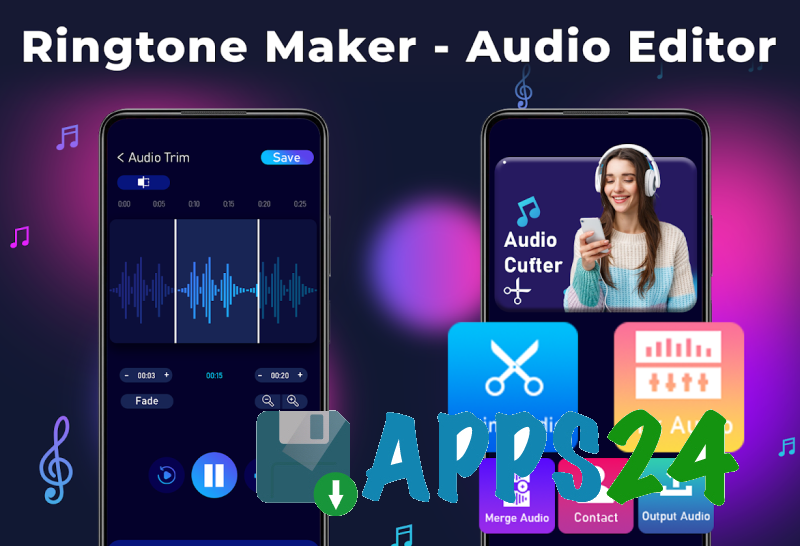
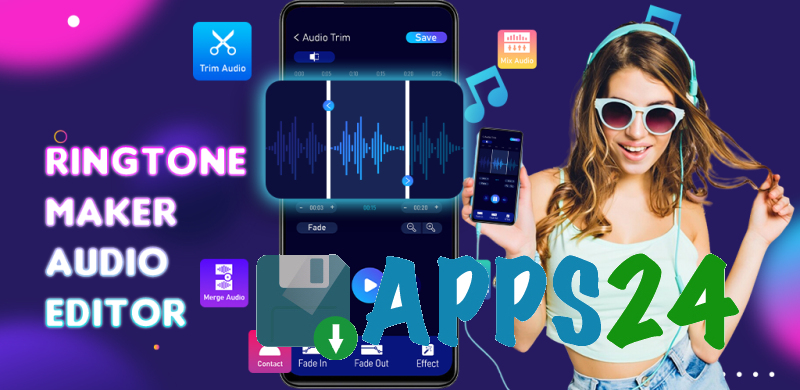
Ringtone Maker - Audio Editor is a multifunctional audio editor for Android that helps create ringtones from existing tracks, trim music fragments, and adjust sound for different use cases. The app combines tools for working with MP3 files, a video-to-audio converter, a mixer, and voice effects, making it suitable not only for preparing ringtones but also for quickly editing individual audio files.
In terms of its feature set, Ringtone Maker - Audio Editor can be considered a mobile alternative to Audacity for simple tasks. The app can cut fragments, merge recordings, change pitch and speed, and add a smooth fade-out. Audacity offers deeper editing with multitrack projects, microphone recording, and an advanced effects system, while Ringtone Maker - Audio Editor focuses on preparing finished audio directly on Android.
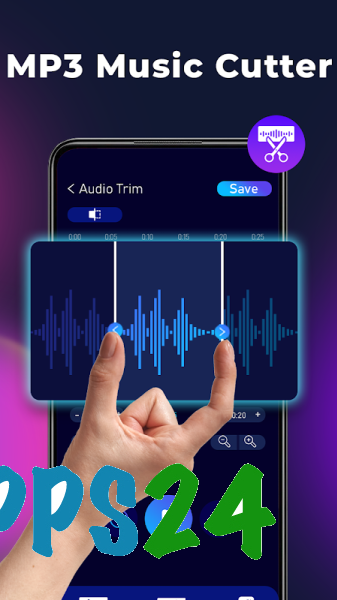
The app is convenient when you need to quickly extract a chorus or another short excerpt from a long song for use as a ringtone. Unwanted sections can be removed not only from the beginning or end of a file: the editor lets you cut a section from the middle of a track while preserving the remaining fragments.
Features of Ringtone Maker - Audio Editor
- Trimming MP3 and other audio files by selecting the desired section for a ringtone, alarm, or notification.
- Removing a fragment from the middle of a track. This feature is useful for excluding an intro, pause, or individual verse without processing the entire recording again.
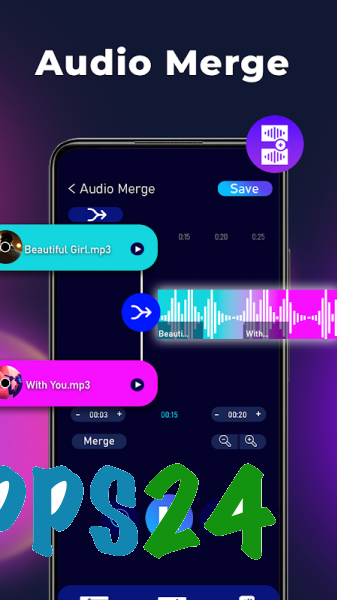
- Combining multiple music files into a single track. Separate excerpts can be joined sequentially to create your own melody.
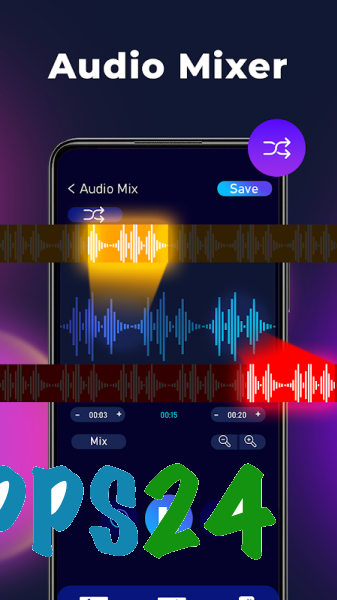
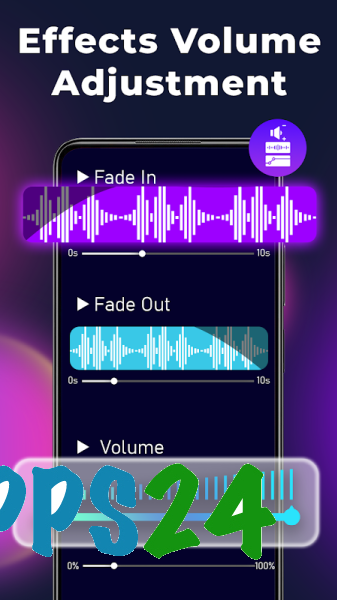
- Mixing audio with the ability to blend different soundtracks. Smooth fade effects are provided for more seamless transitions between sections.
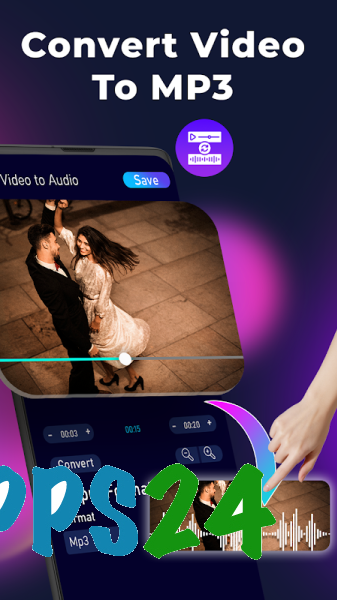
- Converting video to MP3. The audio track from a video can be prepared for further trimming or used as the basis for a ringtone.
- Converting audio between supported formats using the built-in converter.
- Changing the voice with options for male, female, and child-like voices.
- Adjusting pitch and playback speed. These settings make it possible to create a lower- or higher-pitched version of a melody without searching for another source file.
- Adjusting the sound using an equalizer and bass boost.
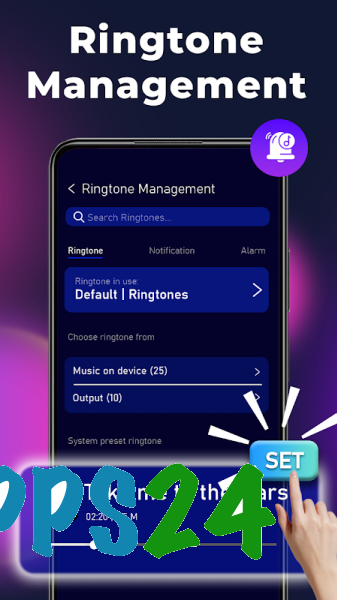
- Assigning a created melody to an individual contact. This makes the ringtone recognizable even before the caller's name appears on the screen.
- Playing prepared files within the app before saving the result.
Advantages of the Audio Editor
- Combining several tools in one app: there is no need for separate programs to trim MP3 files, convert video, and assign ringtones.
- Focus on everyday tasks. The interface and feature set are designed for quick results when you need to prepare a short melody without complicated editing.
- Editing is not limited to trimming the edges of a file. The ability to remove a fragment from the middle makes the app more practical for working with songs and long recordings.
- Support for creative sound processing through mixing, voice changes, an equalizer, and bass adjustment.
- Conveniently assigning the result to a contact directly from the ringtone workflow.
- The app is suitable for devices running Android 7.1 and newer versions of the system.
The set of tools is especially useful for personalizing a smartphone: one track can become a regular ringtone, another can serve as a signal for a selected contact, and a short sound fragment can be used as a notification. At the same time, the source materials can be further processed by changing their speed or pitch.
Disadvantages
- Ringtone Maker - Audio Editor is designed for quick audio operations, so it does not replace a full-fledged studio with multitrack editing and complex processing of individual tracks.
- The app page currently has no user ratings or reviews, making it difficult to assess in advance how reliably it will work on specific smartphone models.
- The large number of features may seem excessive if you only need to trim a single track.
- For high-quality mixing results, you will need to adjust the track volumes and fade settings manually.
Ringtone Maker - Audio Editor is designed for those who want a set of tools for working with music in a single Android app, from cutting out the desired fragment to converting video and assigning the finished melody to a contact. The app is best suited for personalizing ringtones and performing simple audio editing without switching to desktop editors, and it is available free of charge.
What's new in the latest version 32
Updated
- The developer has not published a changelog for this update, so it is impossible to specify the confirmed new features and fixes.











Add comment