

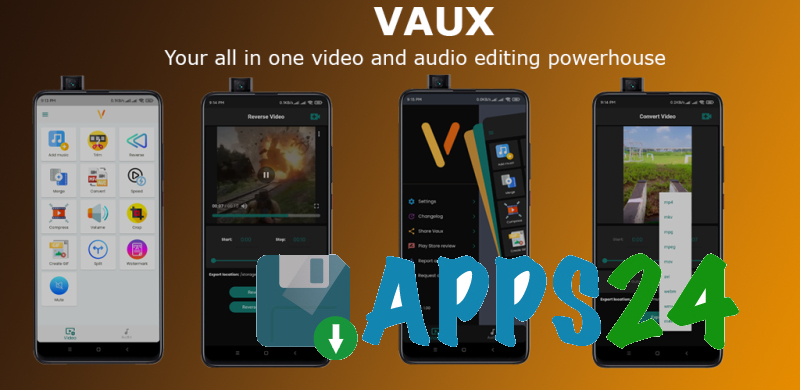
Vaux - Video and Audio Editor is a feature-rich video and audio editor for Android that combines precise trimming, file merging, music addition, and speed adjustment in one mobile app. It can be used to prepare a clip for social media, process a separate audio recording, or quickly turn a video fragment into a GIF. The program supports media conversion to common formats, including MP4, MKV, MPG, and MOV, and its interface is designed for ease of use without a complicated learning curve.
In terms of its basic tools, Vaux - Video and Audio Editor can be considered a more compact alternative to CapCut. Both editors allow you to trim and merge videos, add music, apply effects, and export the finished result, but CapCut places greater emphasis on templates, stickers, transitions, automatic subtitles, and AI features. Vaux - Video and Audio Editor offers a more streamlined set of tools, while also standing out with separate audio processing, file reversal, GIF creation, and conversion between formats.
Features of Vaux - Video and Audio Editor
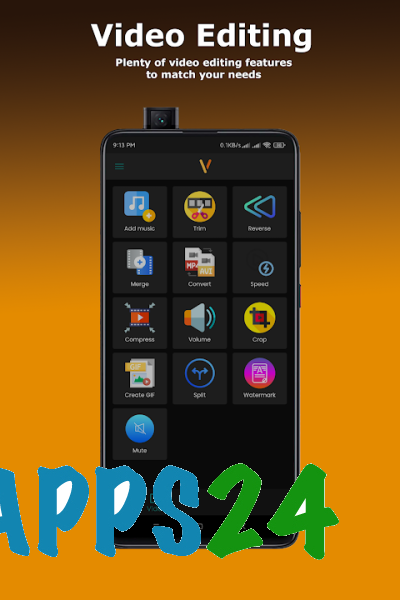
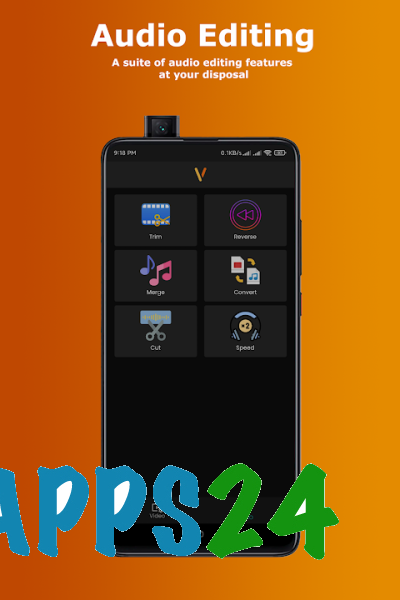
- Trimming video and audio with precise adjustment of the beginning and end of the desired fragment.
- Merging multiple video or audio files into a single project. This is useful for assembling a short clip from separate scenes or joining music recordings sequentially.
- Adding a musical soundtrack to a video. A finished clip can be supplemented with a background composition before publication.
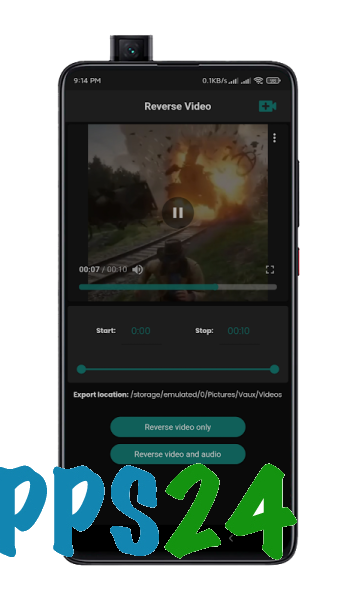
- Playing media in reverse. The reverse mode is suitable for creating unusual scenes and short creative inserts.
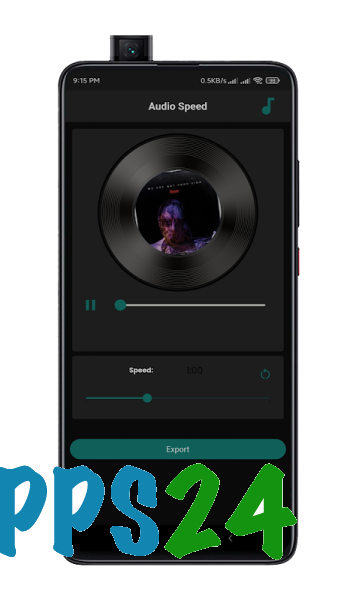
- Changing the playback speed of video and audio. Slowing down helps emphasize movement, while speeding up shortens lengthy episodes.
- Adjusting the volume of the audio track and individual audio files.
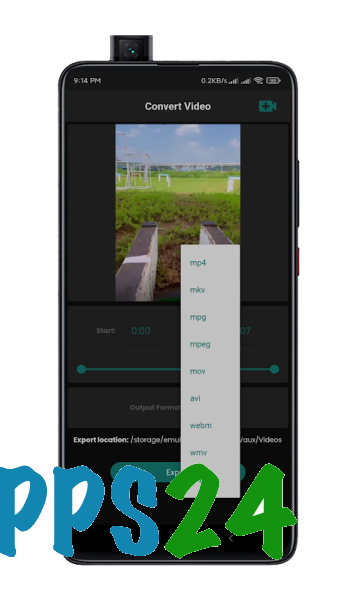
- Converting video and audio to various formats, including MP4, MKV, MPG, and MOV.
- Creating GIF animations from video fragments for publication in messengers and social networks.
- Adding a customizable watermark. This feature is useful for indicating authorship or displaying the project name.
- Applying special effects to enhance videos.
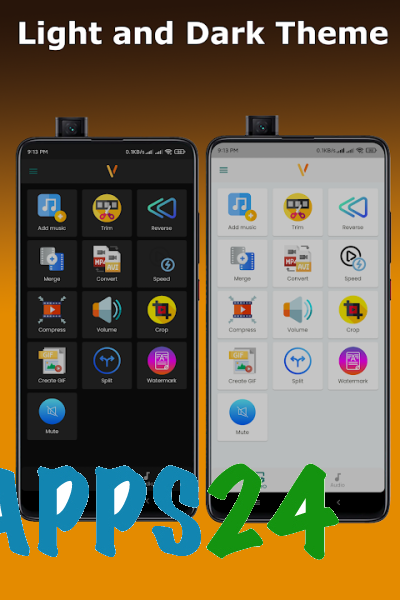
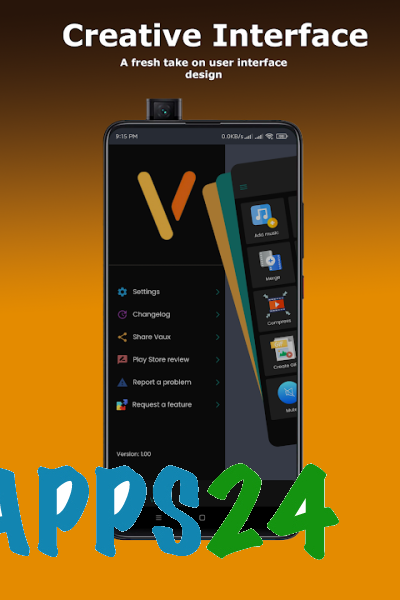
- Switching between light and dark interface themes.
Vaux - Video and Audio Editor is suitable not only for simple editing: the app allows you to work with audio files separately, change their volume and speed, merge recordings, or convert them to another format.
Advantages of the editor
- A unified workspace for video and audio: there is no need to use separate apps for basic processing of different types of media.
- A clear interface without an overloaded toolbar, making essential operations such as trimming and merging readily accessible.
- Support for several popular formats makes it easier to prepare files for different devices and services.
- The availability of reverse playback, speed control, and GIF creation expands the possibilities of standard short-clip editing.
- A customizable watermark helps label finished materials before posting them online.
- The dark theme makes working on projects more comfortable in low-light conditions, while the light theme preserves the familiar interface appearance.
- The app is suitable for everyday tasks, publishing on TikTok, YouTube, and Instagram, as well as preparing presentation materials.
Disadvantages
- The program description does not mention advanced tools such as automatic subtitles, multitrack editing, or AI processing.
- The range of effects is described without a detailed list, so it is difficult to assess its variety for complex creative projects in advance.
- For professional editing with many layers and precise adjustment of every element, the app may not offer enough capabilities.
- Android 7.1 or a newer version of the operating system is required for installation.
Vaux - Video and Audio Editor is best suited to short projects where processing speed and a set of practical features are important: trimming a recording, adding music, changing the tempo, applying a watermark, or saving a fragment in GIF format.
Vaux - Video and Audio Editor is designed for those who want a straightforward mobile tool for everyday video and audio editing without an environment overloaded with professional features. The program is useful for processing personal recordings, preparing posts, and quickly experimenting with media, and it is available for free.
What's new in the latest version 3.0.0
Updated
- Added support for multiple interface languages.
- Fixed minor issues with the application.










Add comment