

Audio Editor - Music Mixer is a multifunctional audio editor for Android that combines music trimming, track mixing, sound recording, and ringtone creation. The program is suitable for quick operations with audio files: you can select a fragment of a composition, change its beginning and end, add a smooth fade-in or fade-out, and then save the result as a ringtone, alarm signal, or notification sound.
In terms of its set of tools, Audio Editor - Music Mixer can be viewed as a mobile alternative to Audacity for simple tasks. Like the well-known editor, the app can record sound, trim tracks, combine several fragments, and change the sound using an equalizer. At the same time, Audio Editor - Music Mixer is designed for smartphone use: it includes ready-made scenarios for ringtones, while full-fledged computer processing of multitrack projects is not claimed in the description.
The app automatically finds audio files in the internal storage and on the SD card, while the built-in browser helps you quickly locate the desired composition. Selected fragments can be rearranged, combined into a single file, and edited again after saving.
Features of Audio Editor - Music Mixer
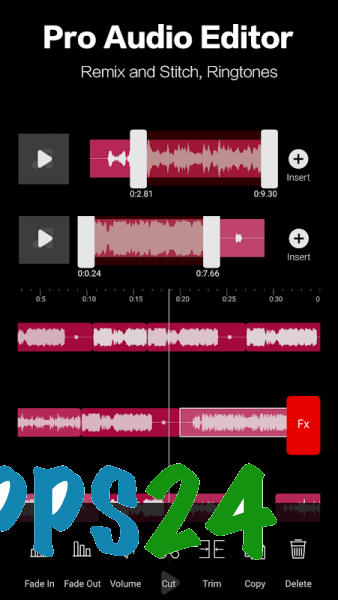
- Trimming songs along a timeline with waveform zooming or manually specifying the beginning and end of a fragment.
- Mixing several musical excerpts into one composition with the ability to change their order.
- Gradual volume increase and fade-out for a smoother transition between parts of a track.
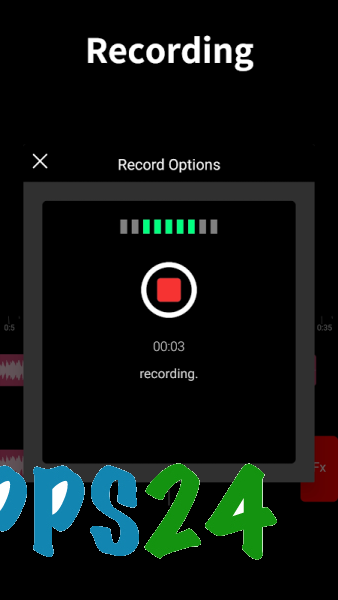
- Recording voice or music with the ability to select the source, channel, sample rate, and file format.
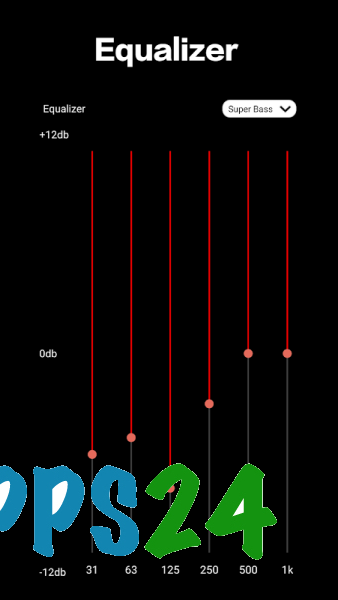
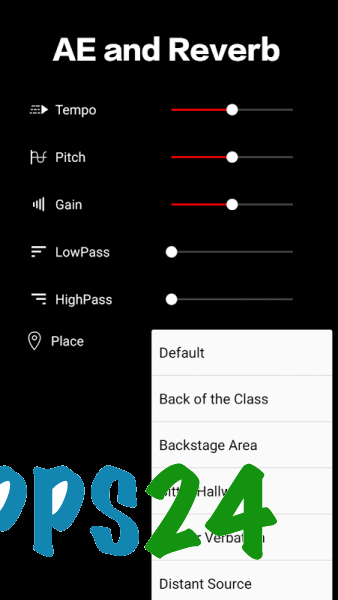
- Adjusting the sound using a global equalizer, bass booster, volume control, and surround sound effect.
- Creating ringtones, alarm signals, and notification sounds from a selected section of an audio recording.
- Combining several files into one track without the need to assemble a project in a third-party editor beforehand.
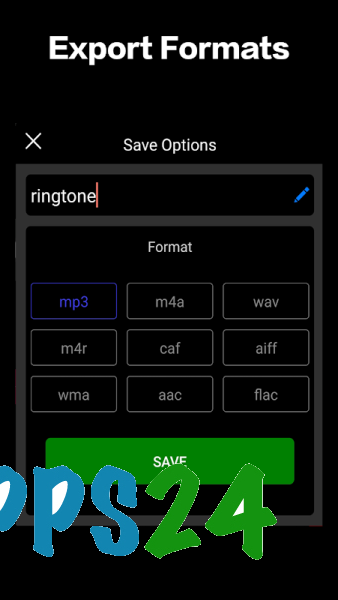
- Support for common formats, including MP3, M4A, WAV, M4R, CAF, AIF, WMA, AAC, and FLAC.
- Converting video into an audio file for further processing using the app's tools.
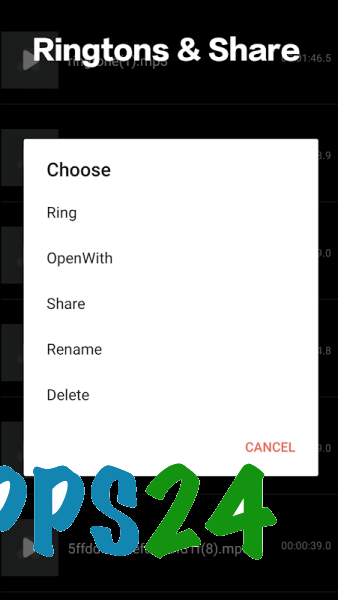
- Saving the finished result or sending it through the sharing services available on Android.
Advantages of the audio editor
- The set of tools covers several everyday tasks at once, from cutting out a chorus to preparing your own ringtone.
- Working with multiple clips makes it possible to create a short mix without a separate audio-merging app.
- Fade adjustment helps prevent abrupt endings, especially when creating ringtones and notification sounds.
- Support for FLAC, AAC, WAV, and other formats is convenient when processing music from different sources.
- You can add a recording to already prepared material, so the app is suitable for comments, voice inserts, and simple musical sketches.
- Finished files can be reopened from the output folder and modified without searching for the original compositions again.
Audio Editor - Music Mixer is designed for more than just cutting songs. The equalizer and boosters make it possible to quickly adjust the sound, while recording with customizable parameters is useful when preparing voice fragments or adding your own part to musical material.
Disadvantages
- The app is designed for quick editing, so the description does not claim advanced studio-processing features such as complex effect automation or full-fledged work with multitrack projects.
- The large number of tools may seem excessive if you only need to quickly cut one fragment from a song.
- When combining files with different sound parameters, the result may require additional equalizer and volume adjustment.
- Working with large music files and multiple clips will require sufficient free storage space on the device.
Audio Editor - Music Mixer was created for those who need a set of practical tools in one Android app: trim a composition, combine several recordings, record voice, or prepare your own ringtone. The program is best suited for everyday editing without complex studio production and is distributed free of charge.
What's new in the latest version 3.12.13
Updated
- Fixed bugs discovered in the previous version.












Add comment