
AudioLab Audio Editor Recorder is a multifunctional audio editor for Android that combines sound recording, music file processing, and dedicated tools for working with video. The app is suitable for quickly trimming tracks, preparing podcasts, creating karaoke versions, and editing voice recordings without switching between multiple utilities.
In terms of its range of tasks, AudioLab Audio Editor Recorder can be considered a mobile alternative to Audacity: the app can trim and mix tracks, remove noise, change volume, and apply effects. At the same time, AudioLab additionally offers video-to-audio conversion, a voice recorder, a karaoke recorder, voice modification, and a built-in player, whereas Audacity is primarily focused on desktop audio editing.
AudioLab Audio Editor Recorder Features
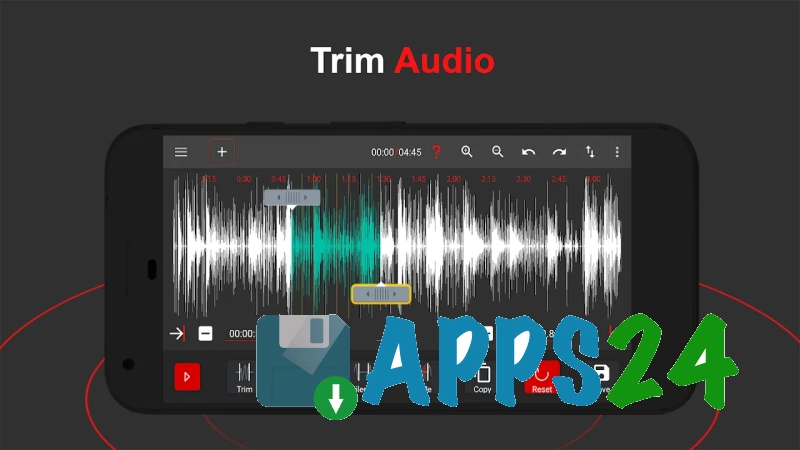
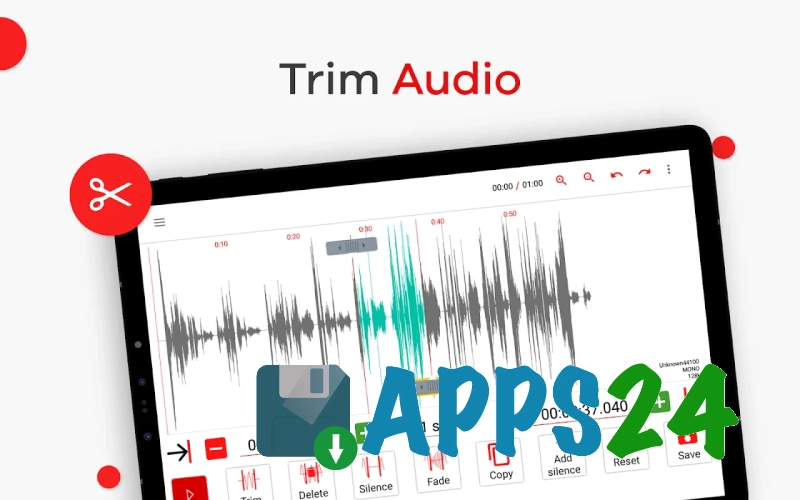
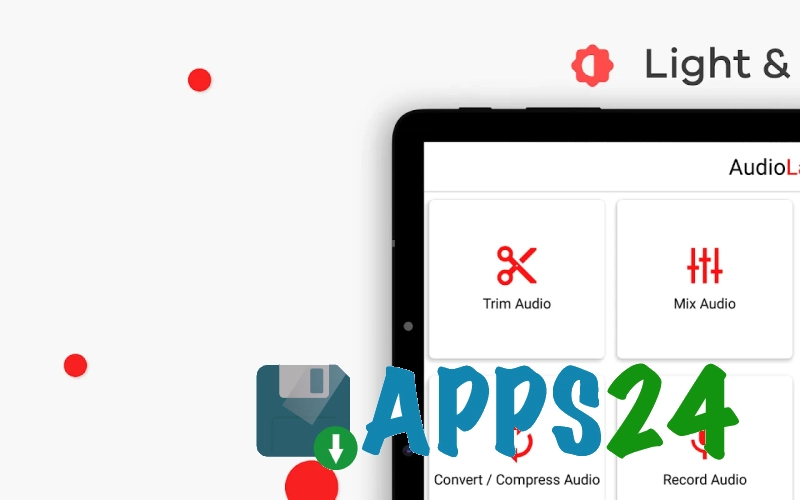
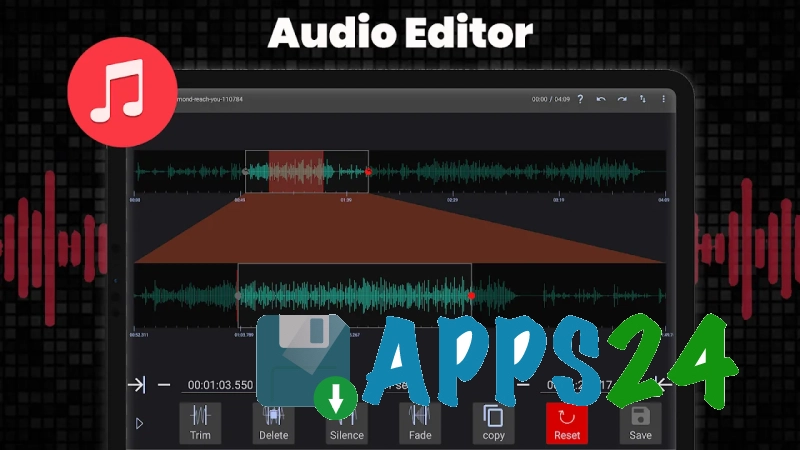
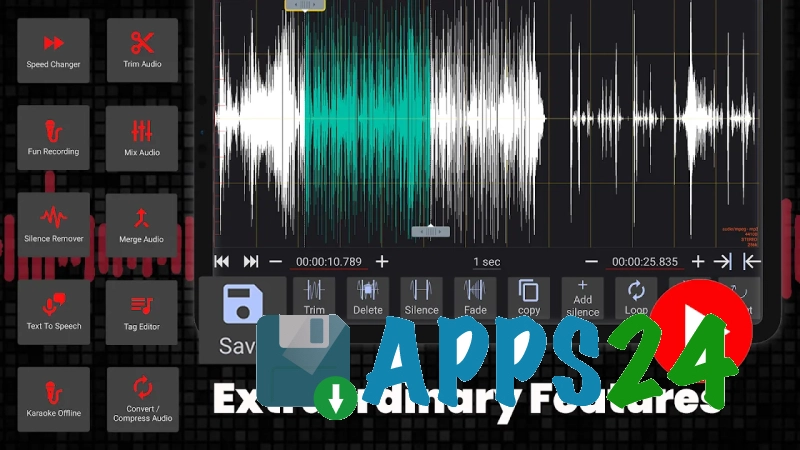
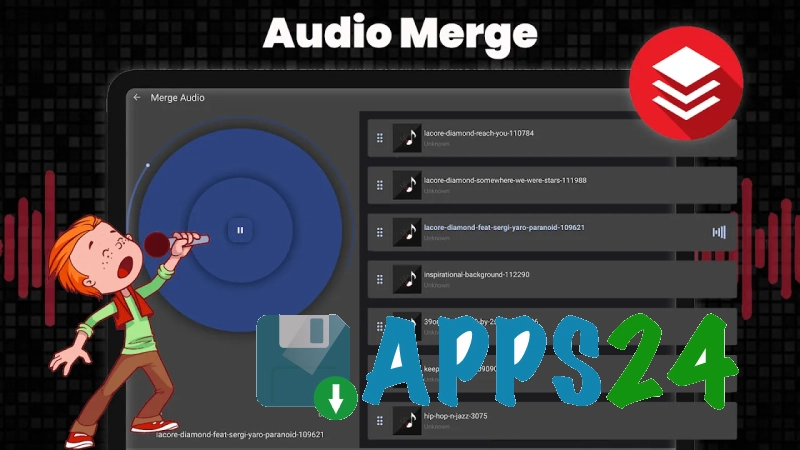
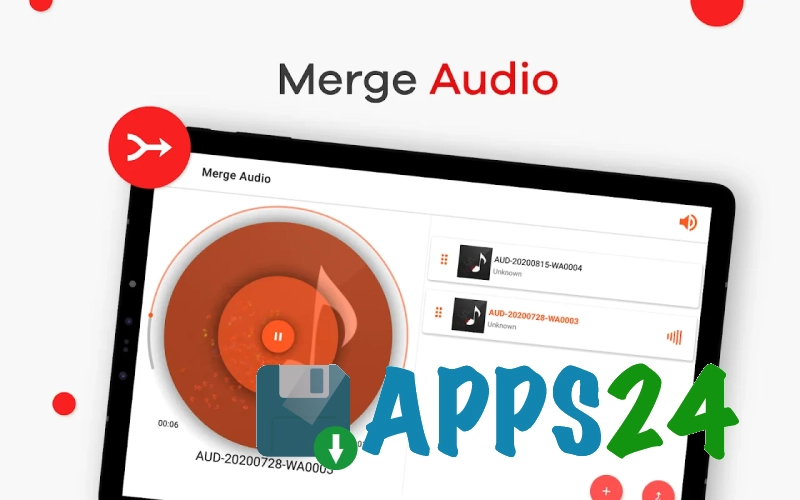
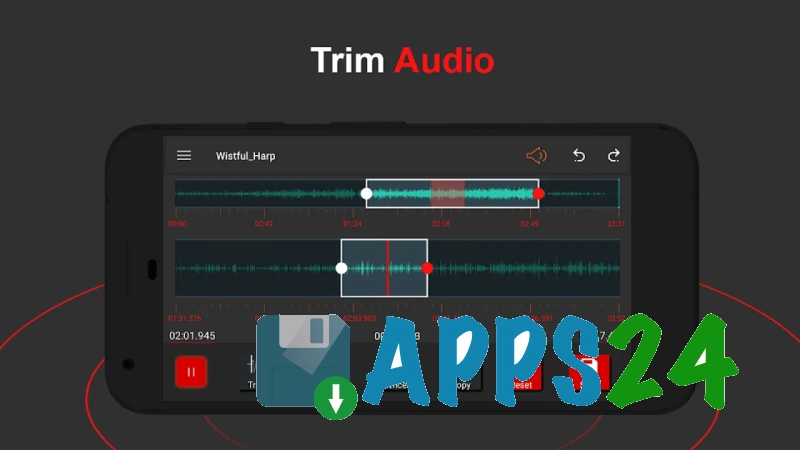
- Trimming, copying, and joining fragments with precise boundary adjustment, silence insertion, and smooth fade-in or fade-out.
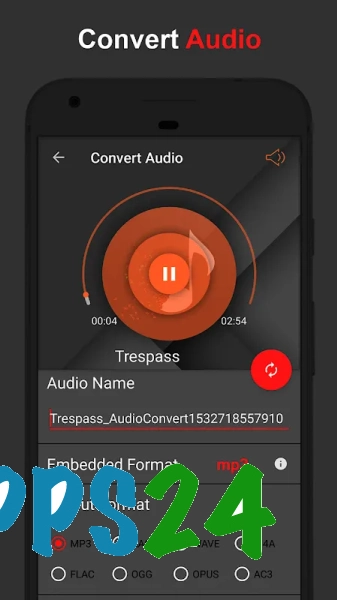
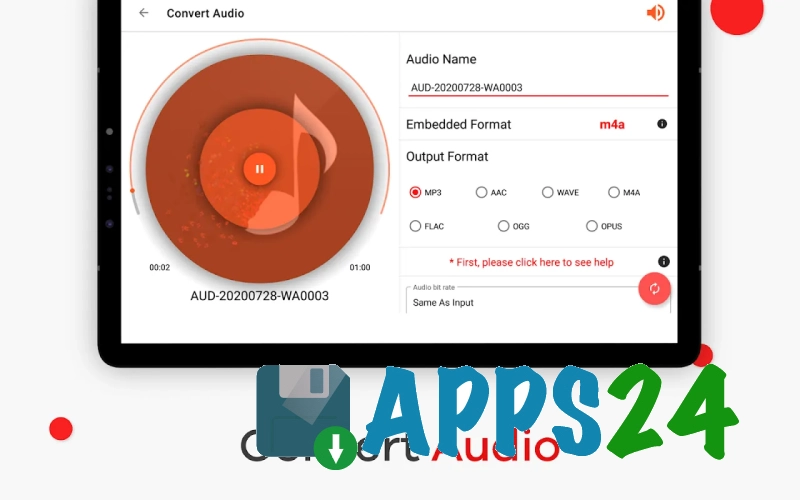
- Support for popular formats such as MP3, WAV, FLAC, M4A, AAC, and OGG.
- Removal of background noise and pauses, which is convenient when processing speech, interviews, or home recordings.
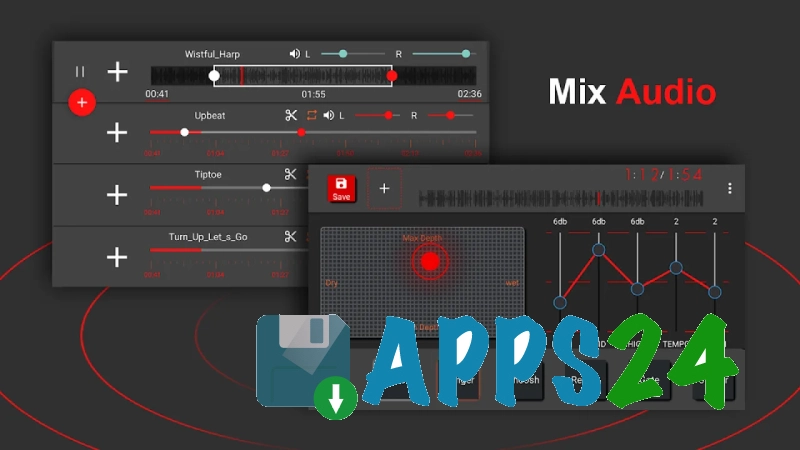
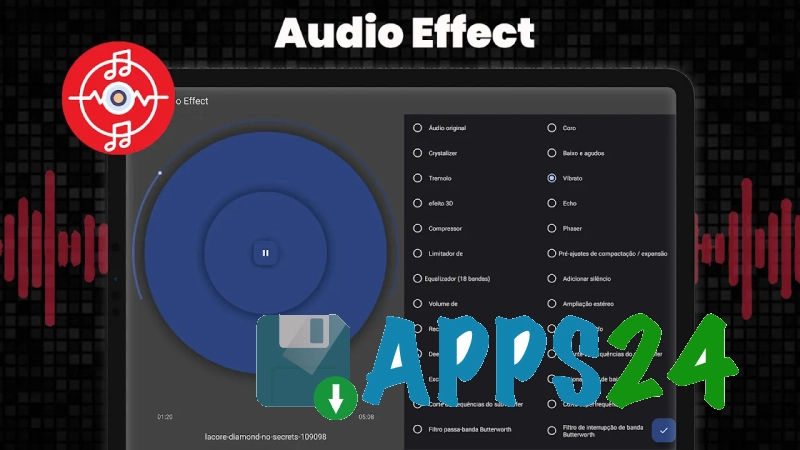
- Mixing multiple audio tracks with filters and sound effects.
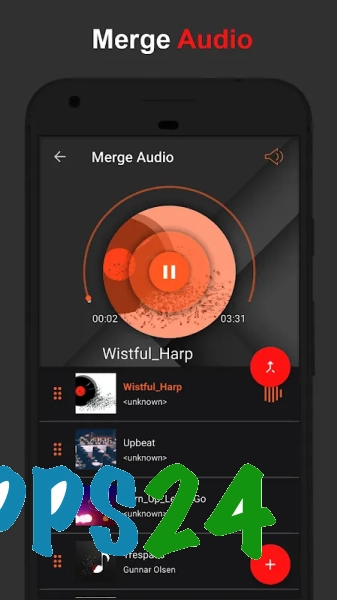
- Batch file processing: combining recordings or converting multiple compositions simultaneously.
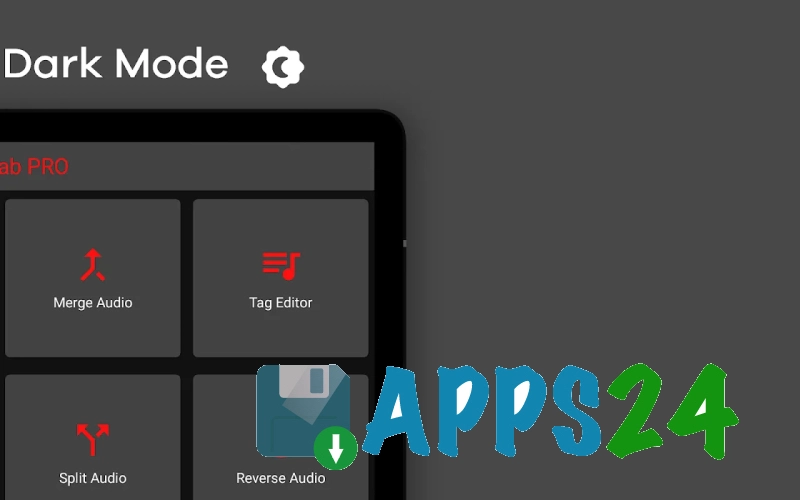
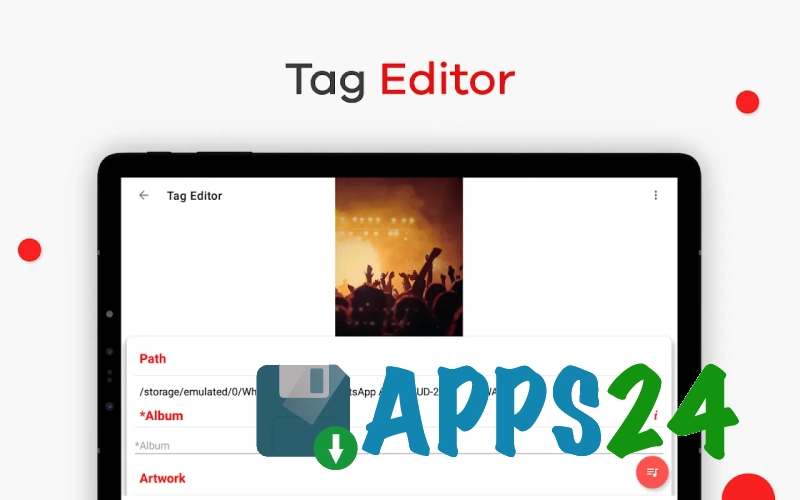
- Editing music file tags with customizable track information and automatic cover art search.
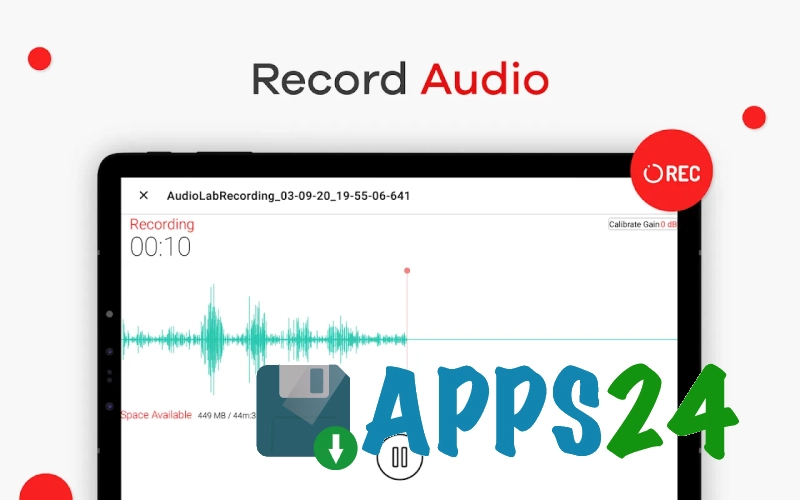
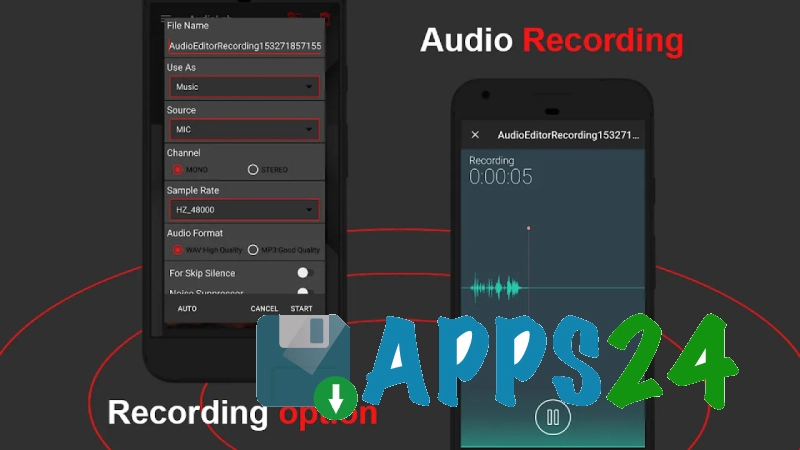
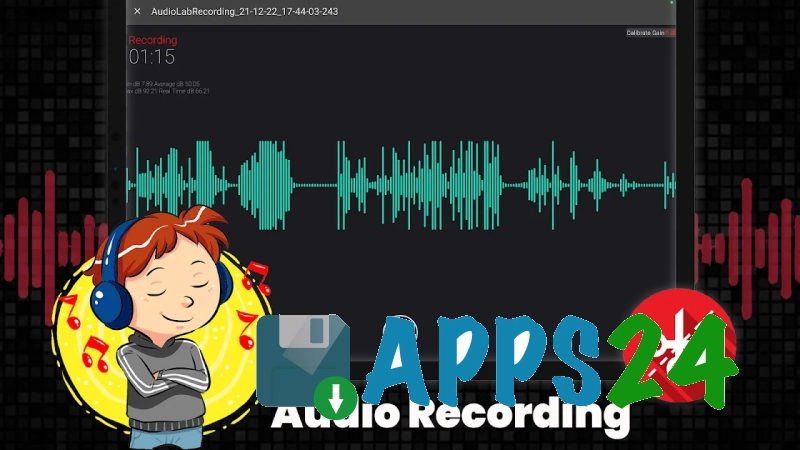
- Voice recording through the built-in voice recorder, as well as creating karaoke recordings over a prepared musical backing track.
- Removing vocals from a song to prepare an instrumental or karaoke version.
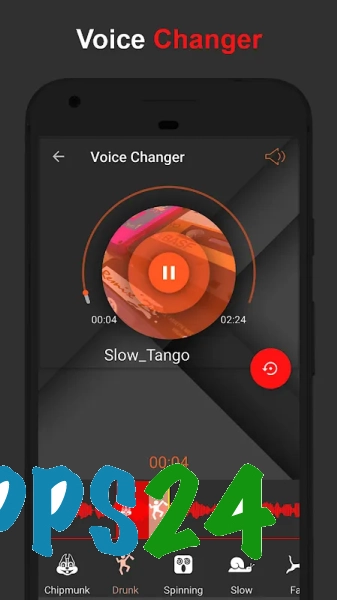
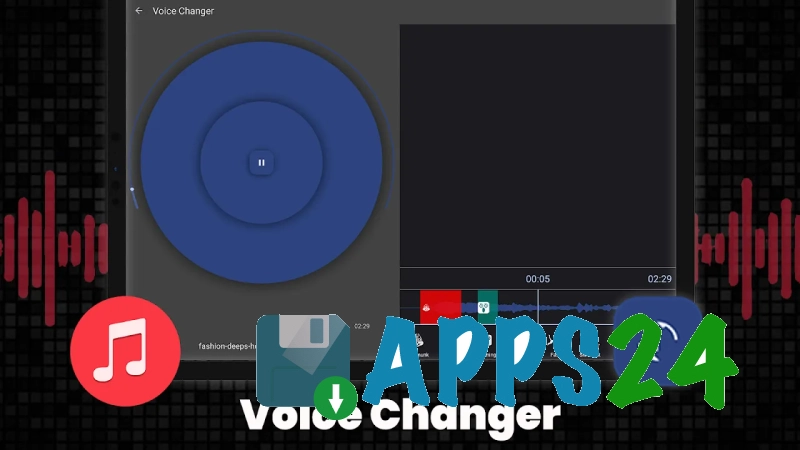
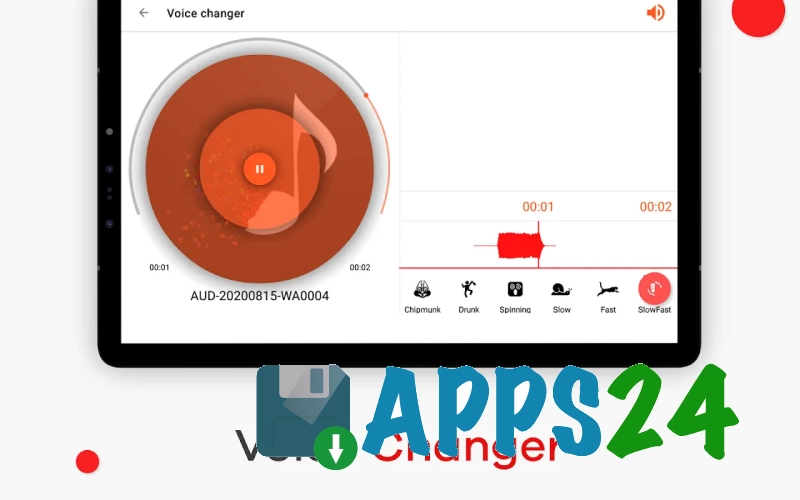
- Voice modification and text-to-speech conversion for experimental audio clips.
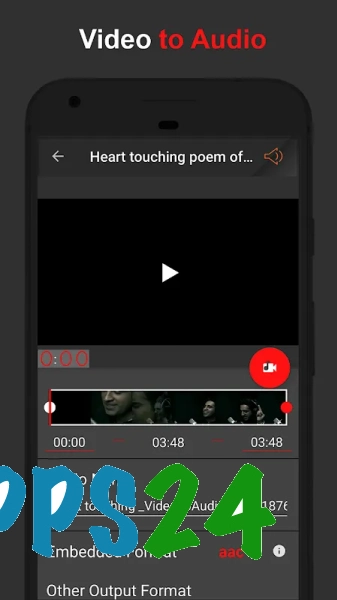
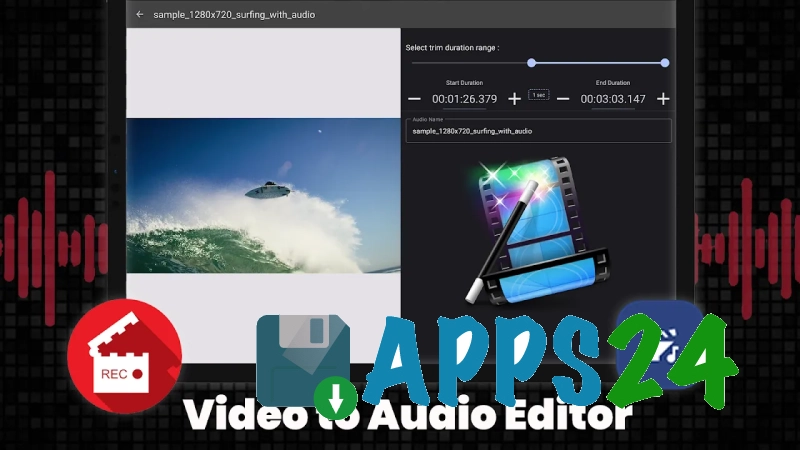
- Trimming and splitting video with the ability to extract its audio track.
- A built-in music player for checking the result immediately after editing.
- A spatial 3D effect that changes the listening experience of suitable audio recordings.
AudioLab Audio Editor Recorder is designed for more than just music editing. In one workspace, you can record a voice for a podcast, remove unwanted background noise, add a backing track, and save the finished result in a suitable format.
Editor Advantages
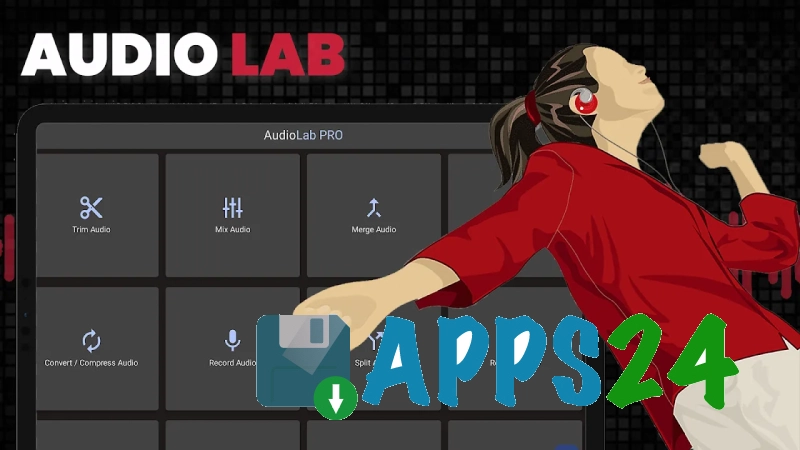
- A wide range of tools is combined in one Android app: a separate voice recorder, mixer, converter, and tag editor are not required for most everyday tasks.
- Support for multiple audio formats makes it possible to process both compressed music files and lossless recordings.
- Millisecond-accurate editing helps you cleanly remove pauses, the beginning of a composition, or individual words.
- Batch operations save time when preparing a collection of tracks or converting a series of files.
- Vocal removal, voice modification, and text-to-speech features expand the possible uses beyond ordinary audio trimming.
- The inclusion of video tools makes the app convenient for preparing audio tracks from clips.
- Built-in playback of the result makes it possible to quickly check the edit without exporting the file to another player.
Disadvantages
- Because of the large number of tools, the interface may seem overwhelming at first.
- Advanced features such as 3D processing, vocal removal, and voice effects are not suitable for every recording and do not replace full-scale studio processing.
- The app takes up a noticeable amount of storage space, especially when keeping source files and created copies of audio files.
- For complex multitrack editing with detailed automation, AudioLab Audio Editor Recorder falls short of desktop editors.
AudioLab Audio Editor Recorder is especially useful when the result needs to be produced directly on a smartphone: quickly clean up a voice recording, create a notification sound, or prepare an instrumental version of a familiar song.
AudioLab Audio Editor Recorder is designed for those who need a universal set of tools for recording and processing sound without complicated studio setup. The app combines audio editing, video processing, and creative effects, making it suitable for podcasts, musical sketches, and everyday file editing. AudioLab Audio Editor Recorder is distributed free of charge.
What's new in the latest version 1.3.33
Updated
- Added support for Android 14 (API 34).
- The tag editor now allows you to automatically search for cover art and perform searches in a web browser.
- Added a genre list to the tag editor.
- The audio trimming tool now allows you to save the result under a new name and in a different format.
- Updated and improved the video gallery.
- Improved the accuracy and efficiency of the silence removal feature.
- Fixed reported bugs and improved the app's performance and stability.
- Optimized the interface and improved the ease of interacting with the main tools.









Add comment