
Audiosdroid Audio Studio is a mobile audio workstation and sound editor for Android that can be used to record voice, assemble multitrack projects, and process finished audio files. The program is suitable for creating vocal demos, podcasts, karaoke tracks, and background accompaniment for videos: it imports music, allows you to overlay vocals, synchronize tracks, and save the result in MP3 or WAV. MP3, MP4, WAV, AAC, OGG, and AMR are supported, making the app convenient not only for recording with a microphone but also for quickly editing existing files.
Audiosdroid Audio Studio can be viewed as a more compact alternative to FL Studio Mobile for working specifically with audio recordings. Audiosdroid offers voice recording over imported music, trimming, shifting tracks, a karaoke effect, and a set of processing tools, while FL Studio Mobile is additionally focused on creating music with virtual instruments, Piano Roll, a sound library, automation, and transferring projects to the desktop version of FL Studio. Therefore, Audiosdroid Audio Studio is more convenient for voice recordings, remixes, and quick processing, while FL Studio Mobile is better suited to fully composing pieces from scratch.
Audiosdroid Audio Studio features
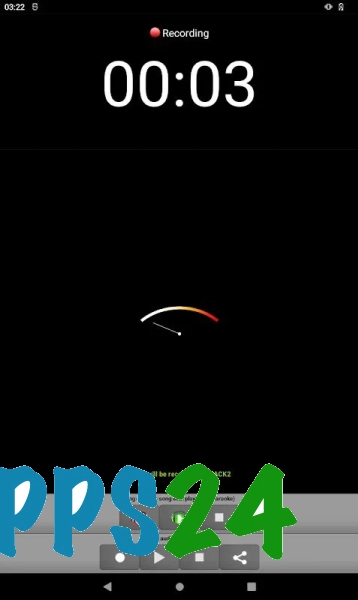
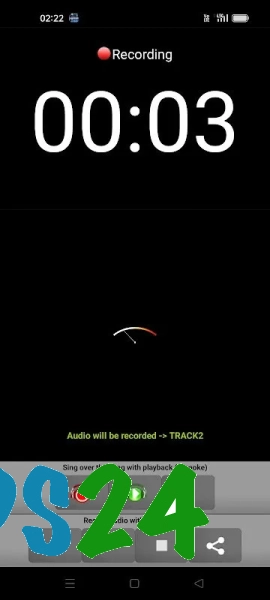
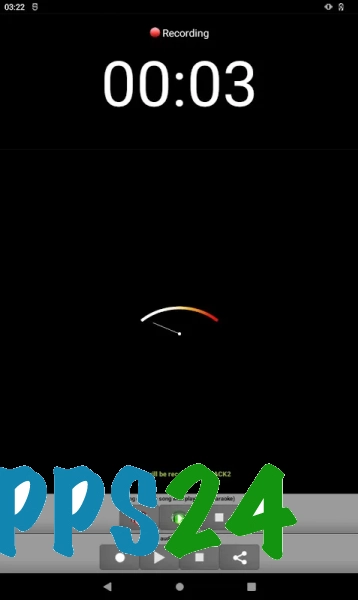
- Records voice and other sound sources, including over imported music. This mode is suitable for vocal sketches, spoken inserts, and home podcasts.
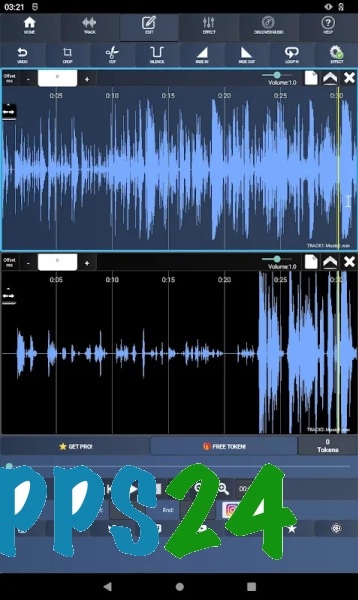
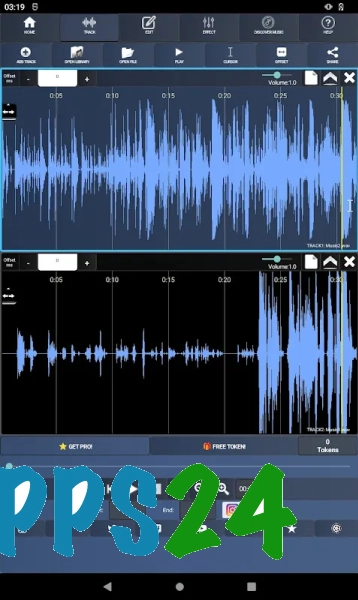
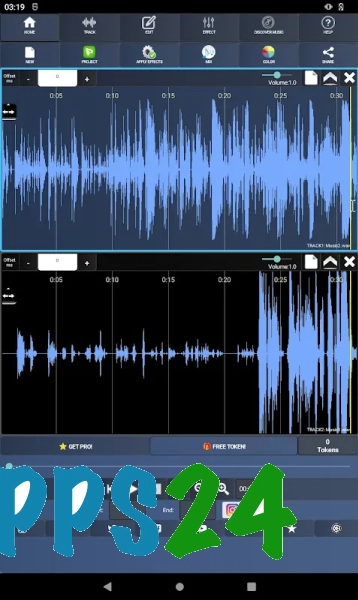
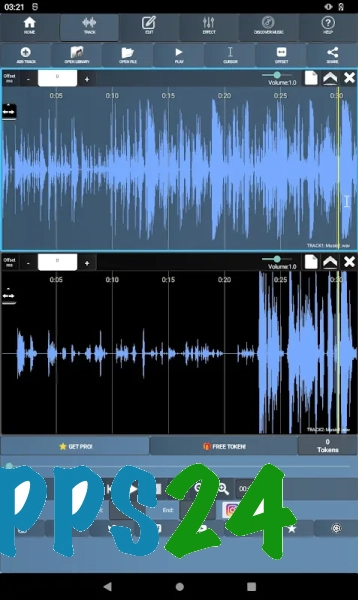
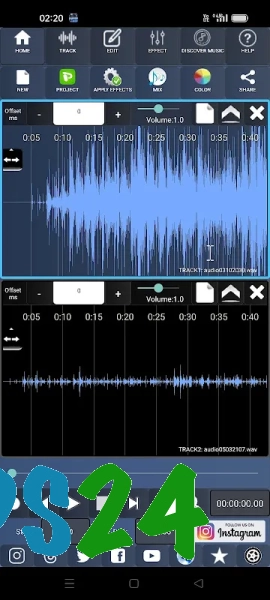
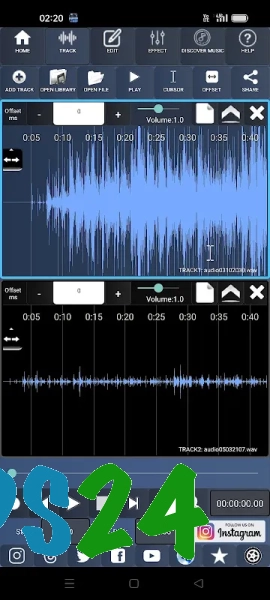
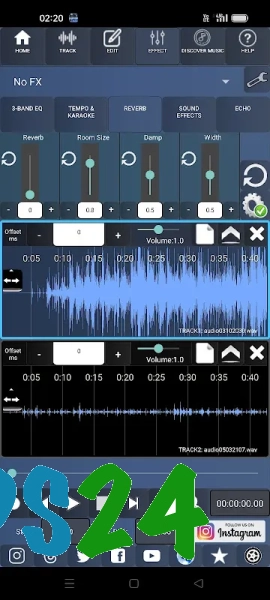
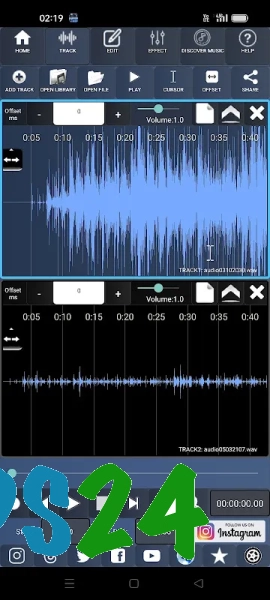
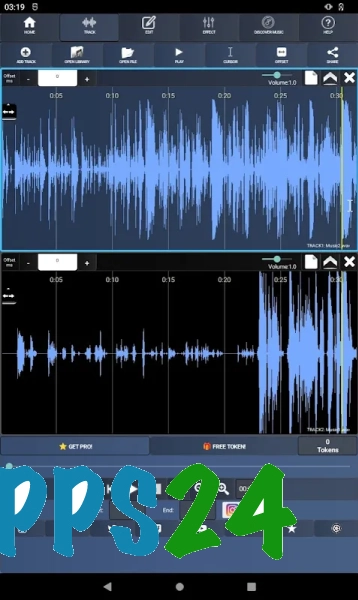
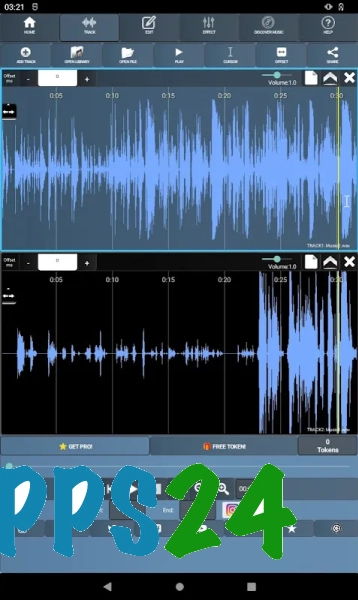
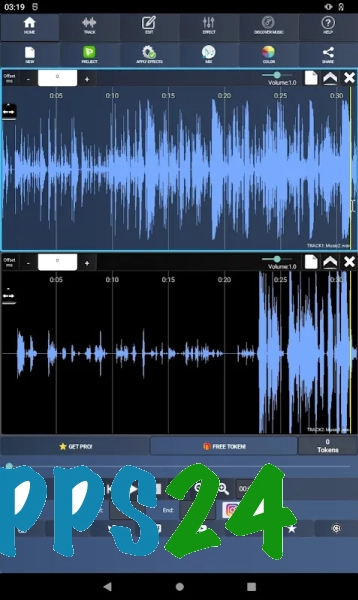
- Works with multiple audio tracks: they can be added to a project, rearranged, and synchronized using the time-shifting tool.
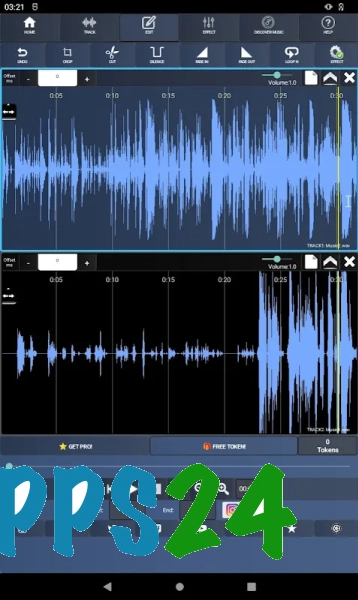
- Trims unwanted fragments and adds silence to selected parts of a recording. This is convenient for removing pauses, preparing samples, or cleaning up an unsuccessful beginning of a track.
- Offers a karaoke effect to reduce the vocal part in a song. The resulting instrumental track can be used for independent recording or amateur performance.
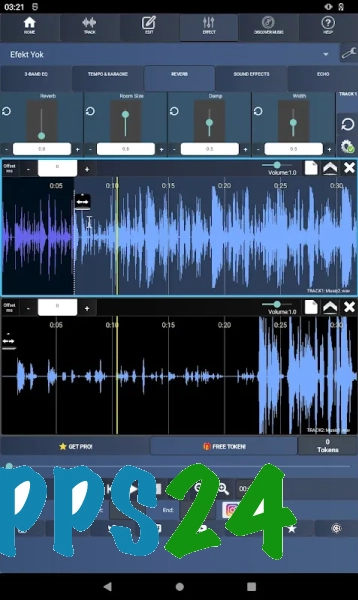
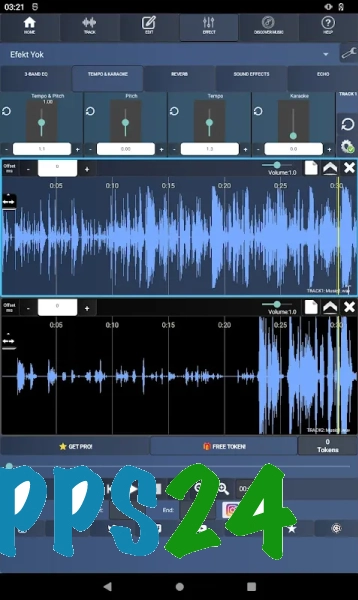
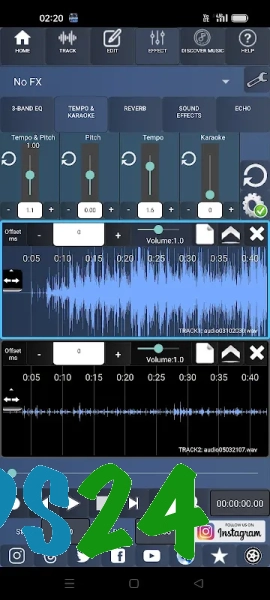
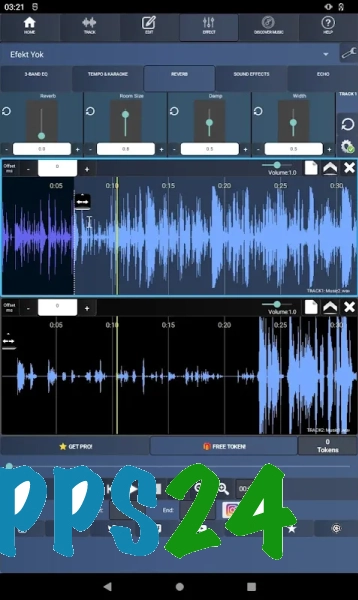
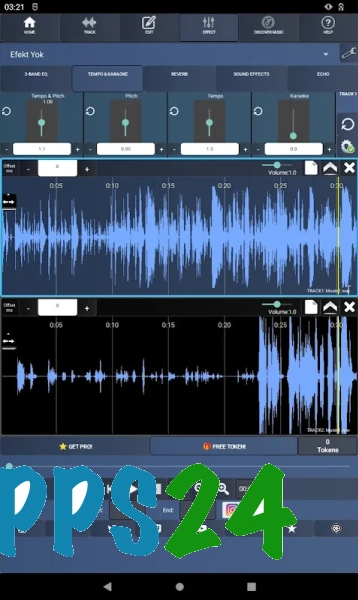
- Processes sound with an equalizer, filter, reverb, echo, and flanger. Tempo and pitch adjustment, a gate, fade-out, and fade-in are available for specific tasks.
- Allows you to adjust effect parameters through the control panel and save your own presets. This helps you quickly repeat the same processing in different projects.
- Normalizes the volume of an audio file to even out the sound level before export or publication.
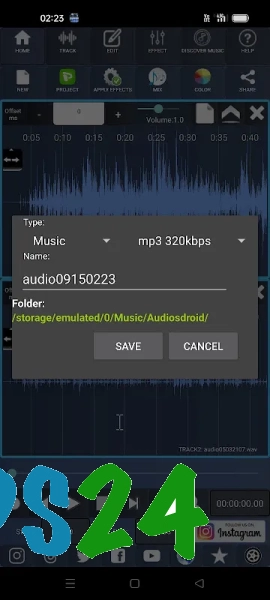
- Saves the result in MP3 with several bitrate options or in WAV, allowing you to choose between a compact file and quality better suited for further editing.
- Adds background music and sound fragments to voice recordings, after which the finished file can be shared with social networks, sent by email, or transferred to another app.
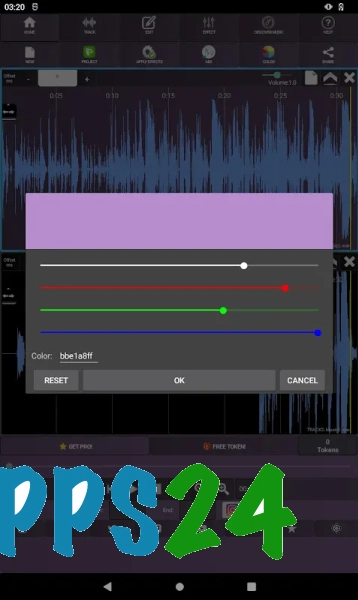
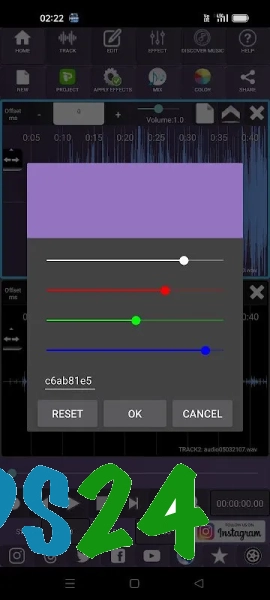
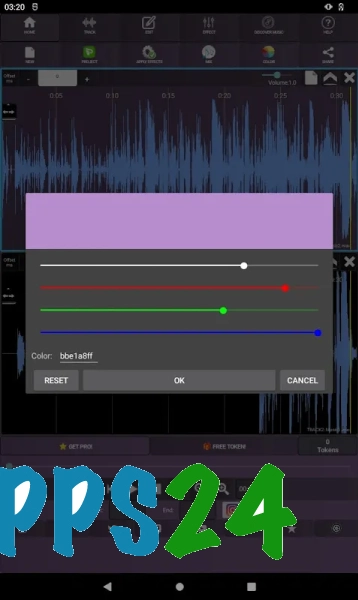
- Supports interface color theme customization, including the choice of an accent color according to personal preferences.
The workflow in Audiosdroid Audio Studio is built around finished audio: you can import a song, record vocals over it, adjust synchronization, apply effects, and export the final file within a single project. This approach is especially convenient on a smartphone when you need to quickly prepare a demo or edit a recording without transferring the material to a computer.
Advantages of the audio editor
- Suitable for various tasks, from simple recording trimming to creating a vocal layer over finished music.
- Supports common audio formats, so most files do not require prior conversion.
- Combines recording, mixing, and processing in a single mobile app.
- Allows you to save custom effect sets and apply them again.
- Provides export to MP3 and WAV, with a choice of MP3 file settings.
- Includes features specifically useful for voice projects: karaoke processing, background music addition, normalization, and fade adjustment.
- Finished recordings can be shared through other apps immediately after processing.
Disadvantages
- The free edition contains ads, while some advanced features are offered through Audiosdroid Audio Studio Pro.
- The karaoke effect does not guarantee complete vocal removal from every song: the result depends on how the original song was mixed.
- The program focuses on audio editing and does not offer the same range of virtual instruments and music composition tools as full-featured mobile workstations.
- When working with long or multitrack projects, the load on the smartphone may be more noticeable than when processing short recordings.
- The large number of effects and parameters may require time to find the right settings, especially when using the app for the first time.
Audiosdroid Audio Studio is designed for those who need a mobile tool for recording voice, processing music, and quickly mixing several audio tracks without a complex studio setup. The program will be useful to podcast creators, beginner musicians, and users who want to make a karaoke version or overlay vocals on a finished track directly on an Android device. Audiosdroid Audio Studio is distributed free of charge.
What's new in the latest version 3.6.1
Updated
- Fixed mixing errors, app crashes, and freezes.
- Added a sound normalization effect to the “Editing” → “Effects” menu.
- Added support for devices with a 16 KB memory page size.
- Updated the payment and advertising software development kits.
- Improved audio file import: added support for the OGG format and enhanced format filtering.
- Fixed the track volume slider and track visibility switch.
- Improved the process of granting location access permissions.
- Added interface color customization using an RGB palette.
- Added fade-in and fade-out effects.
- Expanded MP3 export options: bitrates from 128 to 320 Kbps are now available.
- Added the ability to earn tokens by watching video ads, which can be used for paid audio effects.









Add comment