

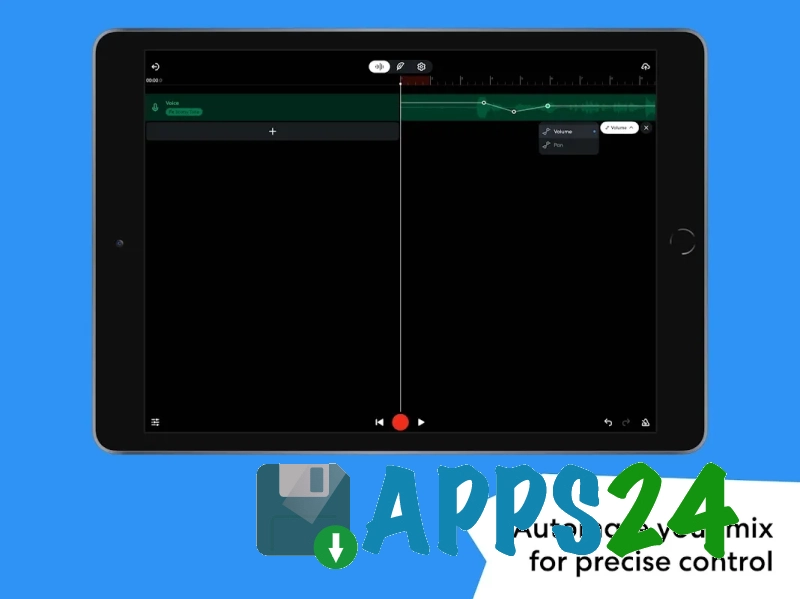
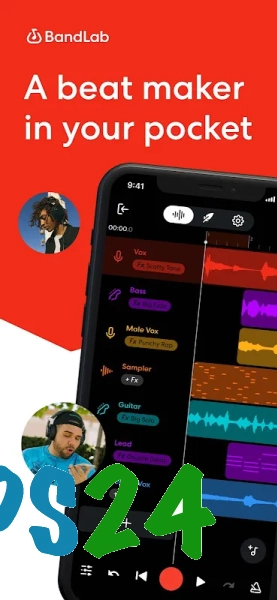
BandLab – Music Making Studio is a free music creation studio for Android that combines multitrack recording, vocal and instrument processing, beat-making, and publishing finished compositions. The app turns a smartphone or tablet into a compact digital audio workstation: you can start a project with a rhythmic pattern, record a vocal part over an instrumental track, edit individual tracks, and prepare the song for publication.
In terms of features, BandLab – Music Making Studio can be compared to GarageBand, although these apps are designed for different platforms. Both services offer virtual instruments, loops, audio recording, and multitrack project editing, but BandLab places additional emphasis on cloud synchronization and its music community: finished works can be posted within the platform, discussed with other creators, and used as the basis for collaborative projects. GarageBand, in turn, is more closely tied to the Apple ecosystem and supports up to 32 tracks in mobile projects.
BandLab – Music Making Studio is suitable not only for fully recording a song. It is convenient for quickly sketching out a melody on the go, testing a vocal idea with a metronome, or assembling a rough beat from ready-made loops, and then continuing work on another device thanks to cloud storage for projects.
Features of BandLab – Music Making Studio
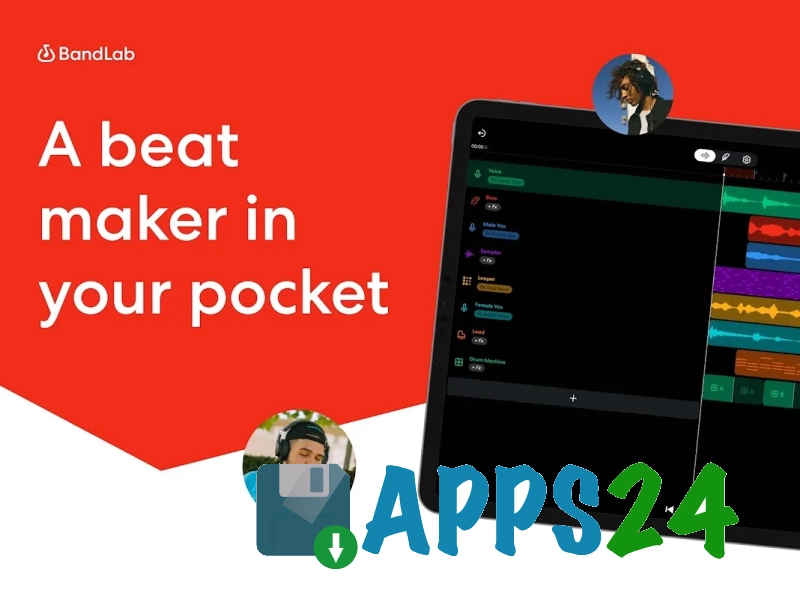
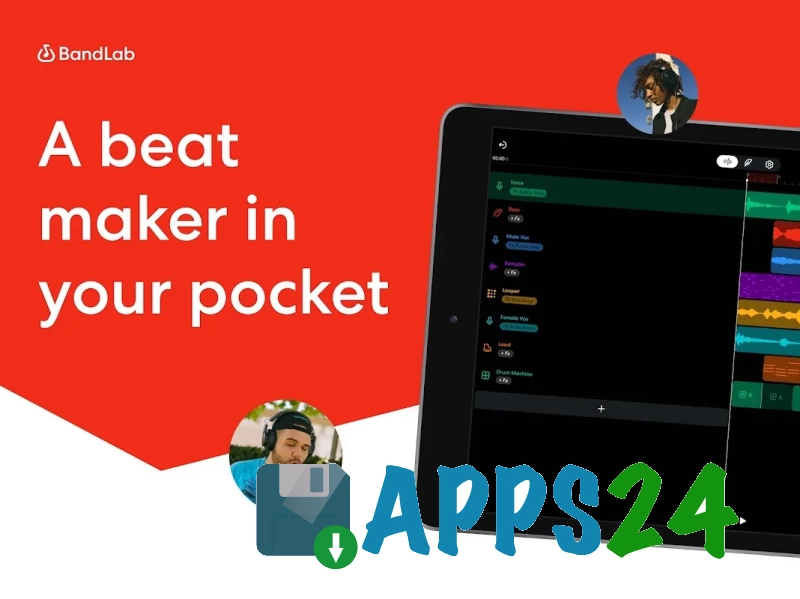
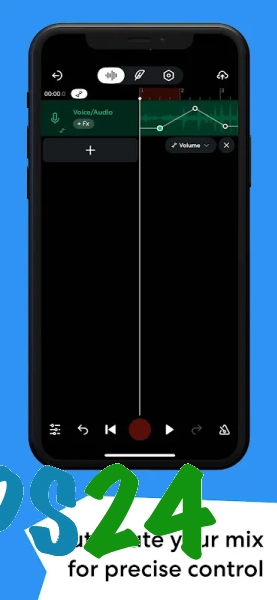
- The multitrack studio allows you to record, edit, and rearrange music projects directly on a mobile device.
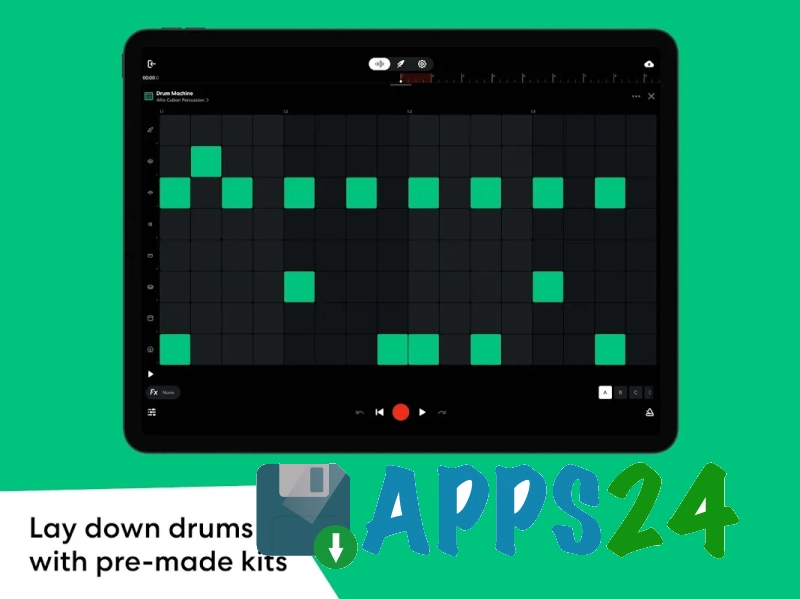
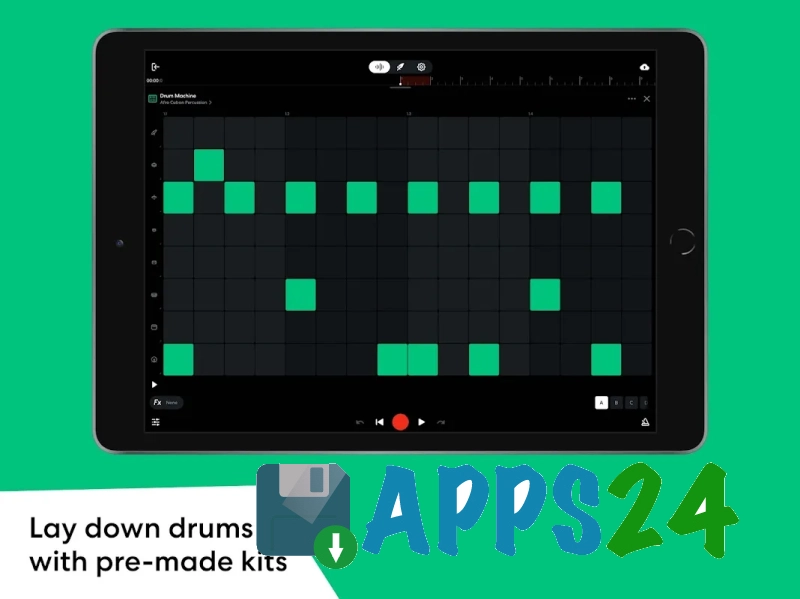
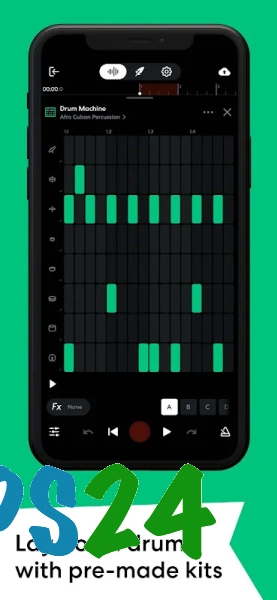
- The built-in drum machine sequencer helps create rhythmic parts from available drum sounds and quickly change the beat pattern.
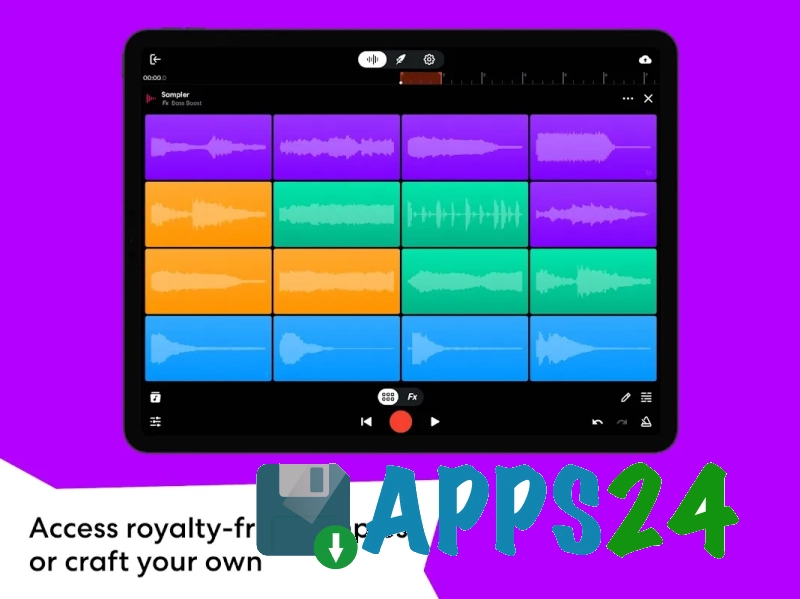
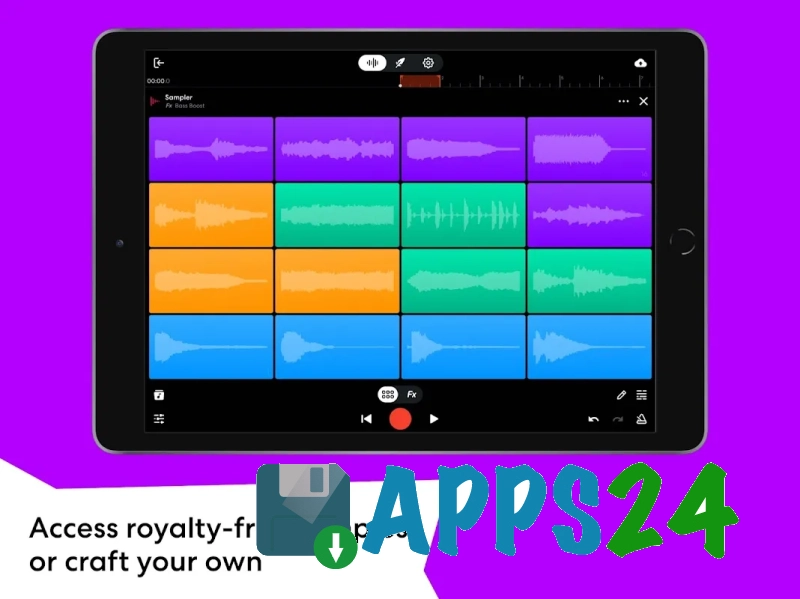
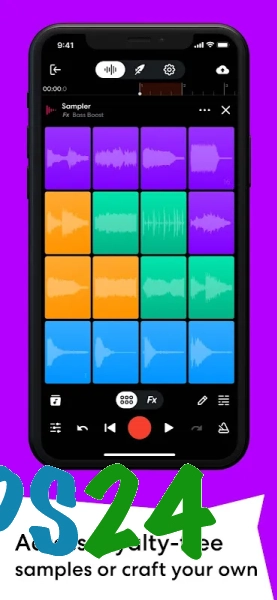
- The sampler is used to record your own sounds with a microphone or add material from the BandLab Sounds library, which offers free loops and samples.
- The collection of virtual MIDI instruments is suitable for sketching keyboard parts, bass lines, and synthesizer melodies without connecting external equipment.
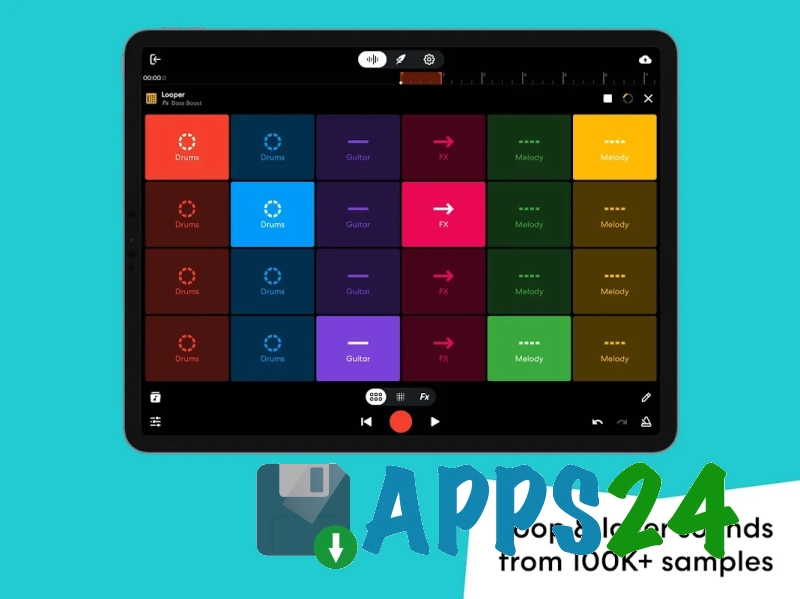
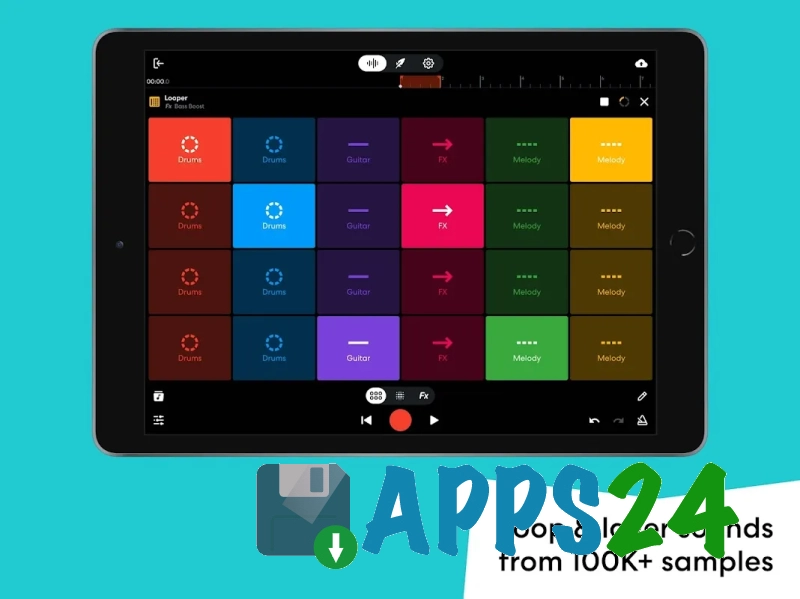
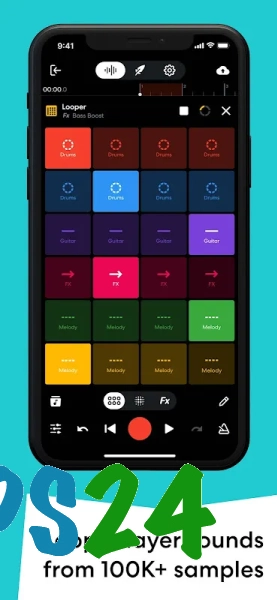
- The looper simplifies the creation of a backing arrangement: simply choose a set in the desired genre and use it as the basis for a beat or vocal composition.
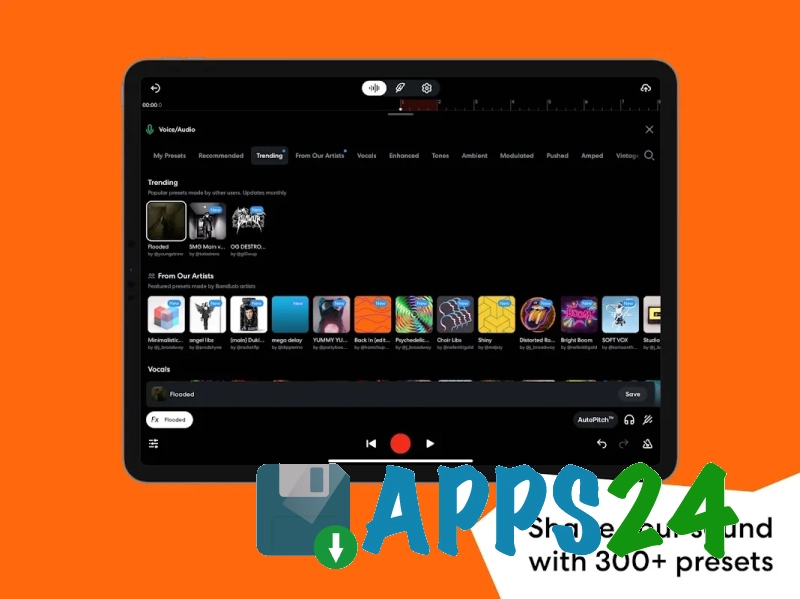
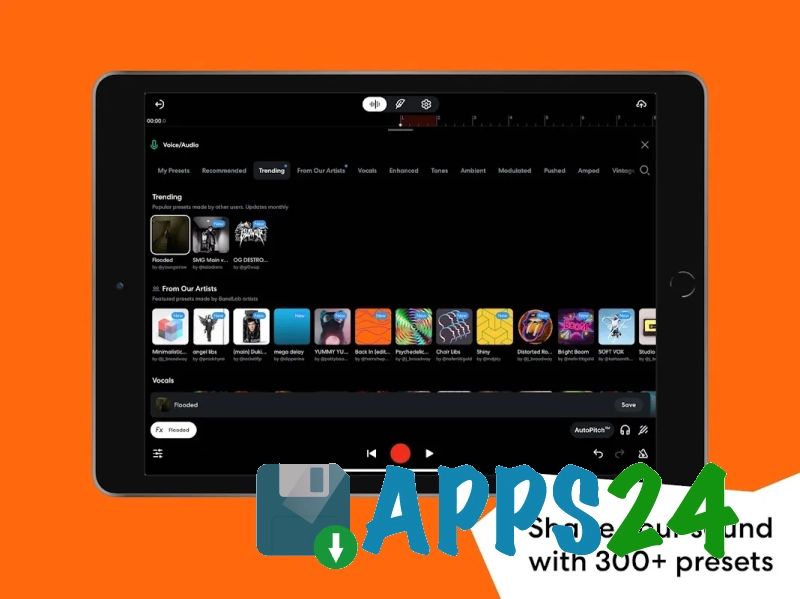
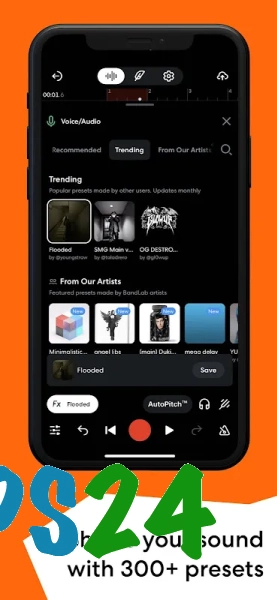
- Ready-made effect presets are available for guitar, bass, and vocals. They help quickly change the character of the sound without manually adjusting every parameter.
- AutoPitch tools process vocals and offer several sound options — from moderate pitch correction to a pronounced synthetic effect.
- The metronome is useful for recording parts at a set tempo, while the tuner helps check an instrument’s tuning before you begin.
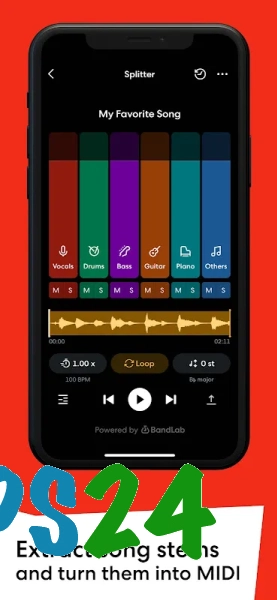
- The AudioStretch feature is designed to modify musical material and work with its timing structure.
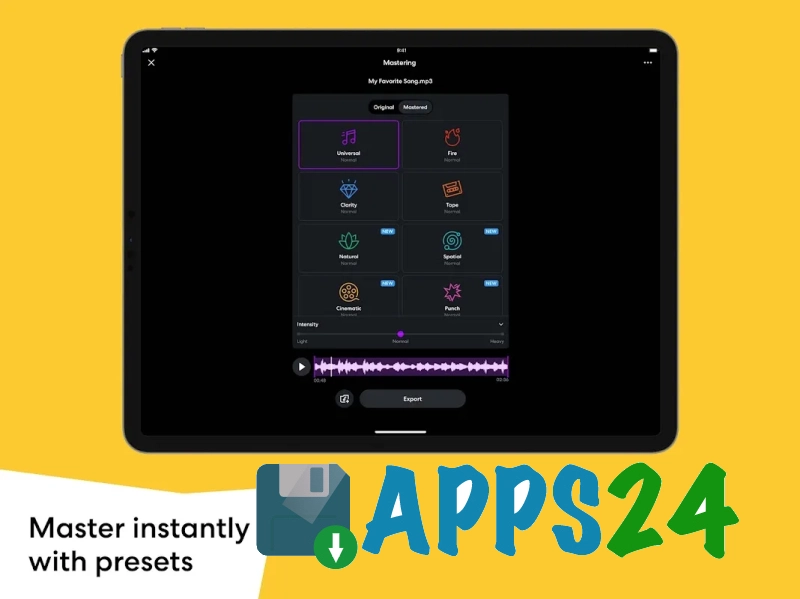
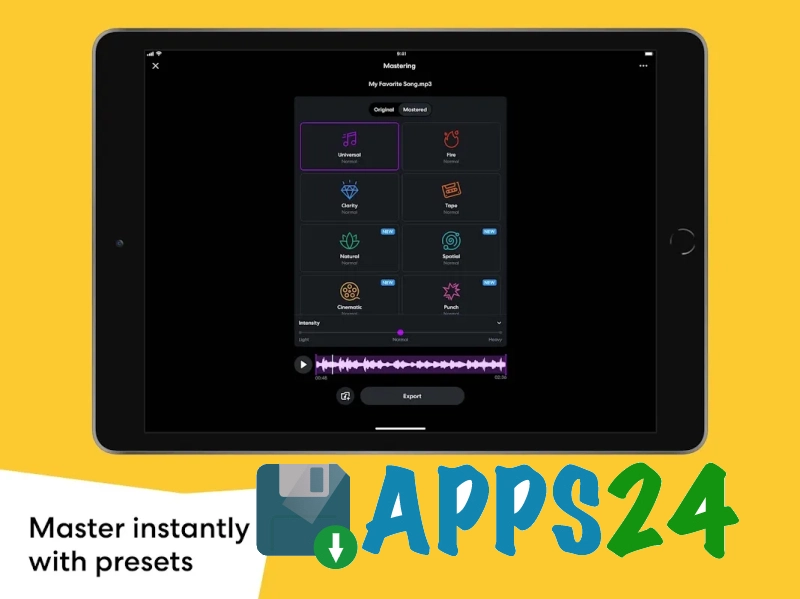
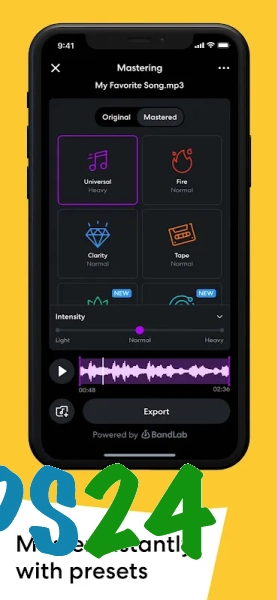
- Online mastering applies ready-made presets to completed tracks to create a more cohesive sound before publication.
- Open compositions by other creators can be used to create remixes if the creator has allowed this type of use.
- The built-in social platform brings together musicians’ posts, playlists, and live streams, turning the app from a studio into a place for sharing finished works.
- Creator Connect helps you find performers and creators for collaborative work on music projects.
- Projects are stored in the cloud and available across devices, so a recording started on a phone can be continued on a tablet or computer.
Editor Advantages
- It combines music recording, editing, processing, and publishing in one app, eliminating the need to install separate tools for each stage.
- It is suitable for various scenarios, from quickly sketching out a musical idea to preparing a finished composition with vocals, instruments, and mastering.
- The large library of loops and samples speeds up arrangement creation when your own recordings are not yet sufficient.
- The availability of AutoPitch, vocal presets, and instrument presets makes it possible to experiment with sound even without extensive audio engineering knowledge.
- Cloud synchronization makes it easier to switch between devices and reduces the risk of losing a working project when changing phones.
- The music community within the service makes it possible not only to publish tracks, but also to find ideas for remixes or collaborations.
- Free access to the core features makes the app a convenient starting tool for beginners.
The social aspect of BandLab – Music Making Studio has a noticeable impact on the nature of the service. It is not just a local audio editor: compositions can be shown to other users, you can participate in collaborative music creation, and find performers through the built-in communication tools. Additional promotional opportunities and certain creation features are available as part of the paid BandLab Membership subscription.
Drawbacks
- Stable internet access is required for full work with cloud projects, the sound library, and publications.
- On a small phone screen, editing multiple tracks can be less convenient than on a tablet or computer.
- The large number of features and social sections may overwhelm users who only need a simple voice recorder or basic audio editor.
- Some advanced tools, including certain features for promoting creators, are part of the BandLab Membership subscription.
- Recording and processing quality depends on the device’s microphone, its performance, and the connected equipment.
BandLab – Music Making Studio was created for those who need a mobile music hub with recording, beat-making, and the ability to share results with other creators. The app is especially useful for creating demos, vocal sketches, and first full-fledged tracks, while the combination of studio tools and a social platform makes it convenient for independent musicians and beginner producers. BandLab – Music Making Studio is distributed for free.
What's new in the latest version 11.25.3
Updated
- Fixed bugs that occurred while using the app.
- Improved BandLab's stability and overall performance.









Add comment