

Lexis Audio Editor is a feature-rich audio editor for Android that lets you record sound, trim finished tracks, and enhance recordings directly on a mobile device. The app works with popular audio formats, displays a waveform and spectrogram, and supports editing individual sections, mixing tracks, and processing voice recordings.
In terms of features, Lexis Audio Editor can be compared to Audacity, but the mobile editor is designed to work without a computer and offers a more compact set of tools. It includes cutting sections, normalization, noise reduction, an equalizer, and tempo adjustment, while Audacity is additionally geared toward complex projects with numerous tracks and advanced effects control. Lexis Audio Editor is suitable for quickly preparing a recording, ringtone, or voice track, but it does not replace a full-fledged desktop studio for large-scale editing.
Lexis Audio Editor Features
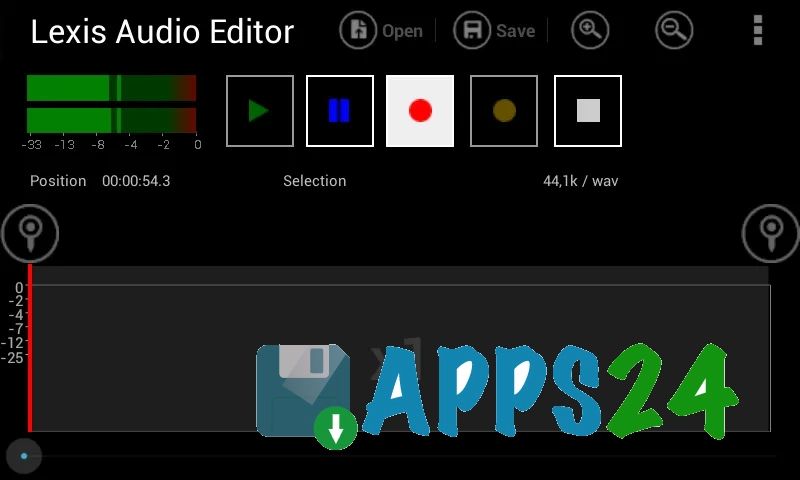
- Records sound from the microphone and plays open audio files, making the app convenient for dictation, interviews, or quickly checking a finished track.
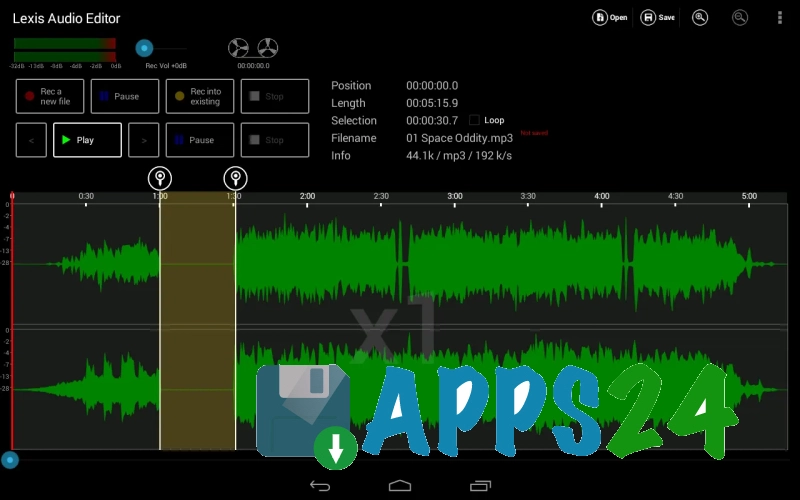
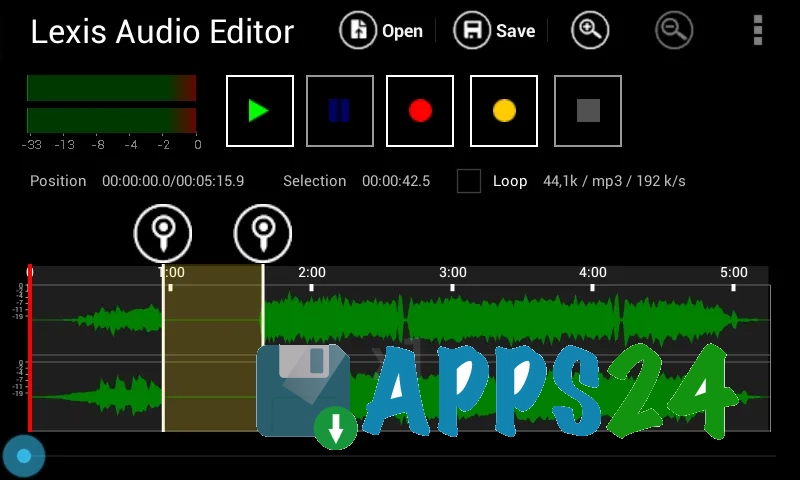
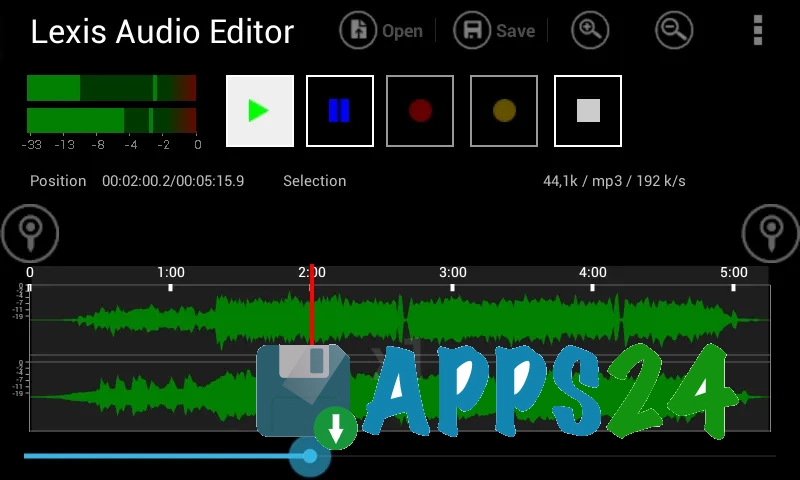
- Displays audio as a waveform and spectrogram. A section of the recording can be selected using precise markers, after which the required operation can be applied to it.
- Supports cutting, copying, and pasting sections, as well as deleting the selected section or adding silence.
- Lets you trim the beginning and end of a recording and create a smooth volume fade-in or fade-out.
- Reduces constant background noise, normalizes volume, and evens out the sound using a compressor.
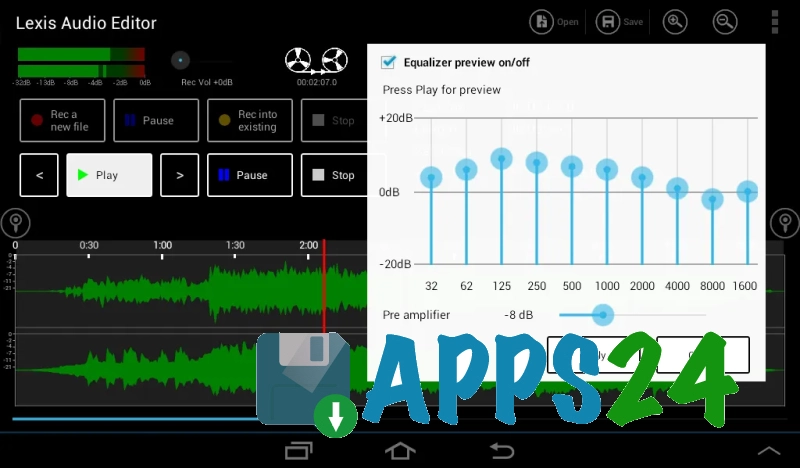
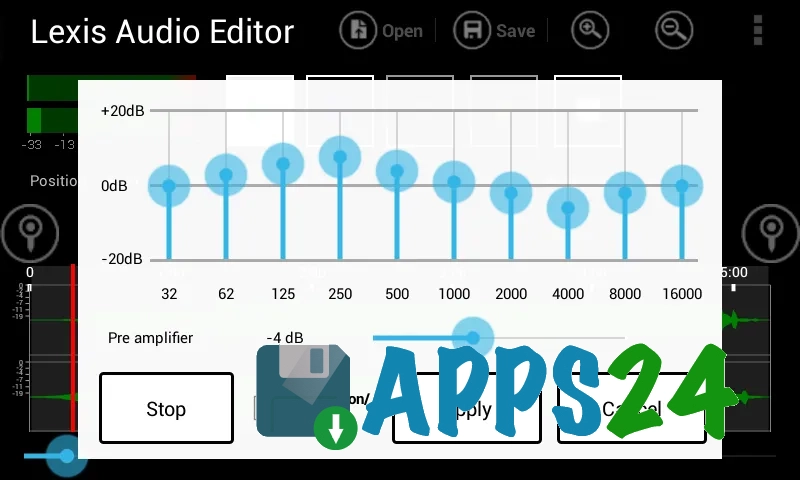
- Includes a ten-band equalizer for adjusting frequencies. You can also amplify the signal separately without changing the equalizer settings.
- Changes the tempo without noticeably altering the pitch, changes the speed together with the pitch, or raises and lowers the pitch separately.
- Lets you record sound over an already open file, insert another audio file at a selected position, and mix two recordings.
- Offers tools for removing vocals or accompaniment, as well as a voice-cleaning function and reverb removal.
- Imports audio from MP4, 3GP, and 3G2 video files, which is convenient when preparing an audio track for a video.
- Works with MP3, WAV, FLAC, M4A, AAC, and WMA formats. WAV is saved uncompressed in PCM, while compressed formats are suitable for compact storage and sharing.
- Supports converting stereo recordings to mono and vice versa, muting the left or right channel, and adjusting the balance between channels.
Lexis Audio Editor is useful for practical tasks on a smartphone: you can quickly remove a pause from a long recording, clean a voice recording of background noise, prepare a section for a notification, or mix commentary with music. When working with long stereo files, you will need enough free memory because the source data may occupy a significant amount of space.
Editor Advantages
- Combines a voice recorder and editing tool in one app, so no separate recorder is required for basic processing.
- Offers more than basic trimming, including tools for mixing, frequency correction, compression, and changing sound parameters.
- Lets you edit a recording within a selected range without applying an effect to the entire file unnecessarily.
- Supports recording directly into an existing audio file, which is convenient when adding a comment or correcting a specific section.
- Works with audio extracted from common video formats, making it suitable for preparing sound from mobile videos.
- Supports saving in several formats, including FLAC and WAV for situations where minimal quality loss is important.
- Is suitable for creating ringtones, notification sounds, podcast segments, and voice tracks without transferring files to a computer.
Disadvantages
- The interface is focused on functionality, so learning how to use the selection markers and locate the tools may take some time.
- Processing long stereo recordings requires a substantial amount of free memory on the device.
- The free version includes basic effects and saving in WAV, FLAC, M4A, AAC, and WMA, but MP3 export is a paid feature.
- The app is primarily designed to work with one main recording, so its capabilities may be insufficient for complex multitrack projects.
- Some operations, including separating vocals and accompaniment, use cloud processing and depend on an internet connection.
Lexis Audio Editor is ad-supported and includes in-app purchases, but its basic editing tools are available without mandatory payment. This makes the app a practical option for everyday tasks when you need to quickly tidy up audio on an Android smartphone.
Lexis Audio Editor is designed for those who want more than just a voice recorder on Android, offering a set of tools for fully processing individual audio files—from simple trimming to voice cleanup and track mixing. The app is especially well suited for ringtones, interviews, notes, and short music clips, and it is distributed free of charge.
What's new in the latest version 1.1.91
Updated
- The program libraries have been updated, and full compatibility with devices on the x86 platform has been added.










Add comment