

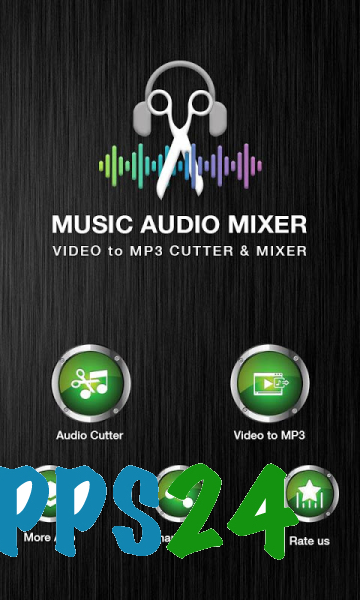
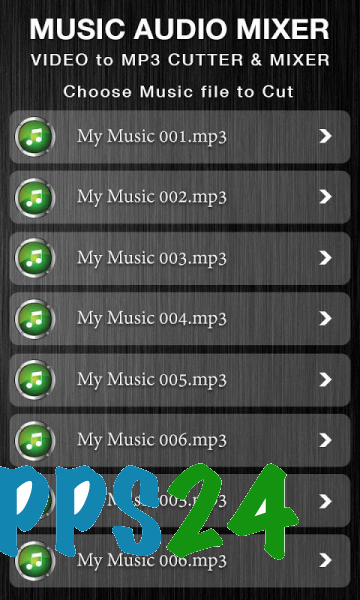
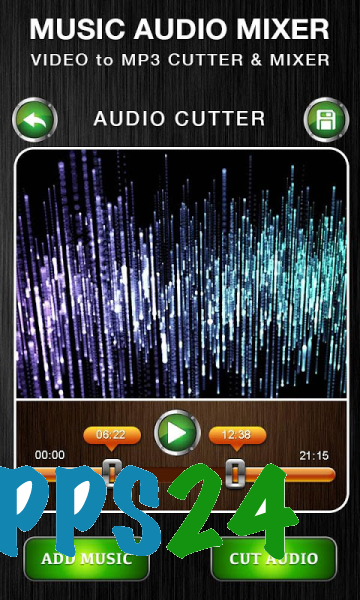
MP3 Audio Cutter is a mobile audio editor for Android designed for quickly trimming music files and preparing custom ringtones. The program displays tracks saved on the device, allows you to select the desired fragment, save it separately, and use it as a ringtone, alarm, or reminder sound. In addition to MP3, the app supports WAV, AAC, AMR, and other common formats.
In terms of its tools, MP3 Audio Cutter can be considered a compact mobile alternative to Audacity, but without claiming to be a full-fledged recording studio. Audacity is designed for detailed processing of multitrack projects, while MP3 Audio Cutter focuses on everyday tasks: trimming tracks, merging files, changing volume, and converting audio directly on an Android device.
Features of MP3 Audio Cutter
- Trimming songs by selecting precise starting and ending points.
- Merging two or more audio files into a single track.
- Mixing audio clips to create a new sound fragment.
- Extracting an audio track from video files.
- Converting audio between MP3, AAC, and WAV formats.
- Changing playback speed and applying the voice changer function.
- Adjusting volume, with the ability to make a quiet recording noticeably louder.
- Adjusting equalizer settings to fine-tune the sound.
- Converting a monophonic recording to stereo format.
- Compressing audio files when the recording size needs to be reduced before sending.
- Editing track metadata, including the album title and cover art.
- Preparing separate fragments for calls, alarms, or reminders.
MP3 Audio Cutter is convenient for short operations with already saved files: for example, to cut a chorus from a song, remove a long intro, or combine several audio fragments into a single recording. The program does not require transferring the project to a computer and combines basic tools in one mobile interface.
Advantages of the audio editor
- Working with several popular audio formats without being limited to MP3.
- Combining trimming, merging, and conversion in one app.
- The ability to use the result not only as music, but also as a ringtone, alarm, or reminder sound.
- Additional tools for volume, speed, equalization, and voice changing.
- Support for extracting audio from video, eliminating the need to install a separate converter.
- Editing the cover art and album title directly in the audio file.
- Compressing recordings is useful for faster transfer through messengers and social networks.
Disadvantages
- The app is designed for short everyday operations and does not replace a full-fledged computer studio with an advanced track system and complex processing.
- The large number of features may seem excessive to those who only need to trim a song.
- Working with local files assumes that the required music or video recording is already saved in the Android device's memory.
- When preparing a ringtone, the result depends on the quality of the original track: the equalizer and volume boost cannot restore details from poorly recorded audio.
The strength of MP3 Audio Cutter is its practicality: the same file can be shortened, combined with another fragment, have its sound modified, converted to a suitable format, and saved for a specific task. This set of features is especially useful for creating custom melodies from ordinary music tracks.
MP3 Audio Cutter is designed for those who need a straightforward set of tools without complex editing: the app helps quickly prepare a song fragment, extract audio from video, or convert a recording to the required format directly on an Android device. MP3 Audio Cutter is distributed free of charge.
What's new in the latest version 1.0
Updated
- Improved the app's smoothness and speed.
- Expanded compatibility with most smartphones running Android 16.
- Reduced the number of advertisements.













Add comment