

EPIK - AI Photo & Video Editor — a versatile photo and video editor for Android featuring AI-powered tools, ready-made effects and manual image editing. The app helps you quickly enhance portraits, change the mood of a photo using filters, create collages and edit short videos without having to switch between different services.
Based on its range of features, EPIK - AI Photo & Video Editor can be seen as an alternative to Picsart. Both apps combine photo and video editing, offering filters, effects, templates and retouching tools. EPIK places a strong emphasis on automatic portrait enhancement and popular AI-powered features, whilst Picsart offers a broader range of versatile tools for graphic design and working with ready-made layouts.
Features of EPIK – AI Photo & Video Editor
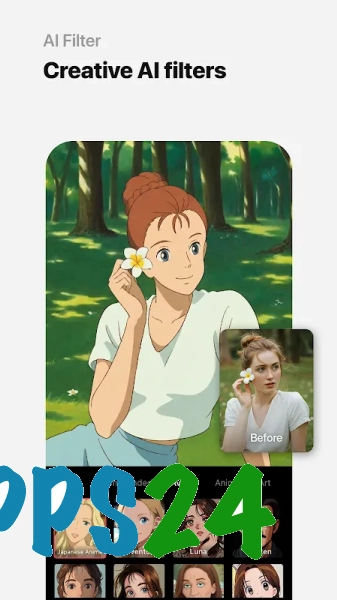
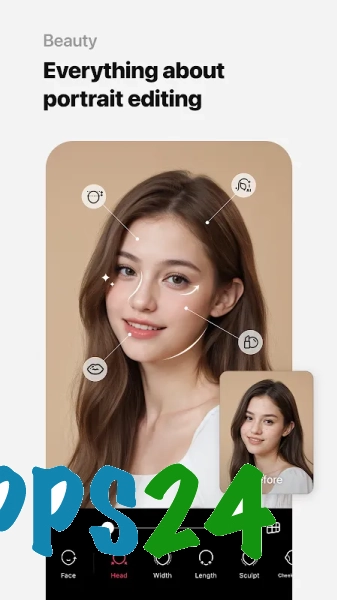
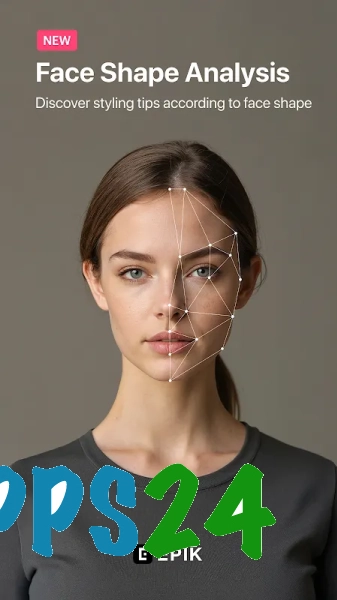
- Automatic portrait editing using AI tools: the app can enhance facial features and create stylised versions of photos.
- Retouching allows you to adjust individual details of a photo, smooth out skin imperfections and alter the expressiveness of a portrait without complex manual editing.
- A range of filters and visual effects helps you quickly change the colour mood of a photo — from a soft, vintage look to a striking artistic style.
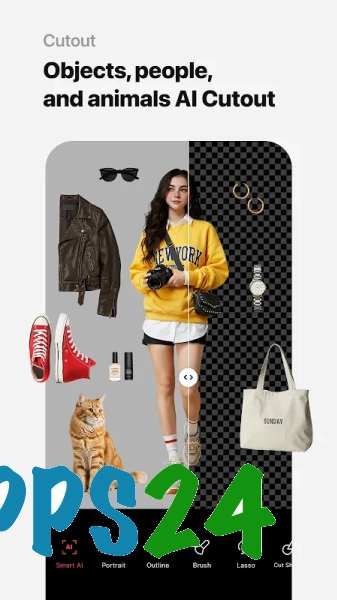
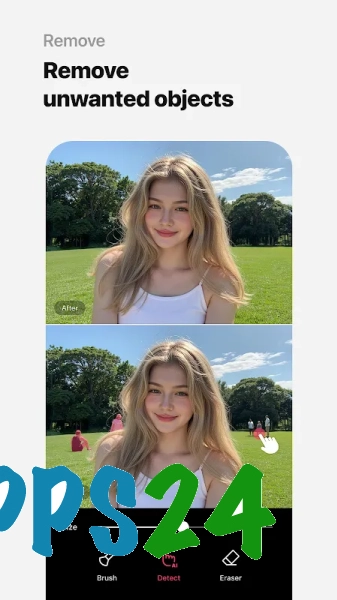
- Background editing tools are useful for creating profile pictures, covers and images for publications.
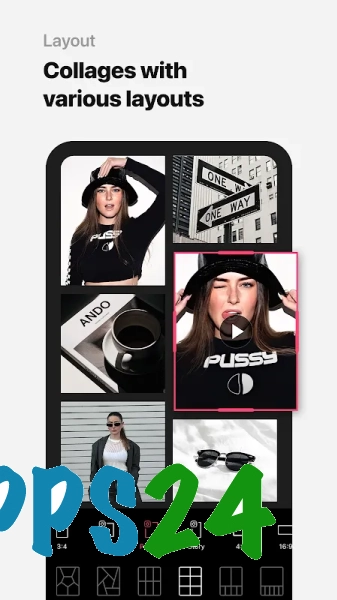
- The editor includes templates for collages and photo layouts, so you can combine several photos into a single composition.
- The video section is designed for editing short clips: effects, filters and other design elements can be added to your footage.
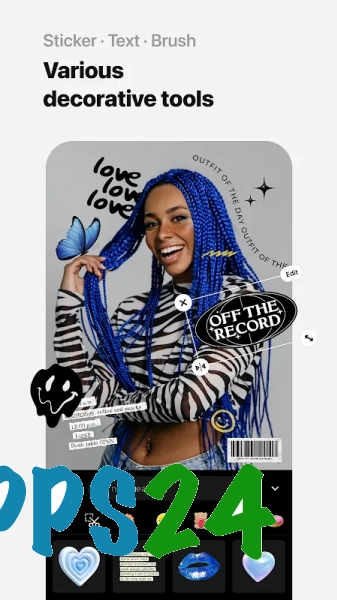
- Text elements and decorative details help you prepare an image for social media or turn a photo into a greeting post.
- AI templates are designed to deliver quick results: the original photo is transformed into a stylised portrait without the need for time-consuming manual adjustments.
EPIK – AI Photo & Video Editor combines fast automated workflows with familiar editing tools. This approach is handy when you need to enhance a single photo first, and then add a filter, frame or text within the same app.
Advantages of the editor
- Combines photo and video editing in a single Android app.
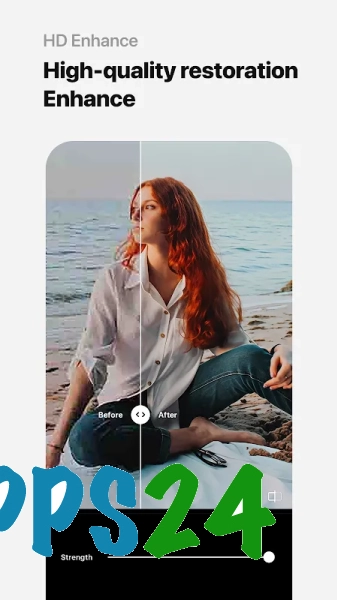
- AI features reduce the number of manual steps required when retouching portraits and creating stylised images.
- A wide range of ready-made effects allows you to achieve striking results even with minimal adjustment.
- It’s not just for selfies: the collage, background and text tools are useful for social media posts, profile pictures and simple promotional materials.
- The interface is designed for quick editing — basic operations are accessible without needing to learn professional graphics editors.
Drawbacks
- Some of the most impressive AI tools, templates and decorative elements may only be available under certain conditions or via a paid subscription.
- Automatic retouching sometimes alters facial features more than is necessary for a natural-looking photograph, so the result needs to be checked manually.
- The abundance of effects and themed templates can make it difficult to choose a suitable option for a subtle edit.
- When it comes to video, EPIK is best suited to short projects: the app is primarily designed for quick content creation rather than complex editing.
EPIK – AI Photo & Video Editor is probably best suited to those who need quick portrait retouching, striking AI effects and simple editing of short posts, all within a single Android app; and EPIK – AI Photo & Video Editor is available free of charge.
What's new in the latest version 7.4.30
Updated
- The stability of the application has been improved.
- Bugs have been fixed and performance has been optimised.
- Compatibility with the latest versions of Android has been improved.











Add comment