

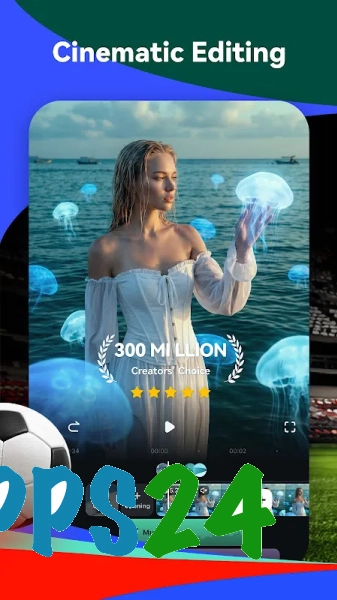
Filmora AI Video Editor & Maker is a mobile video editor for Android that combines timeline-based editing with AI-powered tools. The app is ideal for short clips, family videos and social media posts: you can trim and merge source clips, add text and music, and then apply ready-made effects.
In terms of its toolset, Filmora AI Video Editor & Maker is comparable to CapCut: both apps allow you to edit videos on your smartphone, apply transitions, filters and templates, and add titles and background music. Filmora places a strong emphasis on AI features and its own templates, whilst the specific range of effects and availability of individual tools in these editors depend on the current version and subscription tier.
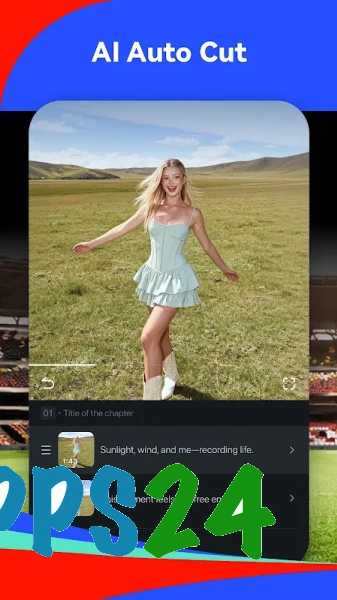
Filmora AI Video Editor & Maker is designed for more than just manual editing: automatic subtitles, object removal and content generation features help you turn raw footage into a video ready for publication more quickly.
Features of Filmora AI Video Editor & Maker
- Video editing on a timeline, including splitting clips, reordering segments and precisely trimming unwanted scenes.
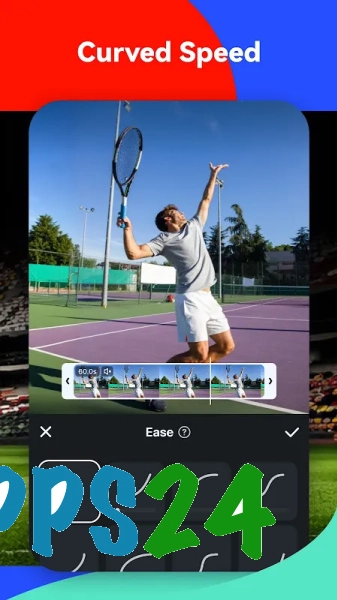
- Adjusting the playback speed allows you to highlight a dynamic moment or, conversely, slow down a scene for a more expressive presentation.
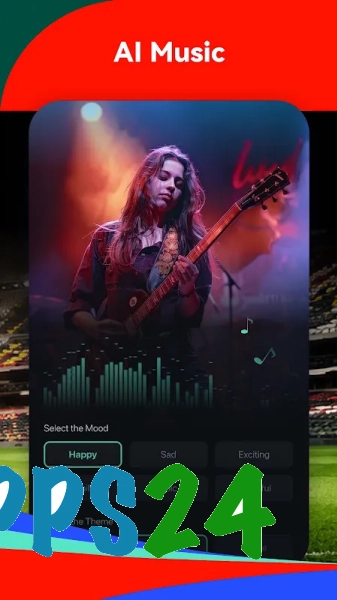
- Adding music, sound effects and voice-overs helps you create a video with the right atmosphere without needing a separate audio editor.
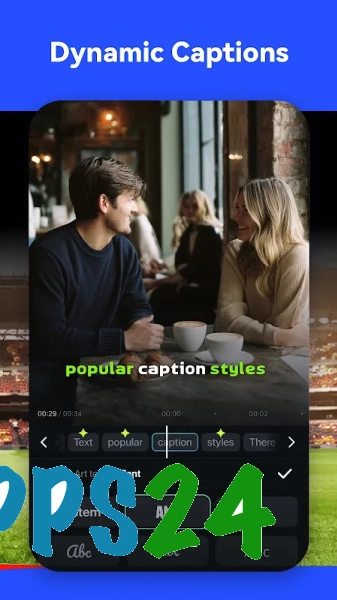
- Text layers support the creation of titles, captions and end credits, whilst transitions seamlessly link individual scenes without any abrupt jumps.
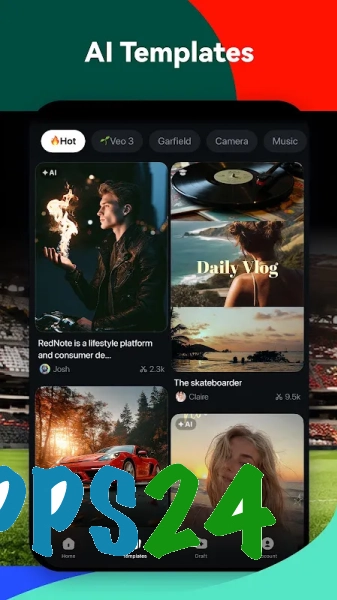
- Filters, visual effects and ready-made templates let you quickly change the style of your video to suit a short post or a vertical clip.
- The automatic subtitling tool recognises speech and places the text over the video, which is handy for clips featuring commentary or interviews.
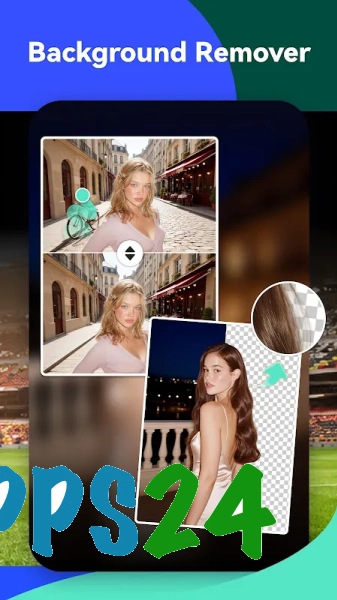
- AI features help to remove unwanted objects, isolate a subject from the background and perform other tasks that would take longer to do manually.
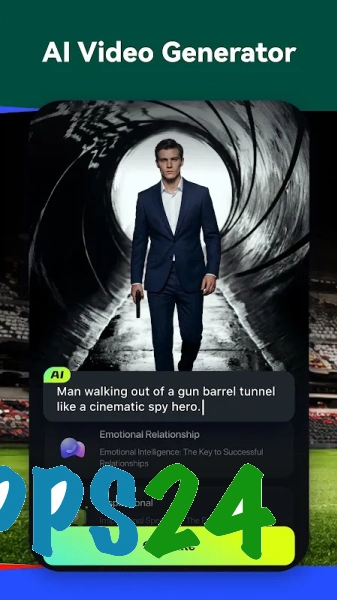
- Text-based generation tools are designed to create individual visual elements and placeholders, which can then be used in the editing process.
- The finished project can be prepared for viewing on a mobile device or for posting on social media without having to switch to the desktop editor.
Advantages of the video editor
- The mobile format allows you to put together a video directly on an Android smartphone when it is inconvenient to transfer material to a computer.
- The manual timeline is combined with automated AI tools: basic operations remain under the creator’s control, whilst routine tasks can be sped up.
- Templates and effects shorten the process from raw footage to a finished video, particularly when preparing short posts.
- The built-in subtitle tools are useful for content that needs to remain understandable without sound.
- The programme is suitable both for simply splicing together several scenes and for more expressive editing involving text, music and transitions.
Drawbacks
- On a small smartphone screen, it is more difficult to edit long projects precisely and fine-tune the position of each element than on a computer.
- AI features depend on the availability of the relevant services and may require an internet connection.
- Some templates, effects or smart tools may only be available after purchasing a paid subscription.
- Processing high-quality video places a greater load on an Android device, so performance depends on its processing power.
- For complex multi-track editing involving detailed colour grading and professional audio mixing, the mobile app’s capabilities may prove insufficient.
Filmora AI Video Editor & Maker is probably best suited to those who need a mobile editing solution with ready-made effects and automation of certain operations, whilst still retaining the ability to edit clips manually. The programme helps you quickly prepare a video for everyday sharing, and Filmora AI Video Editor & Maker is available free of charge.
What's new in the latest version 999.0
Updated
- The stability of the application has been improved.
- Bugs found in previous versions have been fixed.
- Performance has been optimised when editing and exporting videos.
- Compatibility with modern Android devices has been improved.
- The user-friendliness of the main video editing tools has been improved.











Add comment