

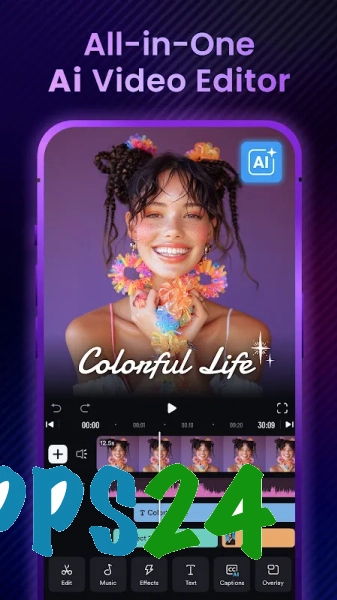
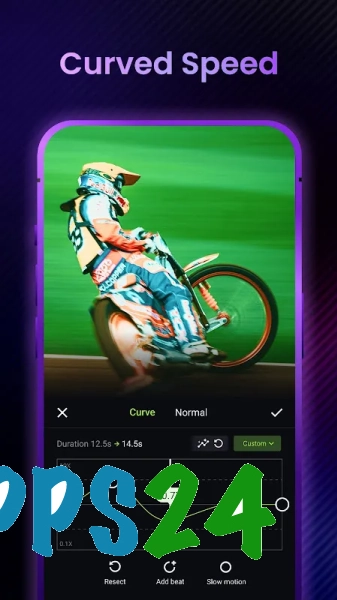
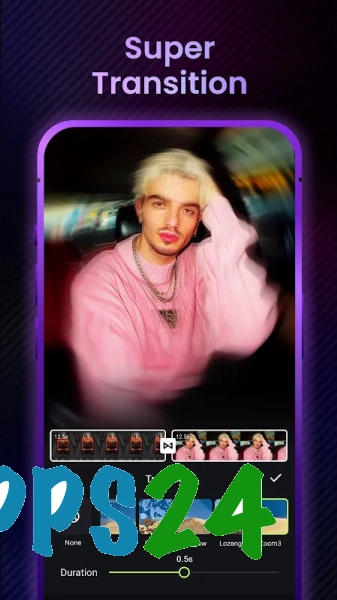
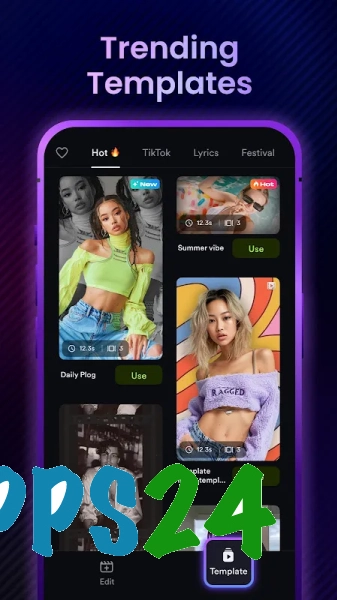
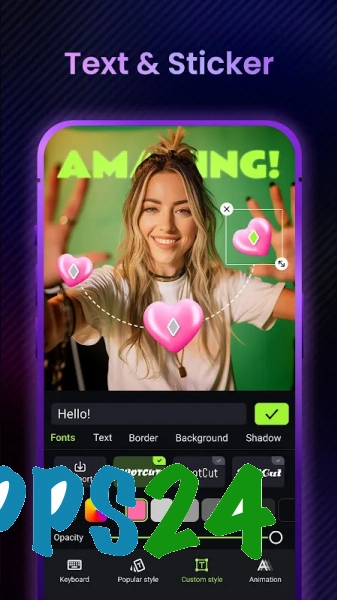
AI Video Editor ShotCut AI is a mobile video editor for Android, designed to quickly edit videos using effects, filters and styling tools. The app helps you prepare a clip for posting on social media: you can add glitch-style visual distortions to the original video, change its mood with a filter, and put together an expressive short montage without a complicated workflow.
In terms of its purpose, the ShotCut AI Video Editor is similar to CapCut: both apps are designed for editing videos on a mobile device and offer ready-made effects and filters. However, ShotCut AI focuses specifically on glitch effects, whilst CapCut offers a wider range of editing tools, templates and features for creating complex projects. The name ‘AI Video Editor ShotCut AI’ does not imply that this is the desktop version of Shotcut: it is a standalone Android app with its own set of features.
Features of AI Video Editor ShotCut AI
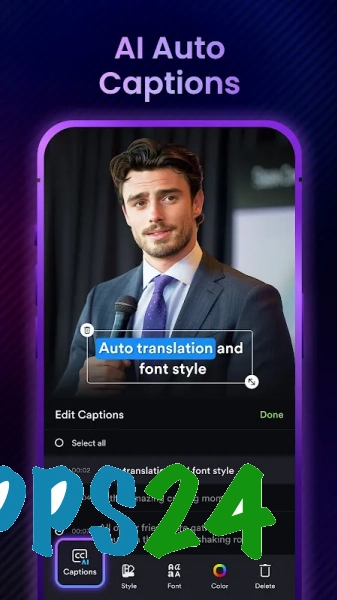
- Edit video files directly on your Android device using the editor’s built-in tools.
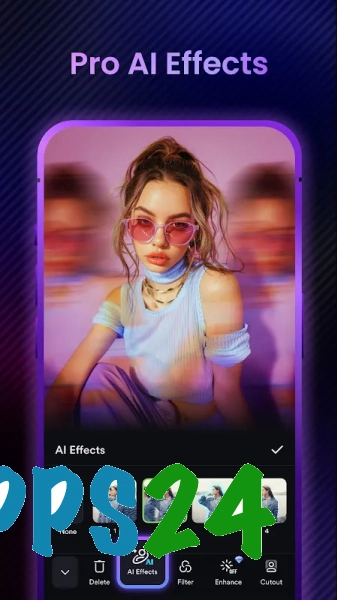
- Apply glitch effects that add digital distortions, flickering and a distinctive ‘glitchy’ style to your footage.
- Apply filters to quickly change the visual mood of a clip without having to manually adjust each setting.
- Prepare short clips for posting on social media and sharing with other users.
- Combining filters and effects within a single project, giving ordinary footage a more striking visual presentation.
AI Video Editor ShotCut AI is designed primarily for quick, creative editing, rather than as a replacement for a full-scale studio. Its strength lies in its ready-made visual solutions, which allow you to transform an ordinary clip into a stylised one without lengthy adjustments.
Advantages of the video editor
- Clear specialisation: glitch effects immediately give the app a recognisable style.
- Quick video styling thanks to ready-made filters and visual presets.
- A suitable format for short videos that require a striking effect without complex editing.
- Using it on Android makes it convenient to edit footage straight after filming, without having to transfer the file to a computer.
Drawbacks
- The narrow focus on effects and filters may prove insufficient for large projects involving multi-stage editing.
- The glitch style isn’t suitable for every video: for business recordings, calm family scenes or instructional videos, such effects may look out of place.
- Compared to all-round video editors, the app offers less obvious scope for complex manual editing of scenes.
- The result depends heavily on the effect chosen: excessive processing can obscure details in the original footage.
Perhaps AI Video Editor ShotCut AI is best suited to those who need short, expressive clips with a digital aesthetic and quick application of ready-made effects; the app helps you experiment with glitch effects on Android and is available for free.
What's new in the latest version 4.0.2
Updated
- The app’s stability has been improved.
- Performance has been optimised when processing and saving videos.
- Bugs that occurred when using effects, filters and editing tools have been fixed.
- Compatibility with the latest versions of Android has been improved.
- The user interface and the editor’s core functions are now easier to use.











Add comment