

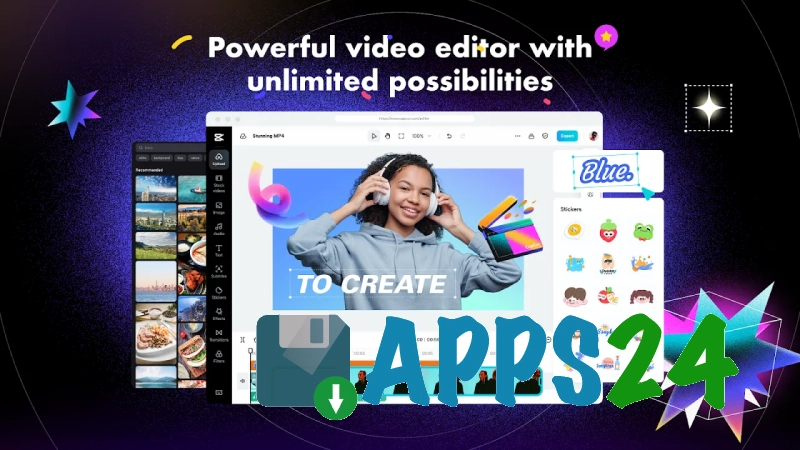
CapCut - Video Editor is a versatile video editor for Android that helps you create videos from clips and photos, and add music, titles, transitions and visual effects. The app is suitable for short social media posts, family videos and more complex multi-track projects.
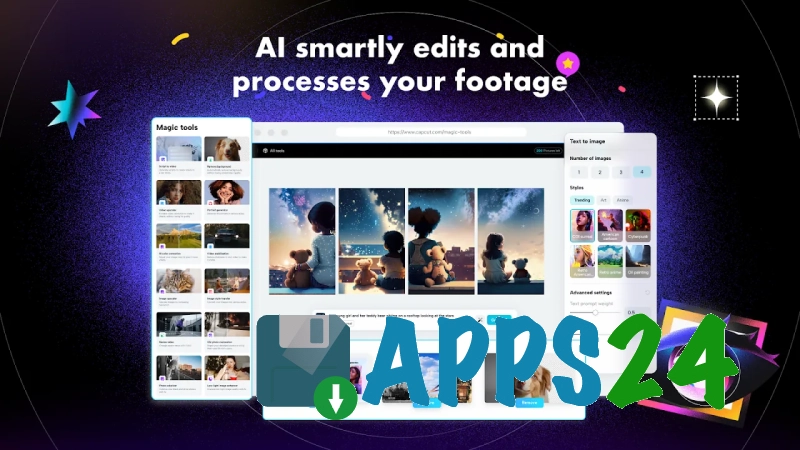
CapCut - Video Editor can be seen as an alternative to InShot: both apps allow you to trim videos, change the aspect ratio, add music and insert text. CapCut also offers features such as keyframes, chroma key, masks and automatic subtitles, making it better suited to videos with dynamic editing and striking effects.
Features of CapCut – Video Editor
- Video editing on a timeline, including trimming, splitting and reordering clips.
- Combine video clips and photos into a single project, adjusting the duration of individual scenes.
- Add music, sound effects and your own audio, with volume control.
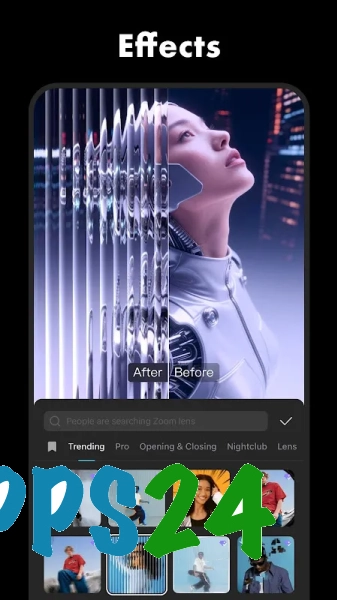
- Use transitions, filters, animations and decorative effects to enhance scenes.
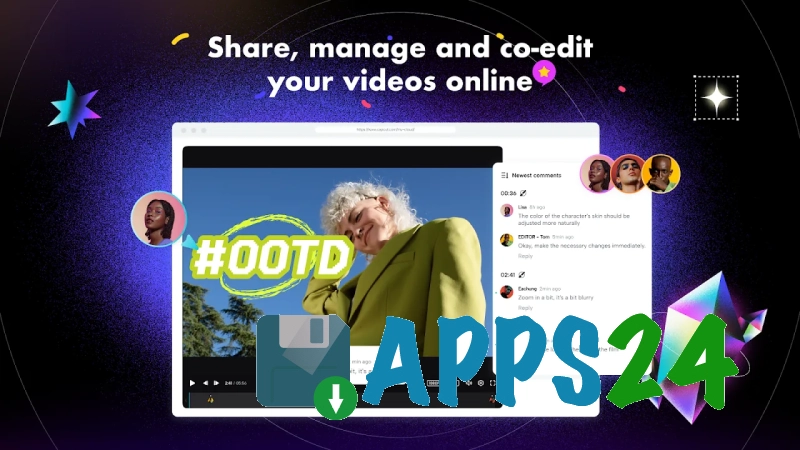
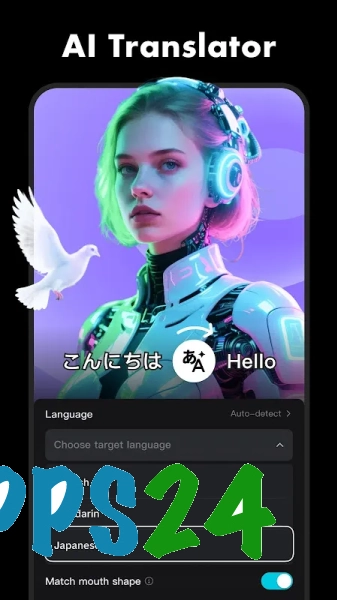
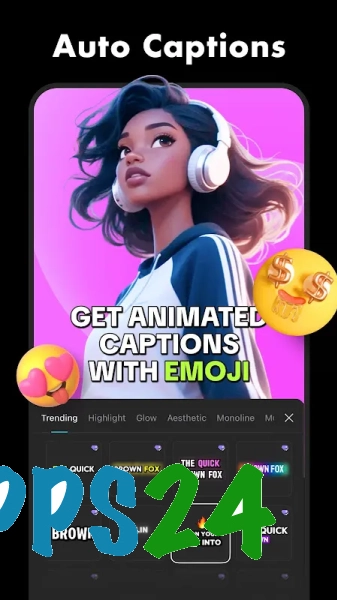
- Create titles manually and generate automatic subtitles based on the speech in the video.
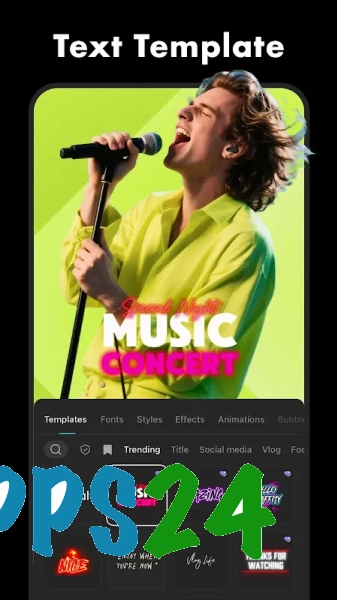
- Customise the font, colour, size and position of text, including animated captions.
- Work with keyframes to smoothly change the scale, position or opacity of an object.
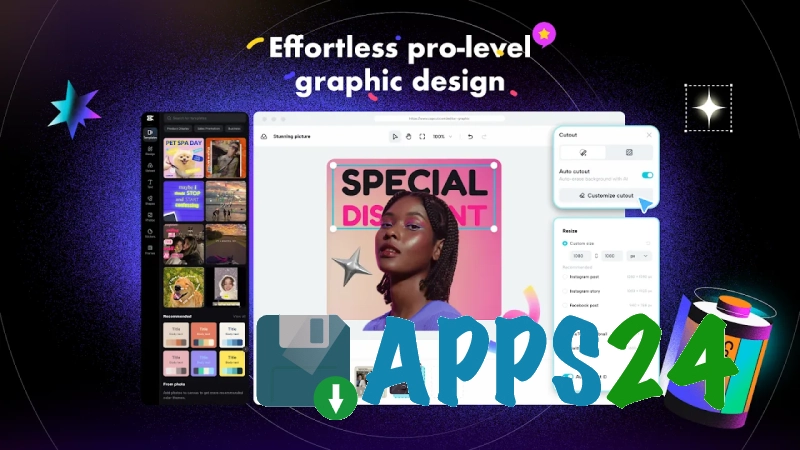
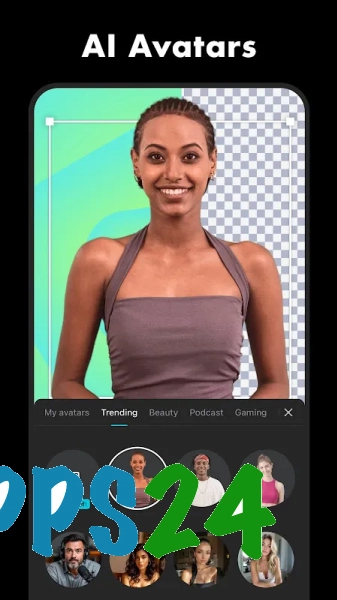
- Removing the background and applying chroma key to replace the background with an image or another video clip.
- Adjust playback speed using smooth acceleration or deceleration.
- Preparing the video for different screen formats, including portrait orientation for mobile publications.
- Export the finished project by selecting the appropriate quality settings and then saving it to your device.
Some of CapCut – Video Editor’s templates, effects and tools are downloaded from the internet, so an internet connection is required to access certain content. Complex, high-resolution projects can also place a significant strain on the memory and battery of your Android device.
Advantages of the video editor
- An intuitive timeline allows you to quickly assemble a video from separate clips without having to switch to a desktop editor.
- The toolset is designed for both simple editing and more creative scenes involving masks, keyframes or background replacement.
- Automatic subtitles reduce the processing time for spoken videos and are ideal for posts that are watched with the sound off.
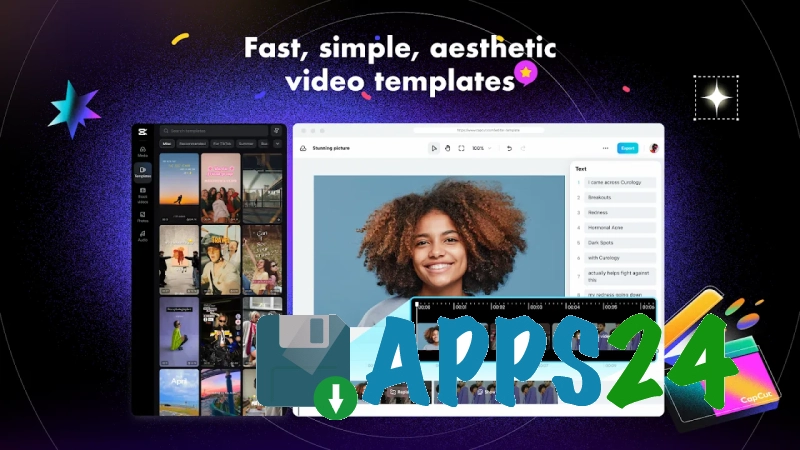
- Templates help you quickly style a video in a ready-made look when you need to complete the edit in a matter of minutes.
- Support for portrait orientation is handy for short videos filmed on a smartphone.
- Music and text can be synchronised with individual scenes, so the video maintains its intended rhythm even after clips have been rearranged.
- Free distribution makes the core tools available without having to purchase a separate desktop editor.
Drawbacks
- The large number of effects and templates can make the interface feel overwhelming when you first start using the app.
- A stable internet connection is required to download online content and for some automatic functions to work.
- Processing long videos or projects with multiple layers requires sufficient free memory and a high-performance device.
- Some advanced features and tools may only be available as part of the app’s paid subscriptions.
- When actively using effects and exporting videos, CapCut – Video Editor drains the battery noticeably.
CapCut – Video Editor is perhaps best suited to those who need a mobile video editor with automatic subtitles, templates and tools for fine-tuning the image, without having to install a complex editor on their computer; the app is available free of charge.
What's new in the latest version 999.999.45
Updated
- The stability of the app has been improved on supported devices.
- Performance has been optimised when editing and exporting videos.
- Bugs that occurred when processing projects and working with media files have been fixed.
- Compatibility with various versions of Android has been improved.
- The user interface and core video editing tools are now easier to use.











Add comment