
GoPro Quik Video Editor is a mobile video editor for Android that helps you quickly turn footage from your smartphone and GoPro cameras into short videos with music, transitions and automatic editing. The app is ideal for editing travel videos, sports footage and everyday photos, and the finished result can be saved to your device or prepared for sharing.
In terms of its approach, GoPro Quik Video Editor is similar to CapCut, but is designed for a faster workflow. CapCut offers a multi-layer timeline, manual effect adjustment and advanced clip tools, whilst Quik focuses on automatically selecting clips to match the music and its close integration with GoPro cameras. Quik offers fewer options for complex editing, but creating a short video from a selection of source clips is noticeably easier.
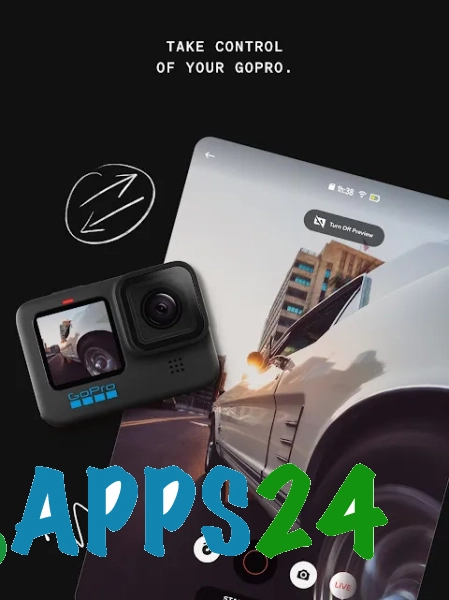
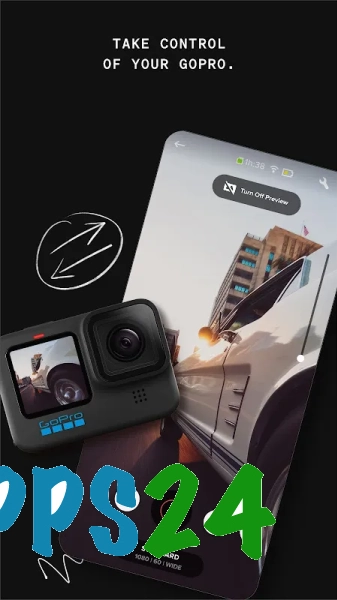
The GoPro Quik Video Editor is particularly useful for owners of GoPro action cameras: the app simplifies the transfer of footage to an Android smartphone and allows you to put together a dynamic story without having to edit each clip manually.
Features of GoPro Quik Video Editor
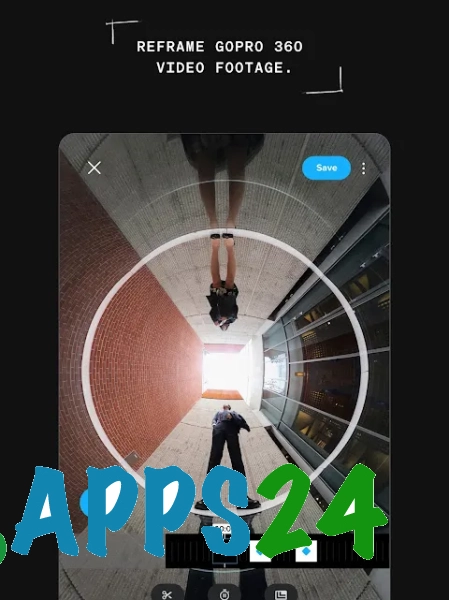
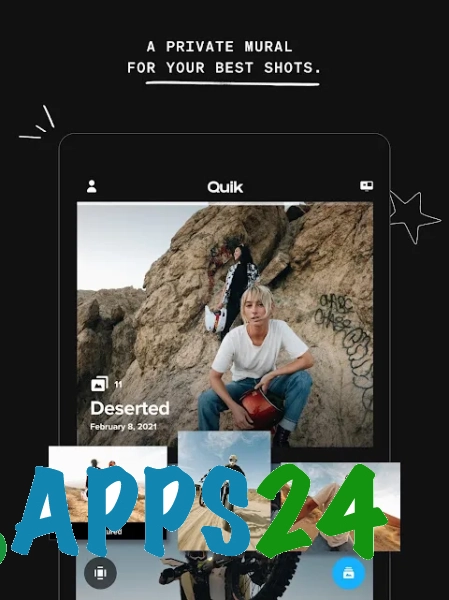
- Import photos and videos from your Android device’s storage, as well as footage from GoPro cameras.
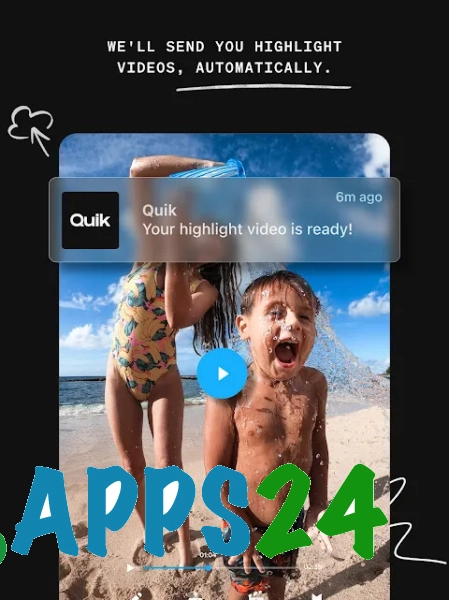
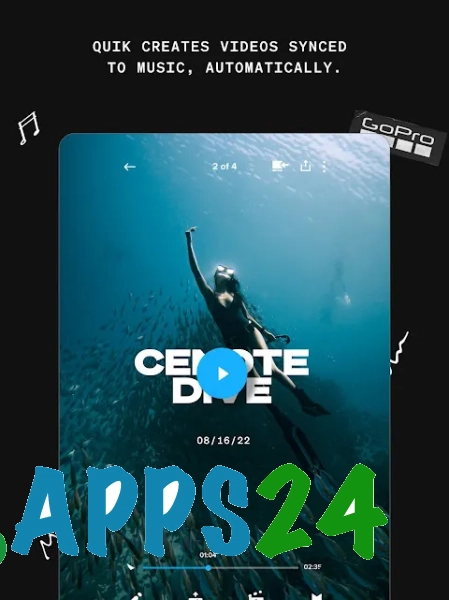
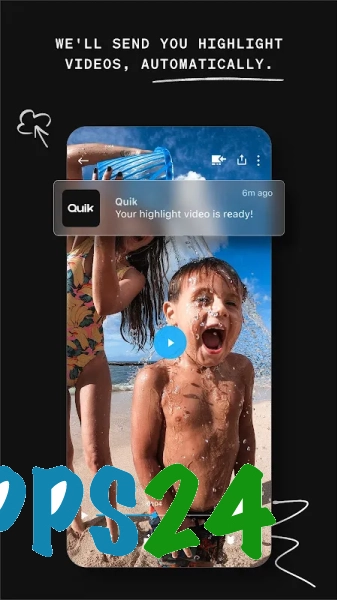
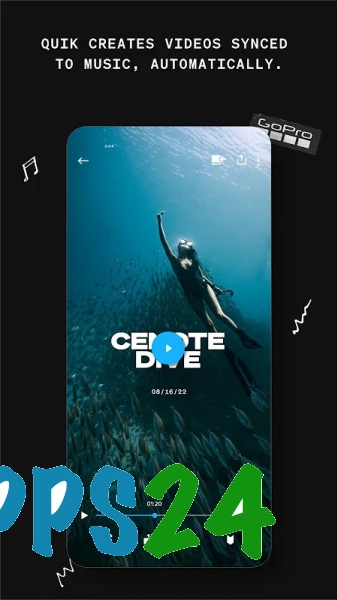
- Automatically create videos from selected files, synchronising the frame changes to the beat of the music.
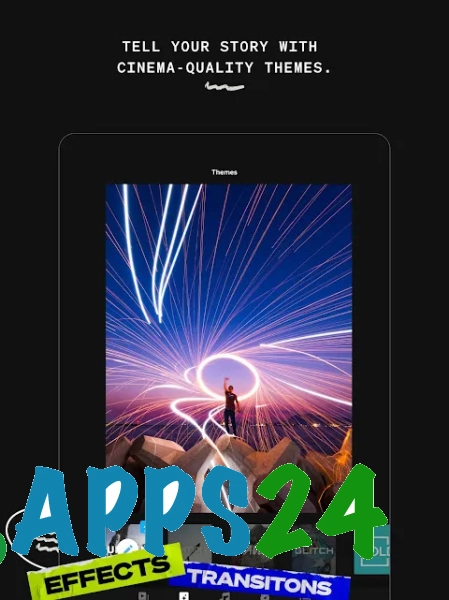
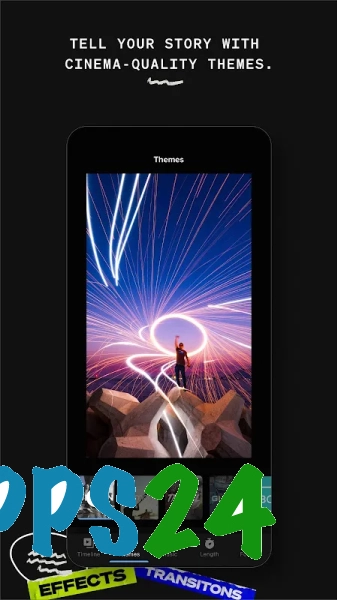
- Use of ready-made themes that set the editing’s own pace, transitions and visual style.
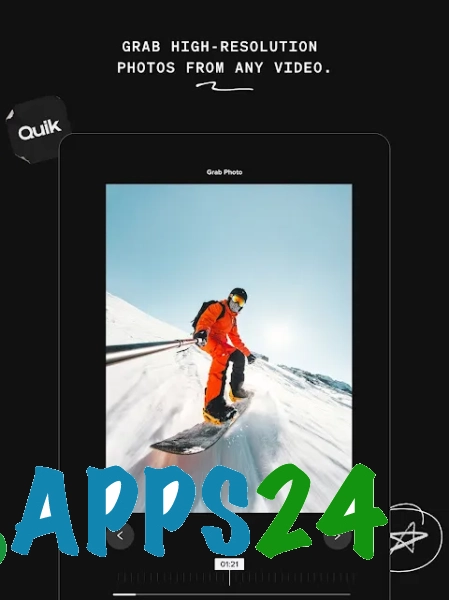
- Trim video clips, reorder segments and select the best moments for your final story.
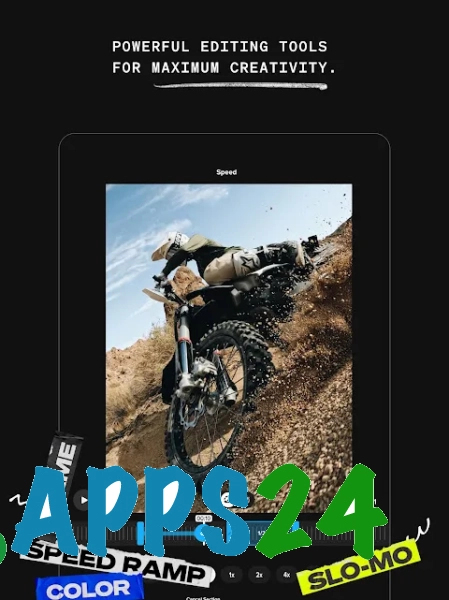
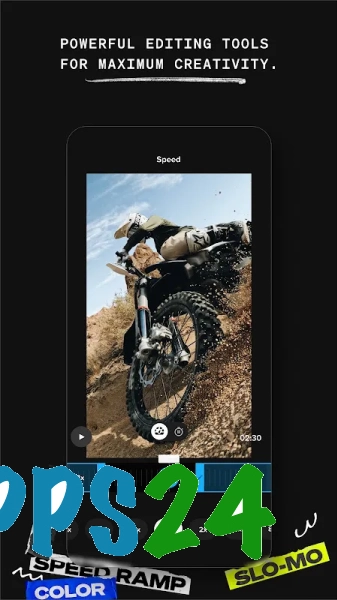
- Adjust the playback speed of individual clips, which is useful for emphasising a stunt, a jump or another brief action.
- Adding music to a project and selecting a soundtrack for clips compiled from trips or sports footage.
- Basic image correction using built-in filters and cropping tools.
- Saving finished videos to your smartphone for later viewing or sharing on social media.
Advantages of the editor
- Automatic editing shortens the process from raw footage to a finished clip: simply select your footage and choose a suitable style.
- Integration with the GoPro ecosystem makes the app a handy addition to your action camera, especially if you regularly film whilst travelling.
- The interface is designed for quick actions, so you don’t need to understand a complex editing timeline to create a short video.
- A single app combines photo and video editing, allowing you to piece together a story from different types of footage.
- Themes and music synchronisation help you achieve an expressive result even with minimal manual editing.
Drawbacks
- Automatic editing doesn’t always select the right moments, so you’ll need to replace or trim certain clips manually.
- In terms of its toolset, the app falls short of full-featured editors with a multi-layer timeline, precise keyframe editing and advanced effects.
- On a smartphone with limited free storage, processing large files from a GoPro camera can be cumbersome.
- Some features are tied to the GoPro ecosystem and are best utilised when a compatible camera is available.
- Some additional features may depend on access permissions within the app, so the free version does not offer the full range of tools.
GoPro Quik Video Editor is probably best suited to those who need a quick video made from footage on their smartphone or GoPro camera without lengthy manual editing: automatic editing, music tracks and ready-made themes cover everyday tasks, whilst more complex projects will require a more powerful editor. GoPro Quik Video Editor is available free of charge.
What's new in the latest version 5.2.1
Updated
- The stability of the application when creating and editing videos has been improved.
- The editor’s performance and media file processing have been optimised.
- Bugs that occurred when importing, saving and exporting projects have been fixed.
- Compatibility with the latest versions of Android and various device models has been improved.
- Minor interface issues have been resolved and the usability of the app’s core features has been improved.












Add comment