

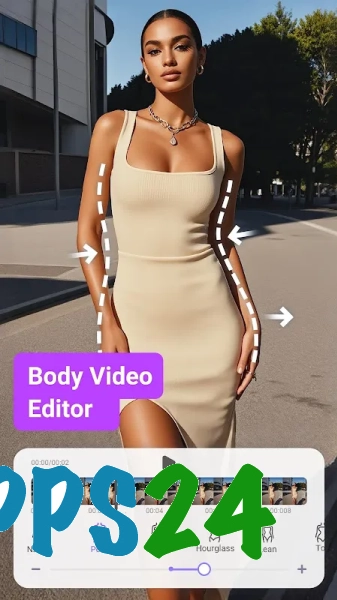
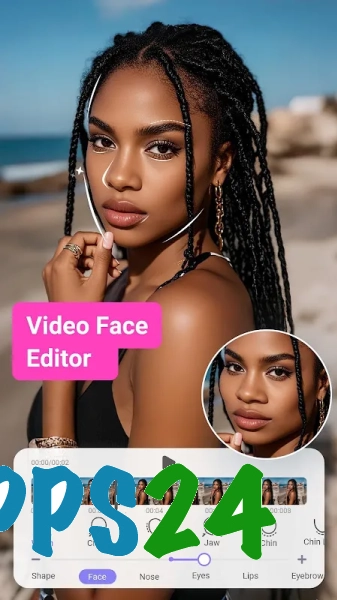
PrettyUp - Video Body Editor — a mobile photo and video editor for Android featuring tools for adjusting body shape, facial features and appearance directly within finished shots. The app helps you adjust body proportions in a photo or video, smooth out skin, refine facial features and add beauty effects without having to edit each frame individually. This suite of features is designed for creating short posts for social media, where a natural-looking result is more important than complex editing.
In terms of its purpose, PrettyUp – Video Body Editor can be compared to CapCut, although the apps have different focuses. CapCut offers a more advanced editing environment with a timeline, transitions and video styling, whilst PrettyUp focuses on retouching appearance and altering body shape in photos and videos. It is more convenient for editing faces or silhouettes, whilst CapCut offers a wider range of editing tools for creating a full-length video clip.
PrettyUp features – Video Body Editor
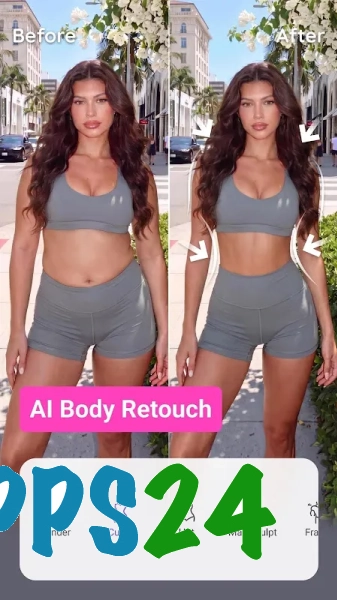
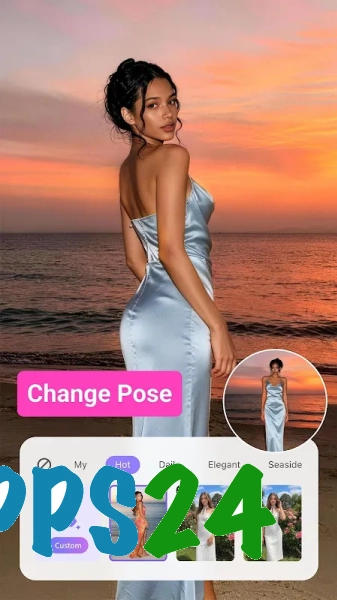
- Body contouring in photos and videos: altering the silhouette, waistline and body proportions using deformation tools.
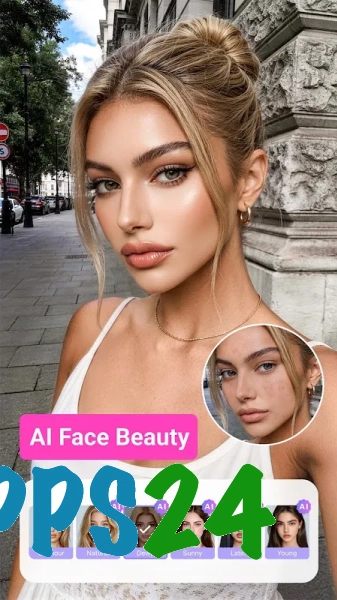
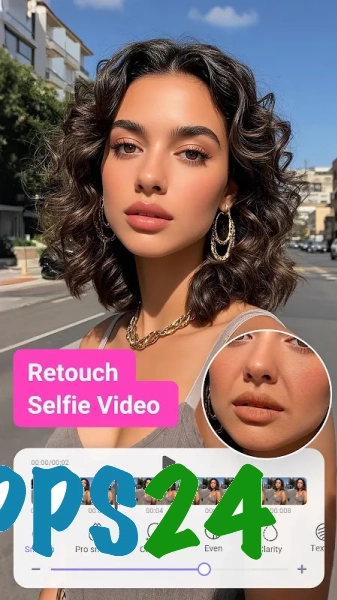
- Face retouching, including adjusting the shape of individual features and creating a more even skin tone.
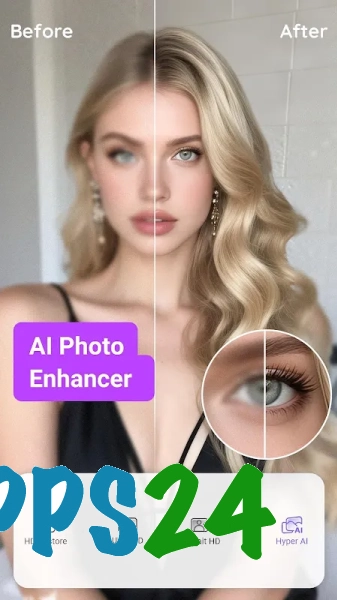
- Beauty enhancement to remove noticeable imperfections, soften skin texture and improve smiles.
- Apply filters and effects that let you quickly change the mood of a finished shot without manually adjusting every parameter.
- Video editing that applies selected changes throughout a scene, rather than just to a single frame.
- Edit photos and videos in a single app, so you don’t need to switch between different editors when publishing short-form content.
Video correction requires careful adjustment: if the silhouette is altered too drastically, the background around a person may look unnatural. For a noticeable result, it is best to use moderate settings and check the entire clip before saving.
Advantages of the editor
- Focus on appearance: the main tools are centred on the face, skin and figure, rather than being buried amongst numerous editing functions.
- Video support is particularly useful for short vertical clips, where motion distortion is more noticeable than in photographs.
- A unified workflow for photos and videos simplifies the preparation of posts with a consistent style.
- Filters and ready-made beauty presets speed up processing when you need to quickly give a shot a consistent look.
- The app is suitable for spot retouching without having to learn how to use a professional editor with multi-layer composition and a complex timeline.
Drawbacks
- Significant body contouring can noticeably alter the background around the edited subject and may require readjustment.
- The features of PrettyUp – Video Body Editor are primarily focused on beauty retouching, so the app is not a substitute for a full-featured video editor for complex editing.
- When editing long or detail-rich clips, checking the results takes longer than when working with a single photograph.
- Some effects and tools may only be available within the app’s built-in limitations.
PrettyUp – Video Body Editor is probably best suited to those who need to make quick adjustments to their appearance in photos and short videos without having to resort to complex editing programmes. The editor helps you adjust your face and figure to the look you want, but should be used sparingly if a natural background and realistic movement are important. PrettyUp – Video Body Editor is available free of charge.
What's new in the latest version 7.8.3
Updated
- The app’s stability has been improved and any bugs found have been fixed.
- Video and photo processing has been optimised, resulting in improved performance.
- Compatibility with the latest versions of Android has been improved.










Add comment