

Meitu is a mobile photo editor for Android featuring beauty retouching tools, photo styling and collage creation. The app helps you quickly enhance portraits, adjust facial features, add make-up and transform ordinary photos into eye-catching images for social media. A range of ready-made filters, decorative elements, text captions and effects are available for editing, making Meitu suitable for both subtle adjustments and dramatic artistic transformations of your photos.
Meitu can be seen as an alternative to PicsArt: both apps allow you to edit photos, apply filters, add text and create collages. However, PicsArt is more focused on free-form composition and working with individual objects, whilst Meitu emphasises portrait retouching, virtual make-up and quick facial effects. PicsArt is more suitable for complex, multi-layered editing, whilst Meitu is better for processing selfies.
Meitu is designed for quick results: most dramatic changes are achieved using ready-made tools, without the need to manually set up a complex editing sequence. This is handy when you need to prepare a photo for publication straight on your smartphone.
Meitu’s features
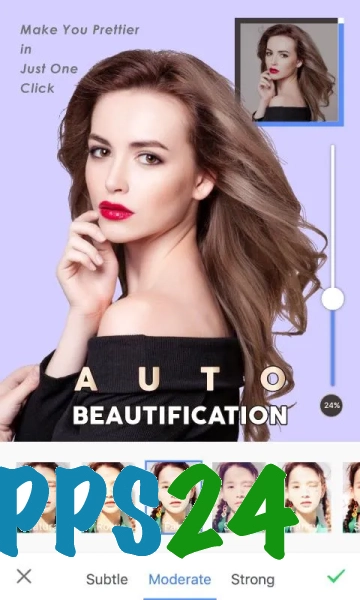
- Automatic and manual portrait retouching helps to smooth the skin, correct minor imperfections and give the face a more expressive look.
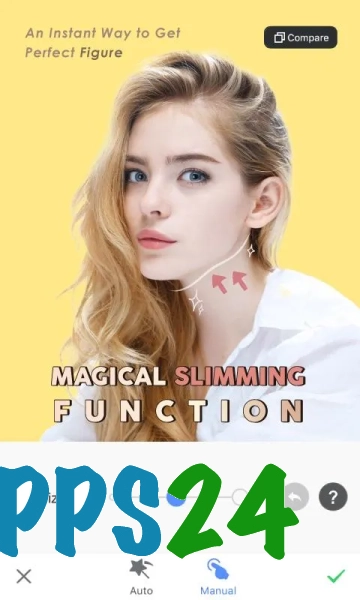
- Appearance-editing tools let you adjust the shape of the face, eyes and other features, whilst retaining control over the intensity of the effect.
- Virtual make-up adds cosmetic touches to a photo without the need for a separate shoot and helps you quickly change your look in a finished photo.
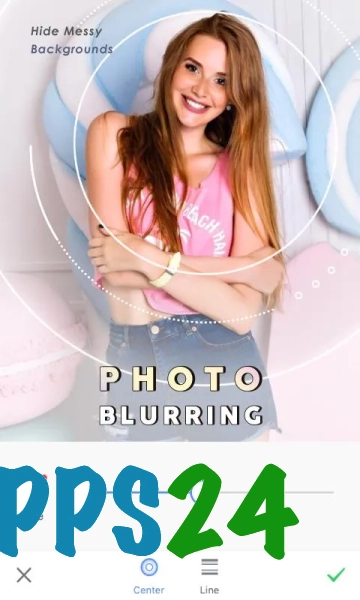
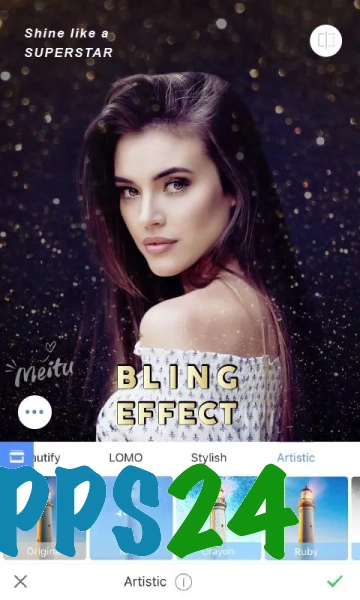
- Filters and artistic effects transform a photograph into a stylised image — ranging from subtle colour correction to striking illustrative processing.
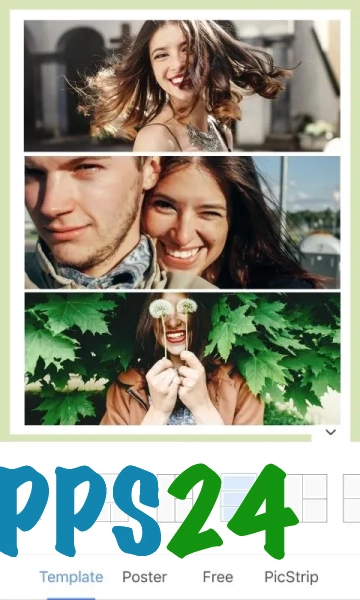
- Collages combine several images into a single composition using pre-designed layouts.
- Stickers, decorative elements and text captions allow you to style a photo for publication or your personal collection.
- The editor is suitable for editing more than just portraits: filters and styling can be applied to photos of objects, trips and everyday scenes.
Advantages of the editor
- Portrait tools are all gathered in a single app, so you don’t need to switch between several services to retouch faces.
- Pre-set effects reduce editing time: you can choose the right style whilst viewing the photo.
- Meitu combines natural corrections with striking stylisation, making it suitable for both subtle photo enhancements and creating unusual looks.
- Collages and decorative elements expand the app’s range of uses beyond standard photo editing.
- The interface is designed for mobile editing, when you need to quickly tweak a photo before sending or posting it.
Drawbacks
- If retouching is too heavy-handed, the face may look unnatural, particularly if skin smoothing and facial feature adjustments are used simultaneously.
- Many of the decorative effects are designed primarily for a dramatic look, so the range of tools may prove excessive for strictly objective or professional editing.
- Pre-set filters do not always work equally well with different lighting conditions and skin tones, meaning the result often requires further adjustment.
- Meitu really comes into its own with portrait shots rather than tasks requiring precise compositing of individual objects or complex work with layers.
Meitu is probably best suited to those who want to quickly enhance portraits, change their look using virtual make-up and style photos without complex editing; the app is available free of charge.
What's new in the latest version 8.3.0
Updated
- The app’s stability has been improved.
- The performance of the photo and video editing tools has been optimised.
- Bugs have been fixed and compatibility with Android devices has been improved.
- The speed of uploading and processing content has been improved.











Add comment