

Movavi Clips - Video Editor — a mobile video editor for Android that helps you quickly put together a video from photos and video clips, trim out unwanted parts, and add music, text or visual effects. The app is ideal for short social media posts, family videos and simple clips without having to transfer content to a computer.
In terms of its basic toolset, Movavi Clips - Video Editor is comparable to InShot: both apps allow you to edit clips on a mobile device and add music, text and filters. Movavi Clips – Video Editor focuses on intuitive editing of source footage and does not clutter the screen with complex professional control panels, whilst InShot offers a set of settings for publication format and frame design that is more familiar to many users.
Movavi Clips – Video Editor is designed for editing directly on a smartphone: you can combine source clips into a single project, add an audio track and prepare the video for publication without using a desktop editor.
Features of Movavi Clips – Video Editor
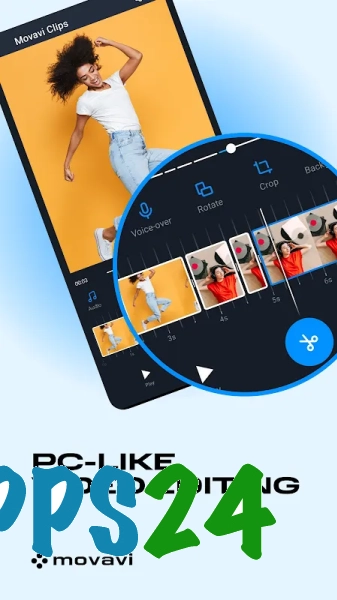
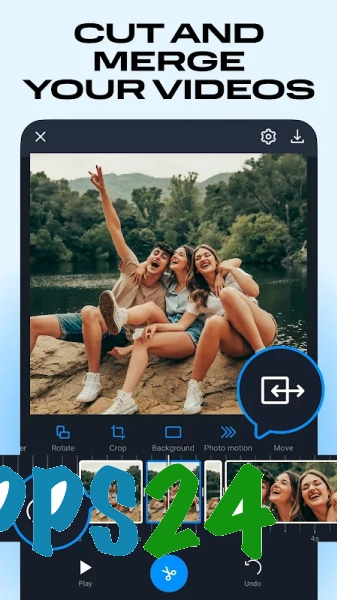
- Trimming video clips allows you to remove a botched start or the end of a recording.
- Combining several clips helps you create a complete video from individual scenes and photos.
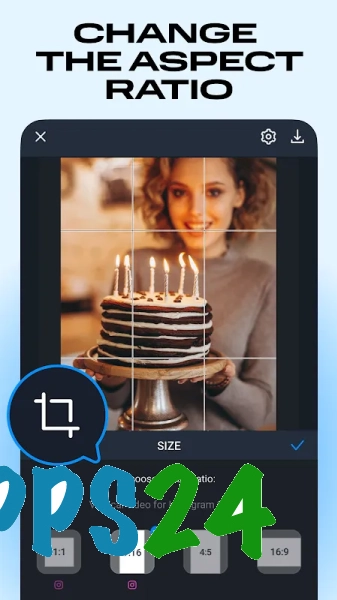
- Cropping and rotating are useful for correcting the orientation of videos shot vertically or horizontally.
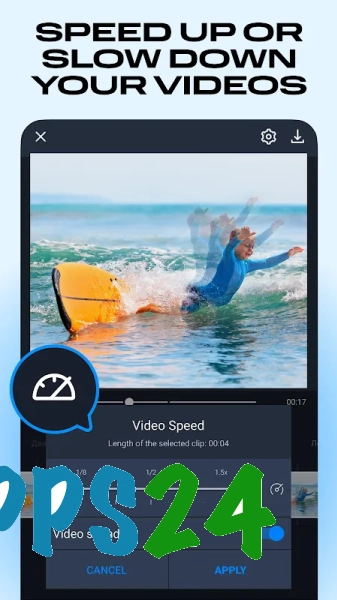
- Speed adjustment changes the pace of individual clips and allows you to emphasise a particular moment.
- Transitions connect neighbouring clips without a sudden change of scene.
- Filters and other visual effects alter the mood of the footage without the need for complex manual colour correction.
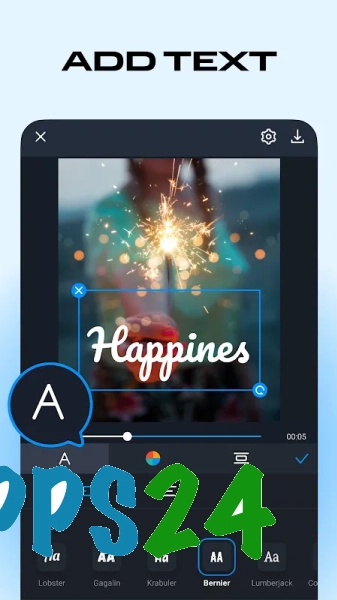
- Text overlays are useful for titles, scene captions or short messages.
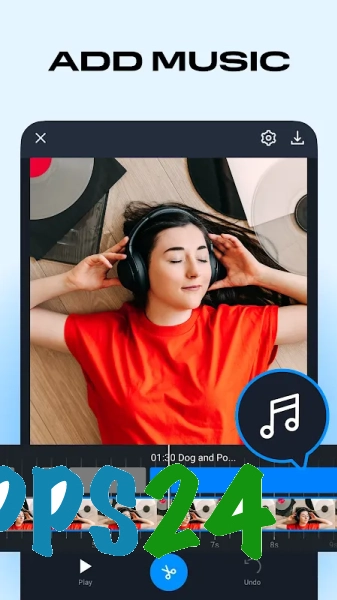
- Background music is added to the video sequence, turning a collection of clips into a finished video.
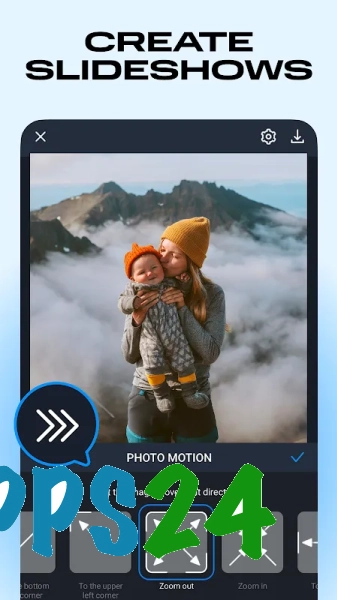
- Photographs can be used alongside video to create slideshows combining images and footage.
Advantages of the video editor
- The mobile format allows you to edit material on an Android smartphone when a computer is not available.
- The suite of tools covers the main tasks: from trimming and splicing to adding music and captions.
- Support for photos broadens the range of uses — the programme is suitable for more than just video editing.
- Simple operations such as rotating or changing the speed do not require complex project settings.
- Filters, transitions and text help you style your video without having to install several separate apps.
Drawbacks
- For complex editing involving a large number of independent tracks, the mobile editor’s capabilities may prove insufficient.
- Working with projects containing many large video files depends on the available memory and performance of the Android device.
- A smartphone’s small screen is less convenient for precisely adjusting clip boundaries than a computer monitor.
- Advanced users may find the level of control over image and sound settings insufficient.
It would appear that Movavi Clips – Video Editor is designed for those who need an intuitive way to edit short videos directly on an Android smartphone: you can trim footage, join scenes, add music and add text to your video without a cumbersome workflow, and the app itself is available for free.
What's new in the latest version 3.8
Updated
- The stability of the video editor has been improved.
- Performance has been optimised for video processing and exporting.
- Bugs have been fixed and compatibility with modern Android devices has been improved.
- The user experience with the main editing tools has been improved.










Add comment