

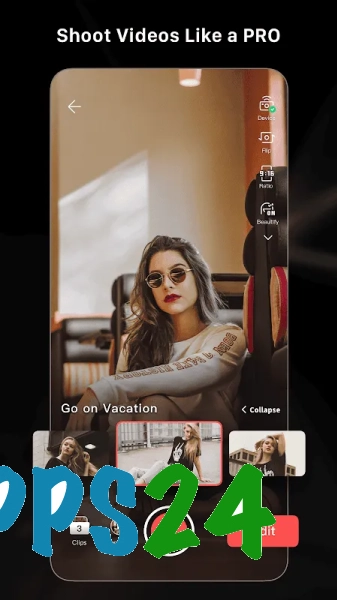
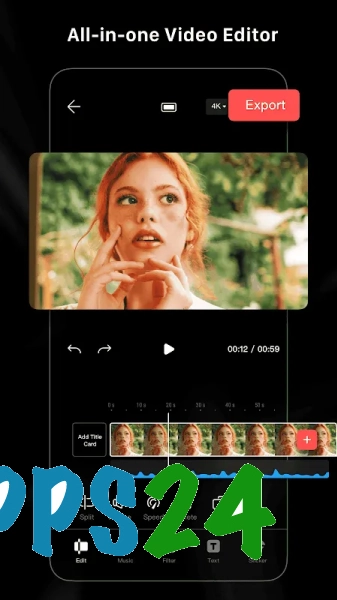
LightCut - AI Auto Video Editor is a free video editor for Android featuring intelligent editing, ready-made templates and tools for editing videos directly on your smartphone. The app analyses the footage you’ve added and helps you quickly put together a short video for sharing, whilst offering DJI device owners a convenient way to edit their footage without having to transfer it to a computer. Manual editing is also available: individual clips can be trimmed, merged and enhanced with visual effects.
LightCut – AI Auto Video Editor can be seen as an alternative to CapCut for mobile video editing. Both apps can work with existing clips, add music, text and effects, and use templates. LightCut places greater emphasis on automatically selecting the best moments and scenes, whilst CapCut offers more extensive manual editing options, including the ability to work with complex multi-layer compositions.
Features of LightCut – AI Auto Video Editor
- Automatic video creation using AI. The app analyses your selected photos and videos, then suggests putting them together into a cohesive clip with the right rhythm.
- One-tap editing. You can quickly turn your footage into a short video without having to manually arrange each clip on the timeline.
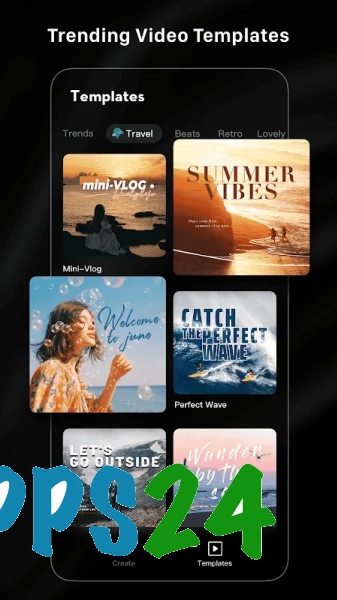
- Templates for different themes. These help you present a trip, a walk or everyday footage in a consistent style.
- Support for footage from DJI devices. The app is designed to process footage from action cameras, drones and other DJI equipment, making it particularly convenient for owners of the DJI ecosystem.
- Editing individual scenes. You can trim clips, reorder them and delete unwanted footage.
- Adding music and soundtracks. An audio track helps set the mood of the video and synchronise the footage with your chosen template.
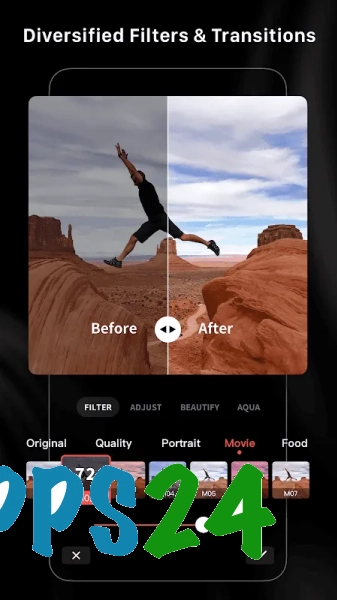
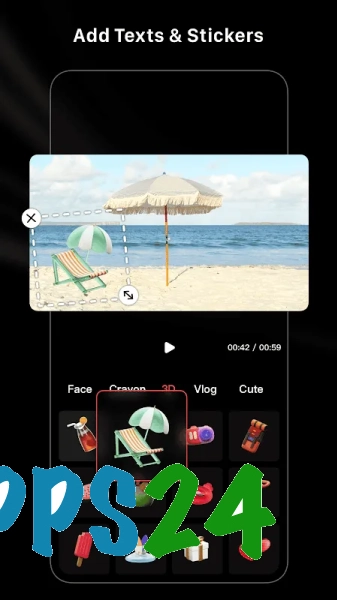
- Text captions, filters and transitions. These can be used to indicate the location where the footage was shot, add a brief comment or link scenes together more smoothly.
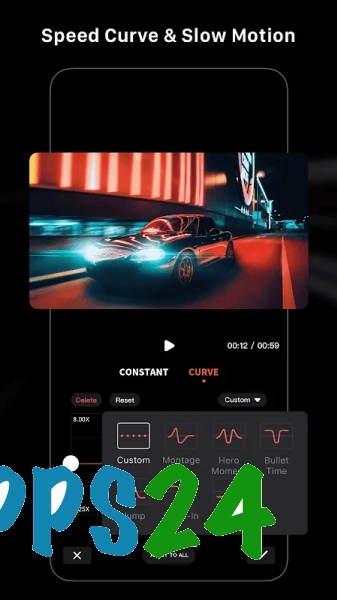
- Adjusting playback speed. Slow motion is ideal for dynamic shots, whilst fast motion helps to condense a lengthy process.
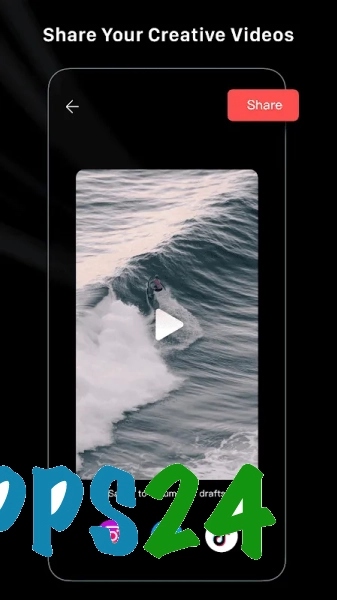
- Export the finished video for further storage or to post on social media.
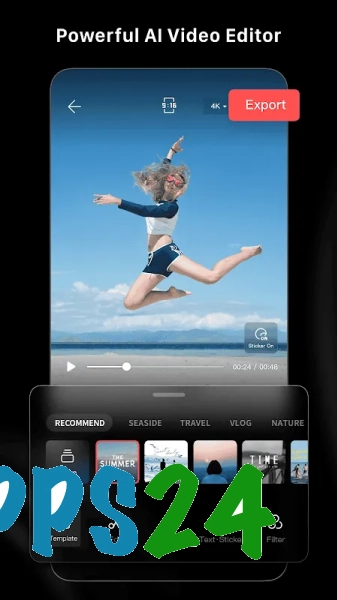
The key feature of LightCut – AI Auto Video Editor is the combination of automatic editing and access to manual tools. This allows you to quickly create a finished video from a set of clips, whilst retaining control over individual scenes and styling where necessary.
Advantages of the editor
- Automation saves time when processing large numbers of frames: instead of spending ages selecting scenes, the programme creates the basis of the clip itself.
- The interface is designed for mobile use, so you can prepare your video straight after filming, without needing a computer.
- Templates help you create a neatly styled video even if you have no editing experience.
- The app is well suited to footage from DJI equipment, as it combines the import of such footage with its subsequent editing within a single workspace.
- The combination of automatic and manual modes is handy for different tasks: a quick clip can be created with almost no adjustments, whilst key moments can be fine-tuned separately.
- Support for music, text and effects allows you to prepare a video for publication without having to install several additional apps.
Drawbacks
- Automatic editing does not always select the exact clips that are important to the creator, so the result may require manual adjustment.
- In terms of the depth of customisation, LightCut falls short of full-featured professional editors: complex projects with a large number of layers and precise frame-by-frame editing are best carried out on a computer.
- Some of the ready-made templates are designed for a specific rhythm and video format, which means not all source material fits into the suggested structure.
- Processing high-resolution video may place significant demands on your smartphone’s resources and require ample free storage space to save both the source files and the final result.
- The app’s greatest practical value is realised when using footage from DJI devices, whilst for standard editing on a smartphone, its advantage over other editors is less pronounced.
It would appear that LightCut – AI Auto Video Editor is designed for those who need to quickly turn footage from a phone or DJI device into a finished video without having to spend a long time learning how to edit. Automatic scene selection is combined with basic manual editing, making the app suitable for short trips, fast-paced footage and social media posts. LightCut – AI Auto Video Editor is available free of charge.
What's new in the latest version 4.107.0
Updated
- The app’s stability has been improved and any bugs found have been fixed.
- Performance when processing and exporting videos has been improved.
- The automatic editing and montage tools have been optimised.
- Compatibility with modern Android devices has been improved.
- The user interface has been updated and the app is now easier to use.











Add comment