

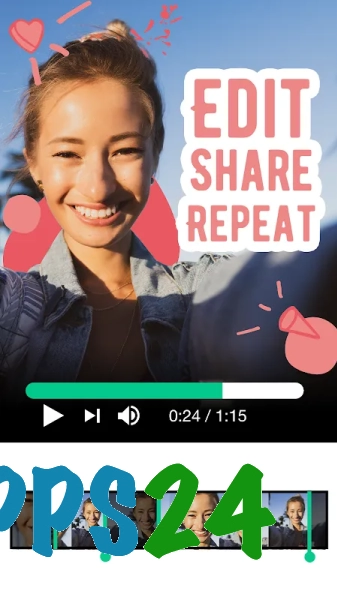
Magisto - Video Editor & Music — a mobile video editor for Android that turns photos and videos into finished clips using automatic editing, music tracks and themed templates. The app is designed for creating short clips for social media, family compilations and memorable slideshows without the need for complex editing.
Magisto - Video Editor & Music is similar in approach to Quik: both services help you quickly put together a video from your own footage and synchronise the editing with music. However, Magisto emphasises pre-designed styles and automatic processing, whilst Quik is more focused on clips from action cameras and scenarios with automatic selection of clips based on filming data.
Features of Magisto – Video Editor & Music
- Creating videos from photos and video files stored on an Android device.
- Automatic editing of source material, selecting the best clips and creating a cohesive composition.
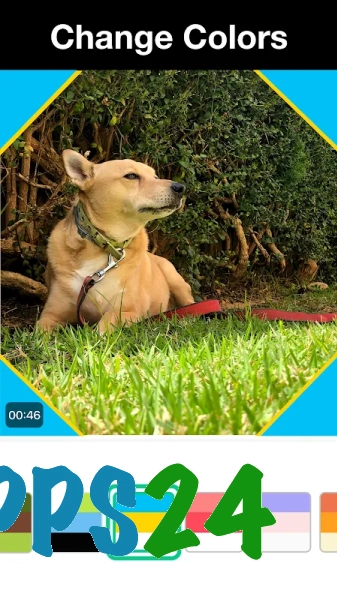
- Apply themed templates, visual styles and effects to suit the mood of your video.
- Add music to videos by selecting a suitable soundtrack from the available collection.
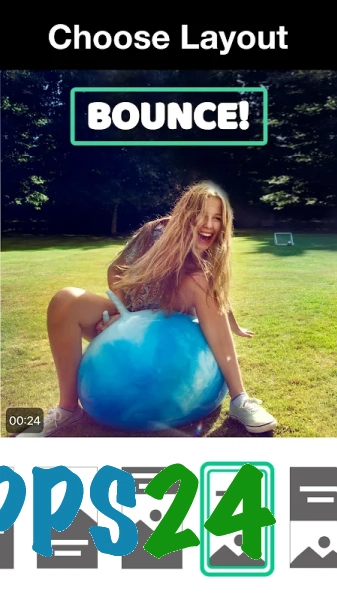
- Creating a slideshow from photos, which can be enhanced with music and visual effects.
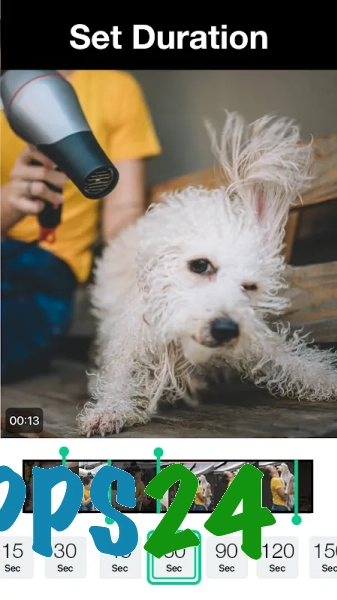
- Editing individual settings of the finished project: the order of clips, clip duration and text formatting depend on the selected template.
- Save your finished videos and share them on social media or via other Android apps.
Magisto – Video Editor & Music is particularly handy for situations where you’ve already gathered your source material but don’t have time to edit it manually or choose music: simply select your photos or videos, specify a style, and get a finished clip.
Advantages of the video editor
- Automatic editing lowers the entry barrier: you don’t need to understand complex timelines to create a video.
- Templates help you quickly establish a consistent visual style for a family video, a festive compilation or a social media post.
- Support for photos and videos allows you to combine different types of content in a single project.
- The soundtrack can be selected within the app, so you can edit your video without having to search for an audio file separately.
- The interface is designed for quick results, rather than lengthy frame-by-frame editing.
Drawbacks
- Automatic editing leaves you with less control over the exact timing of cuts and the order in which individual scenes are processed.
- For complex projects involving multi-layer compositions, detailed colour correction or fine-tuning of the audio, the features may prove insufficient.
- Some styles, music options and additional features may only be available in the paid version.
- The result depends on the quality and length of the source material: poorly chosen clips may require the project to be recreated.
Magisto – Video Editor & Music is probably best suited to those who need to quickly turn photos and short video clips into a neat music video without having to learn how to use professional tools; the app relies on automation and ready-made templates, and is available for free.
What's new in the latest version 4.58.1
Updated
- The stability of the application has been improved.
- Bugs found in previous versions have been fixed.
- Performance when creating and editing videos has been improved.















Add comment