

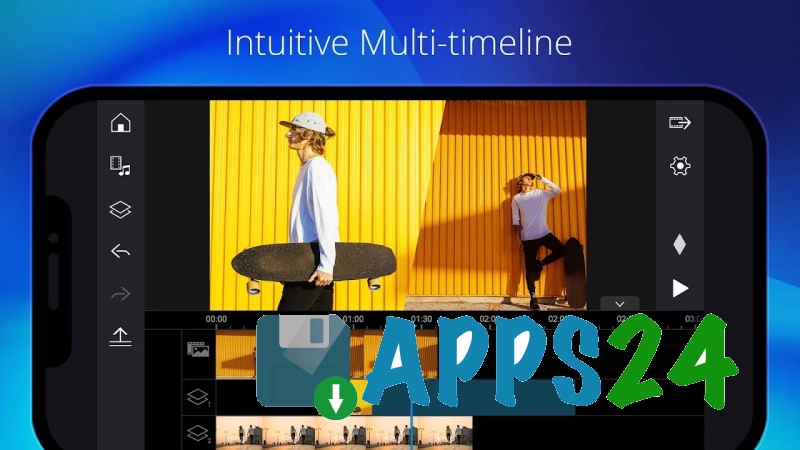
PowerDirector - Video Editor — a mobile video editor for Android that helps you create videos from clips and photos, edit individual segments and prepare your finished video for publication. The app uses a multi-track timeline: you can trim videos, split them into sections, reorder scenes and add transitions. Text captions, filters, effects and background music are available for styling, and the finished project can be saved to the device’s storage or prepared for sharing on social media.
In terms of its toolset, PowerDirector – Video Editor can be compared to Adobe Premiere Rush: both apps are designed for editing videos directly on a mobile device and allow you to combine video with captions, music and visual effects. PowerDirector emphasises a timeline interface more familiar to desktop editors and offers tools such as chroma key, slow motion and reverse playback, whilst Premiere Rush is more closely integrated with the Adobe ecosystem and project synchronisation across devices.
PowerDirector – Video Editor isn’t just for short posts. You can use it to create a family video from photos, edit footage from a trip, or put together a video with multiple scenes, without having to transfer the source files to a computer.
Features of PowerDirector – Video Editor
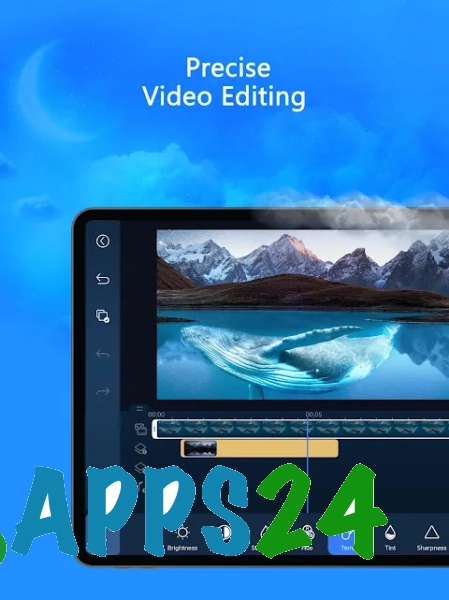
- Timeline editing, allowing you to split videos into separate clips and precisely adjust their order.
- Trim the start and end of clips, remove unwanted sections and combine several clips into a single video.
- Add transitions between scenes to make the change between frames look smoother.
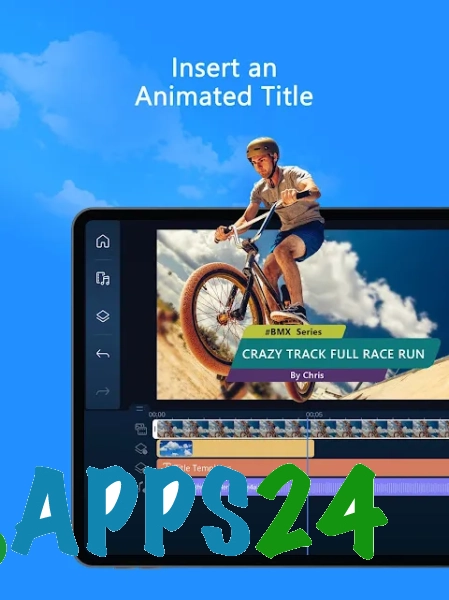
- Overlaying text using captions, titles or annotations within the video.
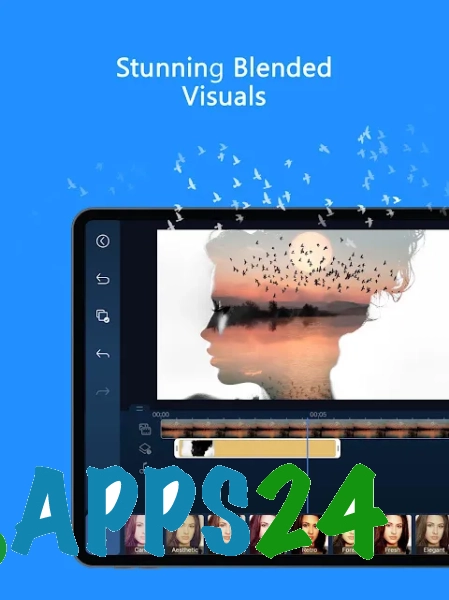
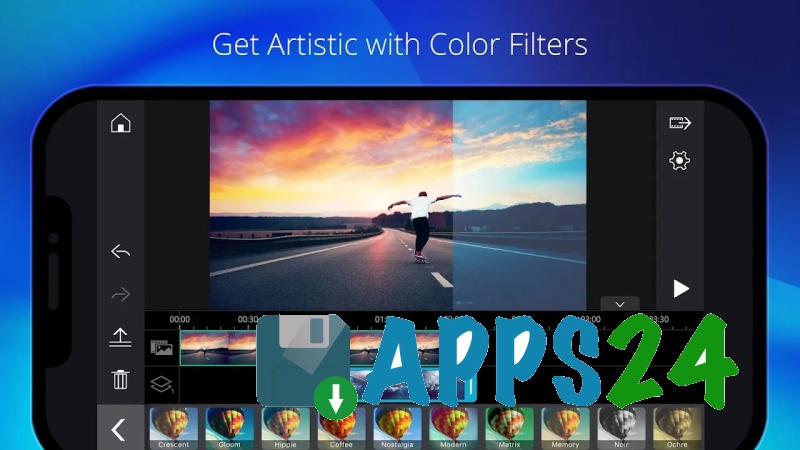
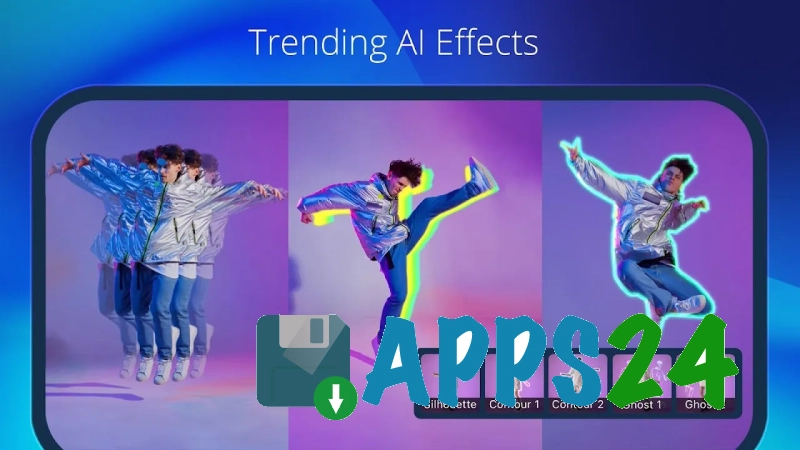
- Applying filters and effects that alter the mood of the footage or highlight a specific scene.
- Working with music and soundtracks: an audio track can be added to the video sequence so that the clip does not rely solely on the original sound.
- Recording a voice-over to comment on what is happening on screen.
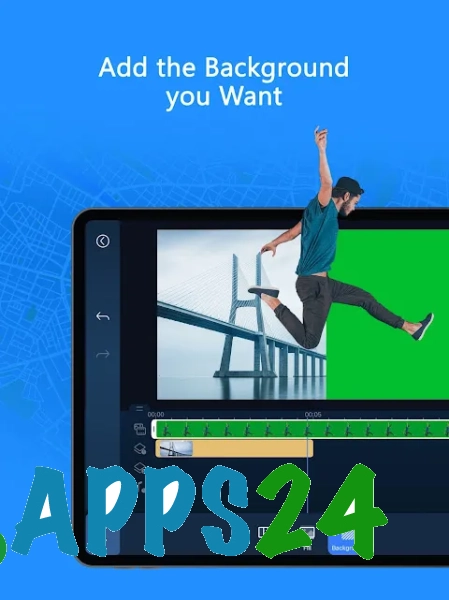
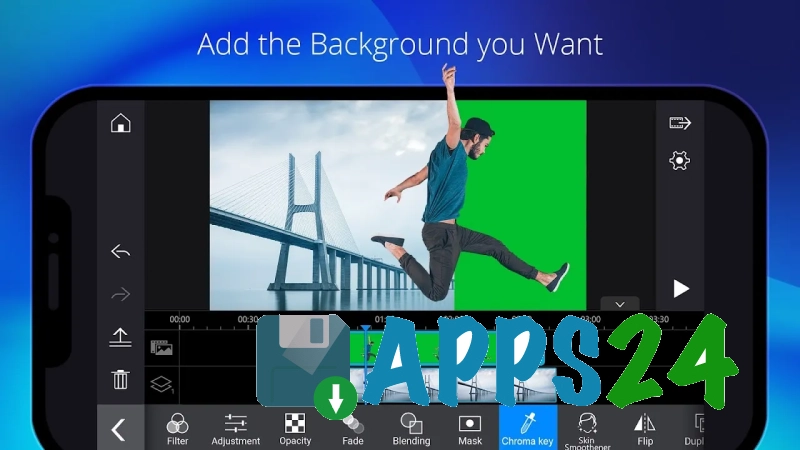
- A chroma key tool for replacing a plain background in suitable scenes.
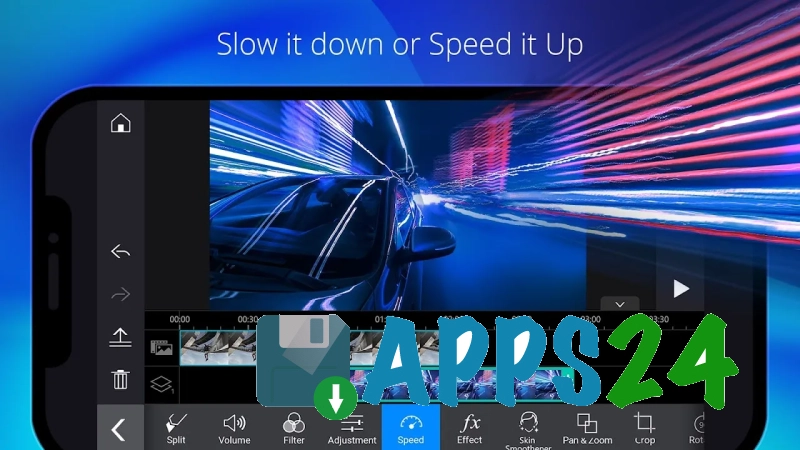
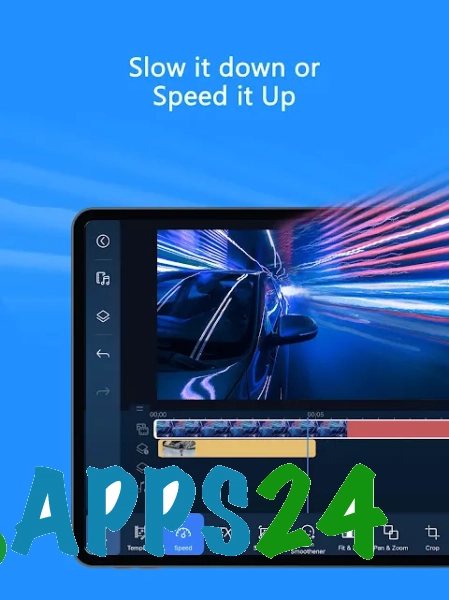
- Slow motion and reverse playback to create dramatic moments in sports, entertainment or staged videos.
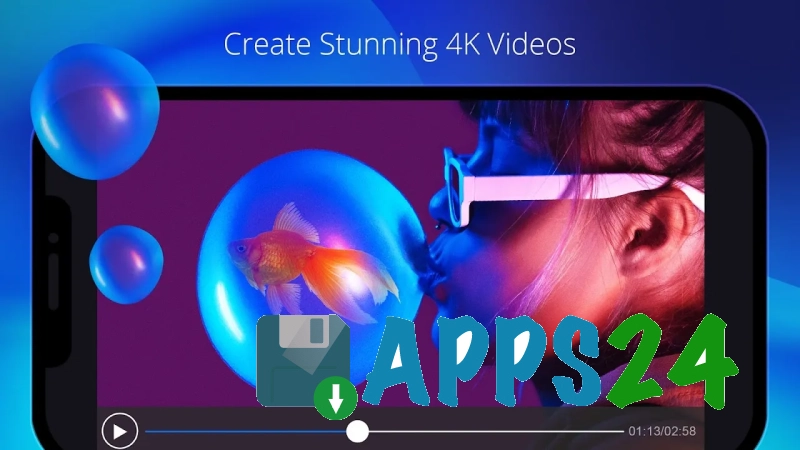
- Export high-resolution videos, including 4K export on compatible devices.
- Image stabilisation features, useful when editing handheld footage.
- Add decorative elements such as stickers and graphic overlays.
Advantages of the editor
- The mobile format allows you to edit footage straight after filming, without having to transfer files to a computer.
- The multi-track layout is more convenient for projects where you need to combine video, music and text.
- The toolset is suitable for everything from simple clip trimming to videos with more complex sequences of scenes.
- Support for chroma key, stabilisation and speed adjustment expands the possibilities for editing the source footage.
- The inclusion of titles and ready-made visual effects helps you style your video without the need for third-party applications.
- High-resolution export preserves more detail when viewed on modern screens.
- The programme is designed for publishing: the finished video can be easily prepared for social media and video-sharing platforms.
Drawbacks
- Processing 4K video requires a fairly powerful Android device; on a low-spec smartphone, previewing and exporting may be slower.
- Editing on a small screen is less convenient than working with the same timeline on a computer.
- Complex projects with multiple tracks place a greater strain on the device’s memory.
- Some of the advanced features may be tied to adverts or in-app purchases, so free access does not necessarily mean there are no restrictions.
- Chroma key produces accurate results mainly under even lighting and when the subject is clearly separated from the background.
PowerDirector – Video Editor is perhaps best suited for mobile editing, when you need to quickly turn a collection of clips into a polished video with music, titles and effects. The programme combines straightforward trimming functions with more advanced tools such as chroma key and stabilisation, whilst retaining the format of an Android app. PowerDirector – Video Editor is available free of charge.
What's new in the latest version 7.3.2
Updated
- The stability of the video editor has been improved.
- Performance has been optimised for video processing and export.
- Bugs found in previous versions have been fixed.












Add comment