

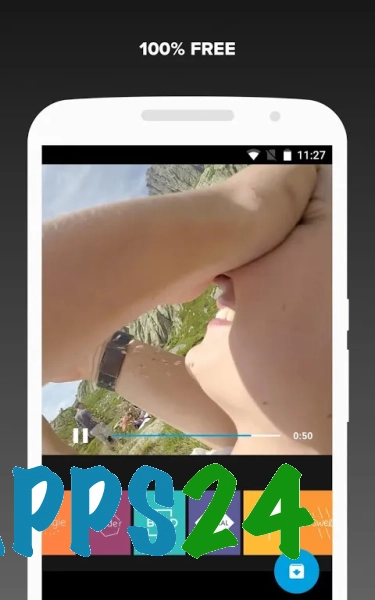
Quik - Free Video Editor — a mobile video editor for Android that helps you create short videos from photos and video clips using ready-made themes, music and automatic editing rhythms. The app is designed to deliver quick results: you can combine source material into a single clip, then adjust the order of the clips, the duration of the scenes and the styling.
In terms of its purpose, Quik - Free Video Editor can be compared to InShot: both apps are suitable for editing videos on a smartphone, trimming clips and adding background music. The difference lies in their approach to editing: Quik emphasises automatic video assembly set to music and pre-designed styles, whilst InShot is more geared towards manually adjusting individual elements of a project.
Features of Quik – Free Video Editor
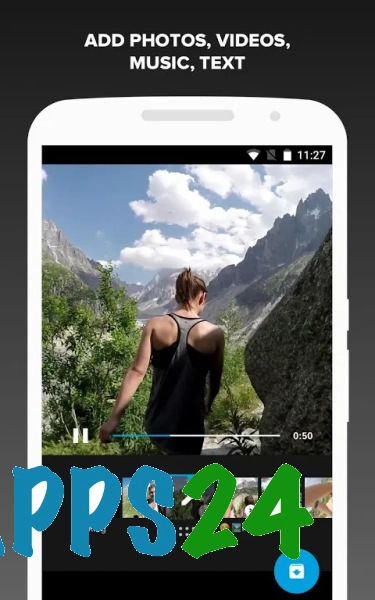
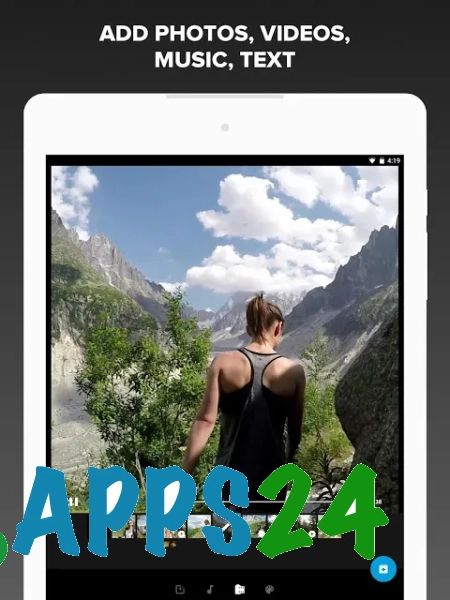
- Creating videos from photos and videos stored on an Android device.
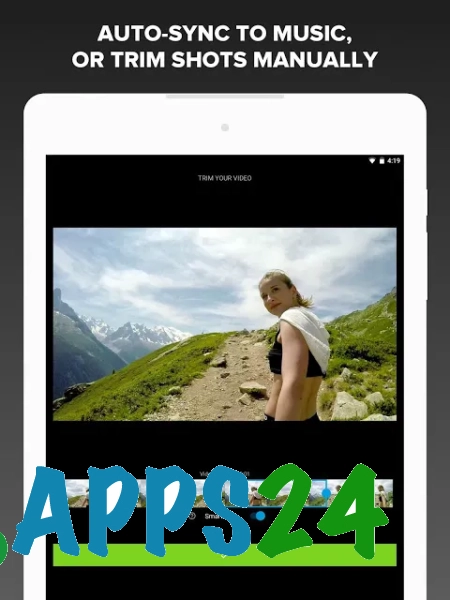
- Automatic video compilation with frame transitions synchronised to the rhythm of the music.
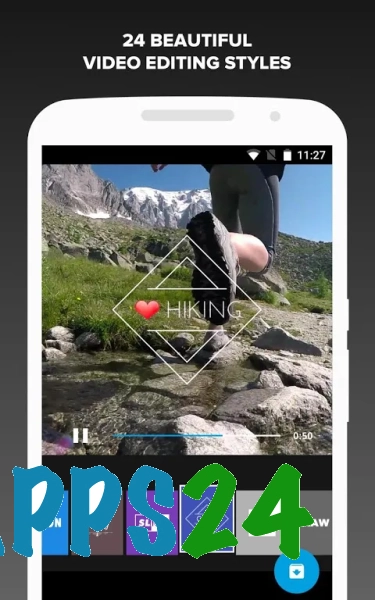
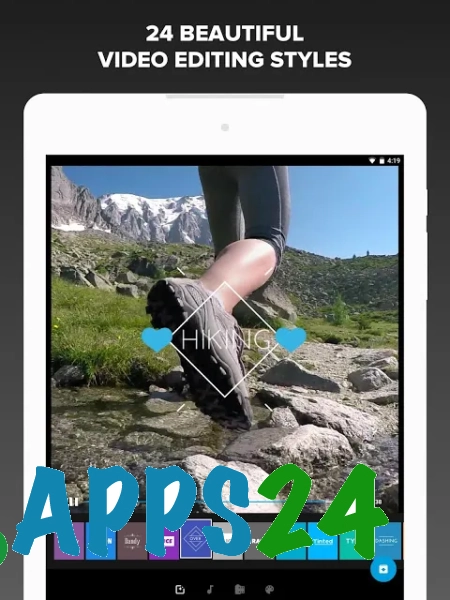
- Use of pre-set themes to customise transitions, styling and the overall feel of the video.
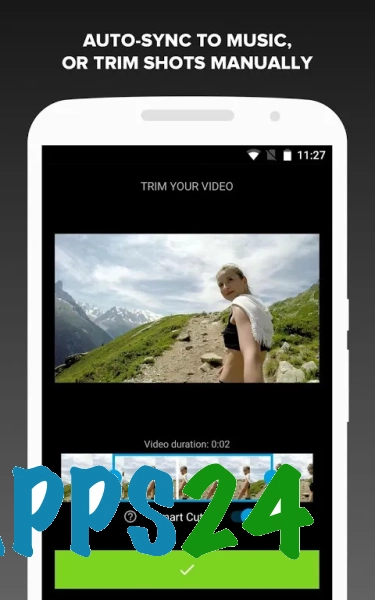
- Trim source material and select the desired clips before publishing.
- Rearrange scenes to quickly create the right sequence of clips.
- Add music to the project and synchronise the video sequence with the selected track.
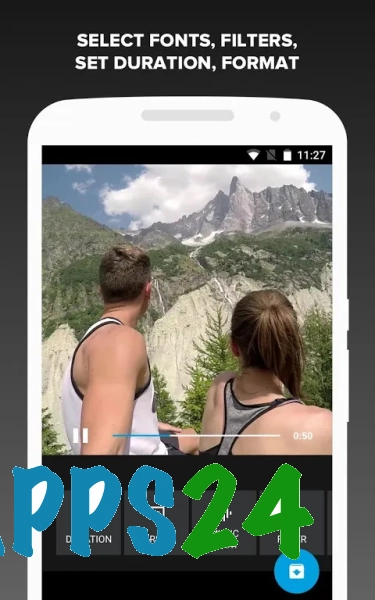
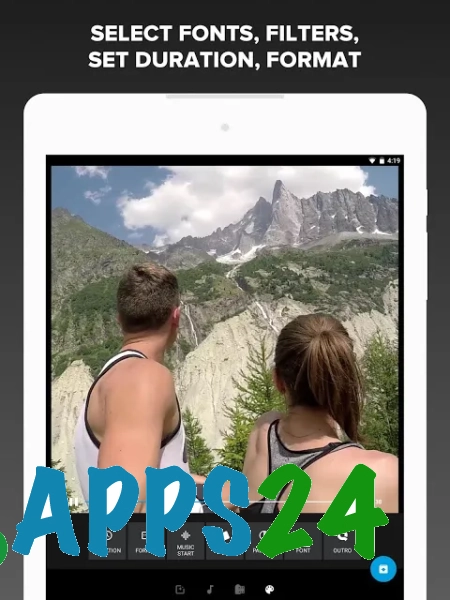
- Applying filters and visual effects to enhance the finished video.
- Preparing videos for viewing on a mobile device or for sharing.
Automatic editing is particularly handy for travel diaries, family events and short compilations of everyday footage: Quik quickly turns scattered clips into a cohesive video without requiring you to arrange each scene manually.
Advantages of the video editor
- A straightforward workflow: footage is selected from the device’s storage, after which the video is compiled based on a theme and music.
- Saves time when creating short videos, as there’s no need to arrange the clips manually.
- A suitable set of tools for mobile publishing without having to switch to complex desktop editors.
- The ability to quickly modify the result by replacing a single clip or choosing a different design option.
- Encourages a creative approach without the need for professional editing skills.
Disadvantages
- The automatic editing logic leaves you with less control over the precise placement of transitions and the duration of each scene.
- For complex projects involving multi-track audio, detailed colour correction or a large number of manual edits, the features may not be sufficient.
- The result depends significantly on the quality and length of the source material: the programme cannot replace a full-fledged editing solution for poorly chosen footage.
Quik – Free Video Editor is probably best suited to those who need to quickly turn a selection of photos or short video clips into a neat music video without lengthy manual editing. It’s a practical option for everyday tasks on Android, and it’s available for free.
What's new in the latest version 1.4.0
Updated
- The app’s stability has been improved.
- Performance when creating and editing videos has been improved.
- Bugs have been fixed and compatibility with Android devices has been improved.












Add comment