

Cute CUT - Video Editor — a mobile video editor for Android that combines editing on a multi-layer timeline with drawing directly onto the footage. The app is ideal for short clips, music videos and short narrative videos: source clips are compiled into a single project, to which photos, text, music and visual transitions can be added.
In terms of its toolset, Cute CUT - Video Editor can be seen as an alternative to KineMaster. Both editors allow you to place videos, images, audio tracks and text on separate layers, as well as trim clips and apply transitions. Cute CUT – Video Editor stands out for its built-in drawing mode, whilst KineMaster places greater emphasis on working with layers and ready-made design elements.
Features of Cute CUT - Video Editor
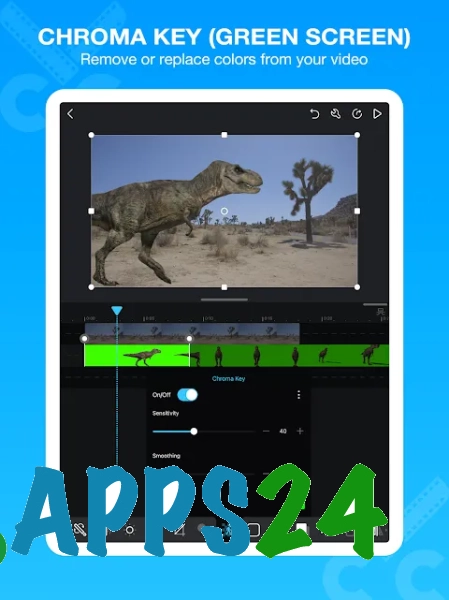
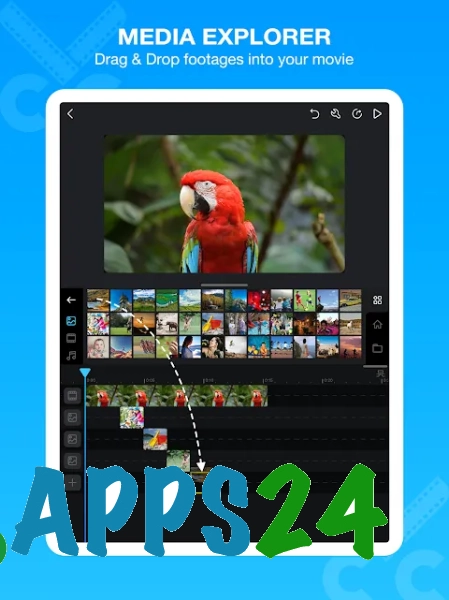
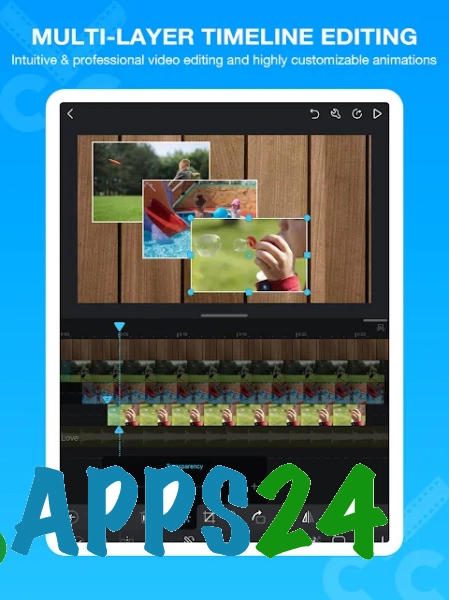
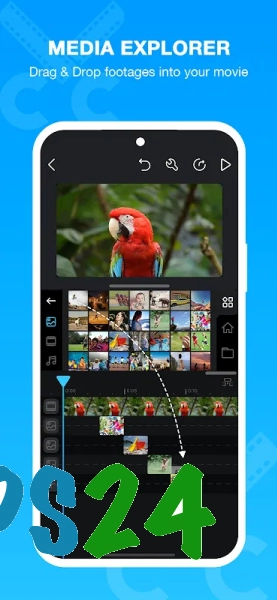
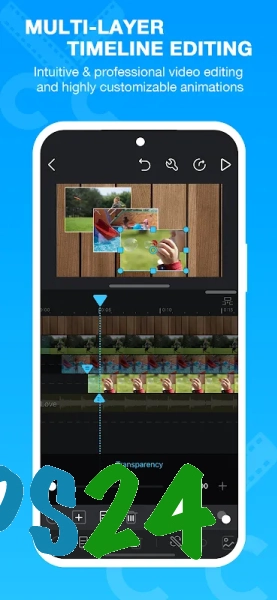
- Video editing on a multi-layer timeline with separate placement of media files.
- Add video clips, photos, music and text elements to your project.
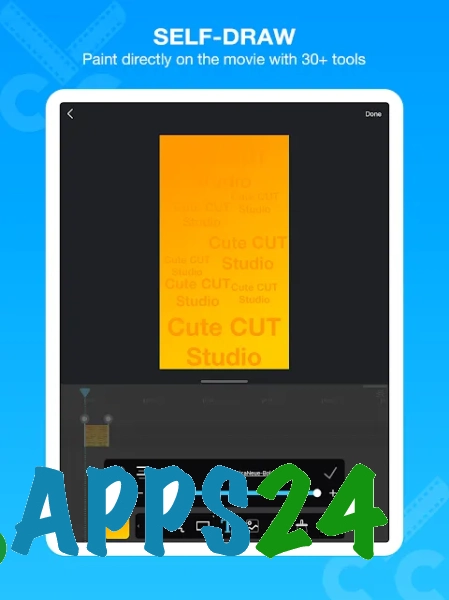
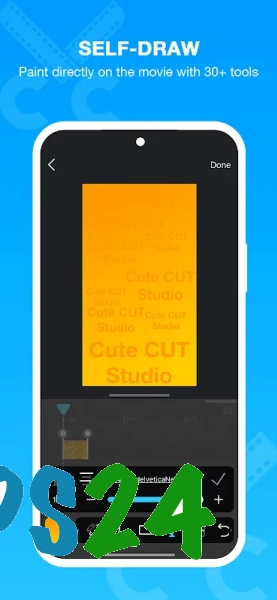
- Freehand drawing over the video using built-in tools. Drawn elements can be used as part of the scene’s design or as simple animations.
- Trim source material and reposition it within the editing sequence.
- Using transitions between adjacent scenes for smoother frame changes.
- Adjust the opacity of individual elements, allowing an image or drawn object to be seamlessly blended into the background.
- Preparing the finished video for viewing on a mobile device or for publication online.
The main feature of Cute CUT – Video Editor is the combination of standard editing with drawing on the frame. This approach is handy for creating explanatory inserts, handwritten notes and simple animated scenes without having to switch between multiple apps.
Advantages of the video editor
- The multi-track timeline allows you to edit video, audio and text separately, without mixing the elements into a single track.
- Freehand drawing expands your design options: you can enhance your video with arrows, captions or decorative touches.
- Support for photos and videos in a single project allows you to create slideshows, greeting clips and short stories from various source materials.
- Adjusting transparency is useful when creating overlays, where the top layer should not completely cover the main frame.
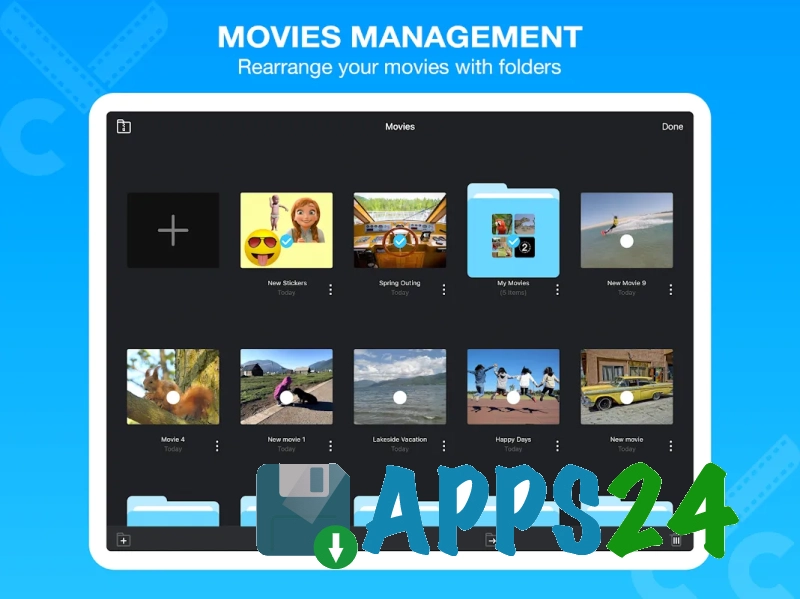
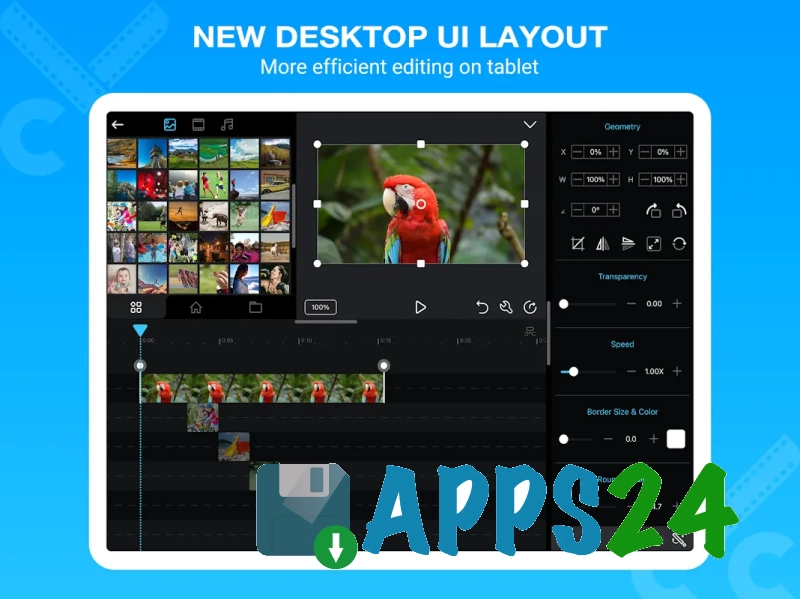
- The interface is designed for editing directly on an Android device, so there’s no need to transfer files to a computer for simple videos.
Drawbacks
- For complex editing involving advanced colour grading, detailed audio processing or a large number of professional effects, the editor’s capabilities may prove insufficient.
- Working with a multi-layer project on a small screen requires precise control of the timeline, particularly when there are a large number of elements.
- The free version may include restrictions regarding the export of the finished video and the range of available features.
Perhaps Cute CUT – Video Editor is best suited for creating expressive videos on Android, where it’s not just the splicing of scenes and music that matters, but also captions or drawings overlaid on the footage. The programme combines multi-track editing with creative tools and is available free of charge.
What's new in the latest version 2.11.0
Updated
- The stability of the video editor has been improved.
- Bugs have been fixed and compatibility with the latest versions of Android has been improved.
- Performance has been optimised when editing and exporting videos.












Add comment