

Efectum – Video Editor and Maker with Slow Motion — a video editor for Android designed to create short clips with slow motion, fast motion and reverse playback. The app helps you quickly edit videos stored on your device, add visual effects and prepare content for sharing on social media.
In terms of its toolset, Efectum - Video Editor and Maker with Slow Motion can be seen as a more specialised alternative to CapCut: both apps allow you to edit videos, add music and apply effects, but Efectum is significantly more focused on speed control and reverse playback. CapCut offers a more advanced editing environment with a multi-track timeline, whilst Efectum is suited to quickly putting together a single clip without complex editing.
Efectum’s key feature is its ability to manipulate video dynamics. Slow motion emphasises movement in a dance or sports clip, fast motion condenses a long scene, and reverse playback turns an ordinary clip into a short visual effect.
Features of Efectum – Video Editor and Maker with Slow Motion
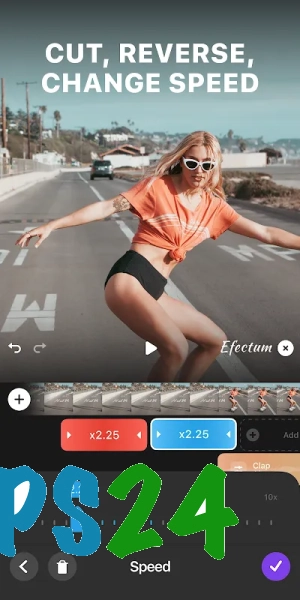
- Adjust playback speed to create slow-motion and fast-forward clips.
- Reverse video to play a scene in reverse.
- Trim the source footage before editing to keep only the desired clip.
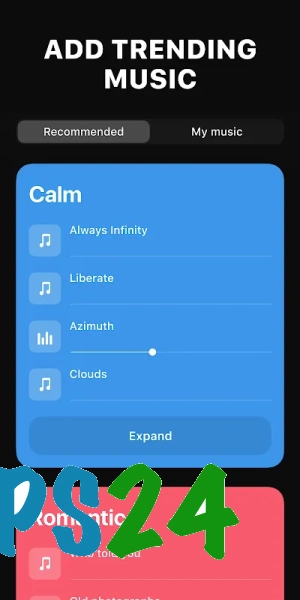
- Add background music to your video.
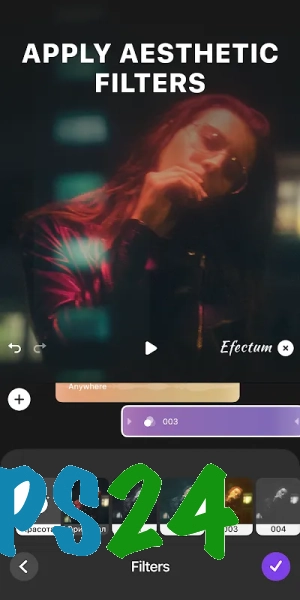
- Use filters and visual effects to change the mood of a scene.
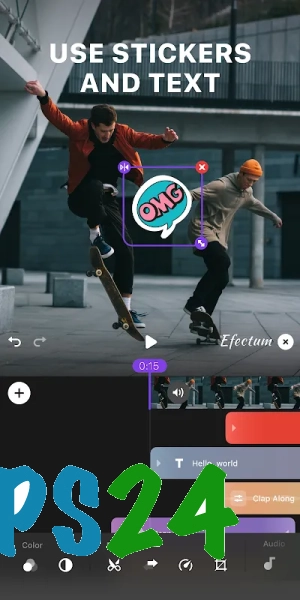
- Overlay text on the video for captions, brief explanations or titles.
- Preparing clips for publication on social media immediately after editing.
Advantages of the video editor
- Specialising in dramatic changes in speed allows you to achieve noticeable results quickly without complex editing.
- The reverse tool expands the range of editing possibilities: a familiar action can be turned into an unusual short clip.
- Music, filters and text help you style your video within a single app, without having to switch between multiple editors.
- The app is designed for mobile editing, making it ideal for creating videos directly on an Android device.
Drawbacks
- The toolset is primarily designed for short, eye-catching clips, rather than complex editing with a large number of tracks.
- When working with large source files, processing speed depends on the performance of your Android device and the amount of free storage space.
- Advanced editing features may be restricted by adverts or in-app purchases.
- For precise, professional colour correction and detailed audio adjustment, Efectum is less suitable than full-featured video editing software.
Efectum – Video Editor and Maker with Slow Motion is probably best suited to those who need to quickly turn an ordinary clip into a video with slow motion, fast motion or reverse playback, and add music and text to it without having to learn a complex editing system. Efectum – Video Editor and Maker with Slow Motion is available free of charge.
What's new in the latest version 2.0.61
Updated
- The stability of the application has been improved.
- Performance has been improved when processing and exporting videos.
- Bugs have been fixed and compatibility with modern Android devices has been improved.















Add comment